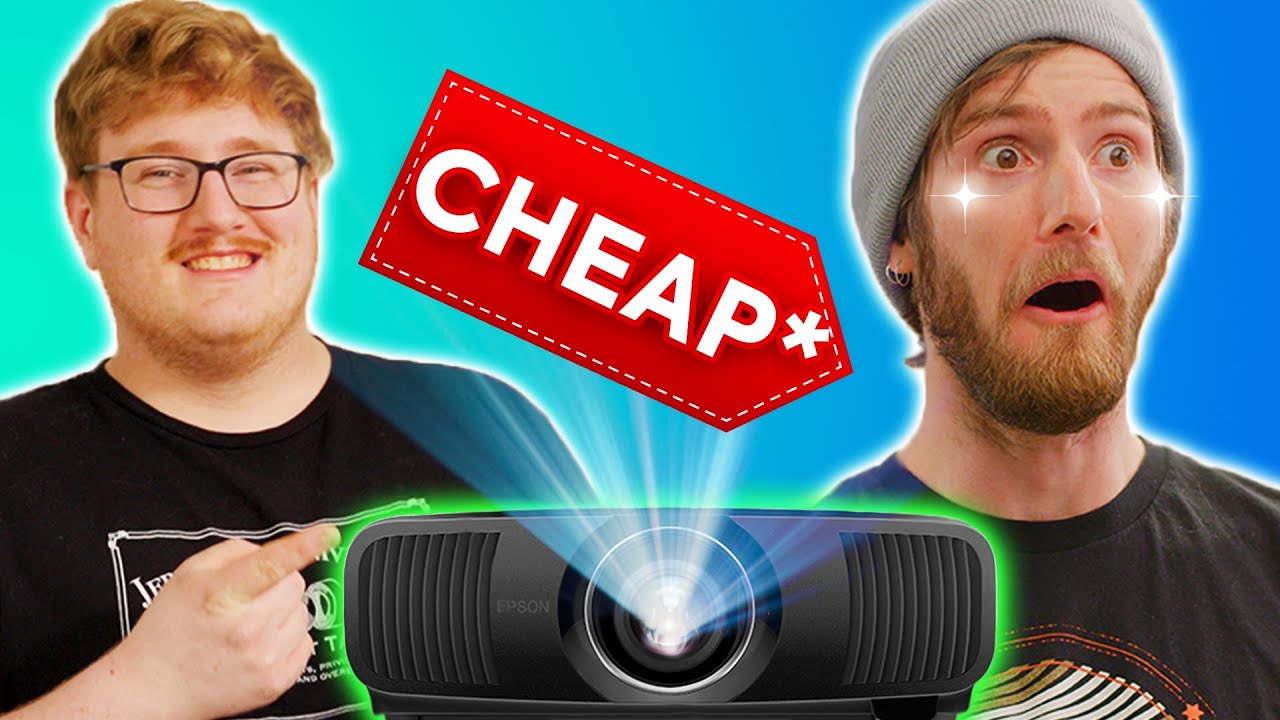
I Hate It When He's Right... - Epson LS12000 Demo
0 up · 0 down · 0 ratings
Promos
Get 10% off all Jackery products with code LinusTechTips at jackery.com Purchase a Seasonic FOCUS Power Supply at geni.us Linus has been teasing a micro-LED display for his new house that would have cost $100,000's and required a comical amount of power and cooling. To convince him otherwise, today we demo Epson's latest $5000 projector that promises to compete with projectors multiple times the price, the LS-12000. Discuss on the forum: linustechtips.com Buy an Epson LS12000 Projector: geni.us Buy an NVIDIA Shield TV Pro: geni.us Buy an NVIDIA RTX 3090: geni.us Buy an AMD Threadripper 3970X: geni.us Buy a 120" EluneVision 8K NanoEdge Screen: lmg.gg Purchases made through some store links may provide some compensation to Linus Media Group. ► GET MERCH: lttstore.com ► AFFILIATES, SPONSORS & REFERRALS: lmg.gg ► PODCAST GEAR: lmg.gg ► SUPPORT US ON FLOATPLANE: floatplane.com FOLLOW US --------------------------------------------------- Twitter: twitter.com Facebook: @LinusTech Instagram: @linustech TikTok: @linustech Twitch: twitch.tv MUSIC CREDIT --------------------------------------------------- Intro: Laszlo - Supernova Video Link: youtube.com iTunes Download Link: itunes.apple.com Artist Link: soundcloud.com Outro: Approaching Nirvana - Sugar High Video Link: youtube.com Listen on Spotify: spoti.fi Artist Link: youtube.com Intro animation by MBarek Abdelwassaa @mbarek_abdel Monitor And Keyboard by vadimmihalkevich / CC BY 4.0 geni.us Mechanical RGB Keyboard by BigBrotherECE / CC BY 4.0 geni.us Mouse Gamer free Model By Oscar Creativo / CC BY 4.0 geni.us CHAPTERS --------------------------------------------------- 0:00 Intro 1:08 Unboxing 1:59 Pain 2:37 Projector Specs 3:55 Projector IO & First Boot 4:54 Room Light Control 5:36 It's WARM... but quiet! 5:46 Zoom, Positioning & Screen Size 6:35 It's Bright 6:54 More Specs 8:36 We forgot about audio 10:46 Demoing Movies 12:11 Linus is proud of his internet connection 12:40 Demoing Gaming 14:20 Outro
The video opens with a bold claim about chasing the ultimate home theater experience, setting the stage for a comparison between microLED ambitions and Epson’s LS12000 projector. The hosts describe the allure of microLEDs costing “hundreds of thousands” and demanding heavy power and conditioning, then pivot to unboxing the LS12000, highlighting its laser light source, 2,700-lumen brightness, and 4K capability with up to 120 Hz. They emphasize that although the unit costs about $5,000, it offers features and image quality that rival much more expensive projection setups, including a purportedly strong contrast and fast latency that could appeal to gamers. The setup sequence includes mounting the projector, evaluating its inputs, and noting the minimal fan noise despite the laser light source. They also test the device’s physical design, tilt and motorized optics, and the necessity of light control in a bright room to maximize picture quality. The hosts then establish their cabling strategy, discussing HDMI 2.1, active optical cables, and how content will pass through a receiver, while admiring the projector’s compact, almost “inch-thick” profile for a device of this capability. They demonstrate initial light control with blackout techniques, revealing how real ambient light affects the image and how effective room darkening can be with proper seals and window treatments. As darkness falls, they test optical zoom, show the impact of screen size, and explain why their approach favors 4K pixel shifting over native 4K for cost, brightness, and efficiency reasons. They move to content testing with 4K and HDR material, confirming the projector’s ability to render sharp details and vibrant HDR while keeping latency low for responsive gaming. The hosts explore game performance, streaming devices, and a temporary speaker arrangement, while planning final room refinements and the inevitable next steps in their home theater upgrade journey. The video closes with enthusiastic impressions of HDR depth, color fidelity, and brightness, along with reflections on the project’s impact on Linus’s dream home and the broader home theater landscape, punctuated by mentions of sponsorships and a tease of further room upgrades and automation features to come. Throughout the demonstration, the LS12000 is praised for its balance of image quality, brightness, and value in the $5,000 range, especially when backed by a robust blackout setup and careful screen placement. The episode emphasizes practical considerations such as room light control, screen size versus zoom, and cable management, showing how these choices influence image sharpness and latency. The team highlights real-world workflow: connecting devices, testing gaming and movie content, and iterating on room acoustics and display placement. By the end, viewers are left with a strong sense that the Epson LS12000 can deliver a premium viewing experience without the extreme cost of microLED, provided the room is properly optimized and the projector is paired with thoughtful peripherals and a future-proofed setup. The hosts reinforce the takeaway that a well-managed home theater can rival high-end systems, while maintaining a sense of humor about the build process and the ongoing home upgrade project.
Topics · technology · home_theater · display_technology · gaming · hardware_reviews
Questions answered
- What are the key specs of the Epson LS12000 demonstrated in the video?
- The Epson LS12000 uses a solid state laser light source, outputs up to 2,700 lumens, supports 4K resolution, and can run at up to 120 Hz, with a fast latency suitable for gaming.
- Why do the hosts prefer the LS12000 over microLED despite conferencing about high-end displays?
- They highlight better value at around $5,000, with strong brightness, contrast, and HDR capabilities, plus practical room-light management, while avoiding the extreme cost and power requirements of microLED.
- What room adjustments are recommended for best projector performance?
- Complete light control with blackout materials, proper screen size and placement, motorized shading, and careful cable and speaker arrangement to minimize light spill and maximize image quality.