How to Do a Motherboard Swap - Upgrading My Test Bench Linus Tech Tips
0 up · 0 down · 0 ratings
Description
ncix.com Moving my test bench over to LGA1155 with a brand new Core i7 2600K processor. Wicked fast!!
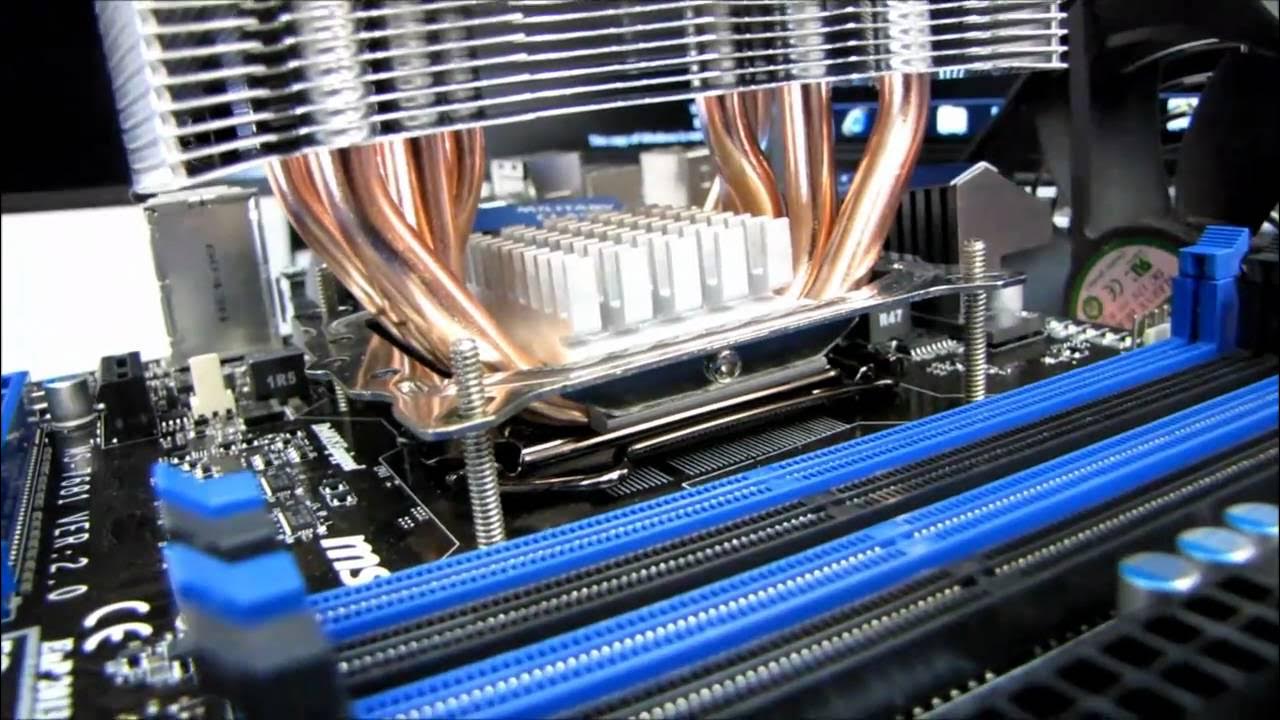
This video documents Linus Tech Tips host Linus as he upgrades his test bench by swapping the motherboard and moving to a Sandy Bridge platform. He begins with a clear overview of the old setup, noting that he previously used an Asus P7P55D-E Premium on a P55 platform, and explains the motivation behind upgrading to a P67 platform with a Core i7 2600K. The discussion includes practical considerations like the similarities between the old and new platforms, such as continued dual 8x graphics support and the absence of six-core support in the initial lineup, which frames the performance expectations for the upgrade. As the disassembly proceeds, Linus showcases the physical transition, including reusing an LGA 1156 cooler on an LGA 1155 socket, mounting socket compatibility, and the steps for applying a generous amount of thermal paste due to the heat sink design. He also mentions the minor changes in the motherboard layout, such as two USB 3.0 ports on the back panel and two more via internal headers, as well as the updated SATA port configuration for faster drives. After installing the new components, Linus tests the system by ensuring memory compatibility in the new slots and confirming power connections, then wires up peripherals and demonstrates initial boot considerations. The video wraps with a plan to benchmark with the upgraded platform and to report performance when testing graphic cards and other components, signaling a transition from the old platform to the new for future content and results. The overall message emphasizes a quick, practical motherboard swap designed to minimize downtime while deploying a more capable test bench. Linus also highlights using a higher-end graphics card to set a baseline for future benchmarking, promising clearer performance comparisons as the series continues.
Topics · technology · pc_hardware · tech_tutorials · hardware_upgrade
Questions answered
- What specific CPU and motherboard are used in the upgrade, and what platform is it moving from and to?
- The upgrade uses a Core i7 2600K processor on an MSI P67 motherboard, moving from the older P55/Lindfield platform.
- Do dual 8x graphics slots affect performance compared to dual 16x slots, according to this video?
- According to Linus's observation in this video, dual 8x graphics slots do not adversely affect performance versus dual 16x slots for typical testing scenarios.
- What changes to USB and SATA were noted with the new motherboard?
- The new board adds two USB 3.0 ports on the back panel plus two on an internal header, and it offers four SATA 6 Gbit/s ports alongside four SATA 3 Gbit/s ports.