NZXT Phantom Premium Gaming Case Unboxing & First Look Linus Tech Tips
0 up · 0 down · 0 ratings
Description
This thing looks like Storm Trooper armour!! I love it. This has got to be one of the best cases ever released in terms of looks, design, and cooling options. I can't wait to do a build in it.
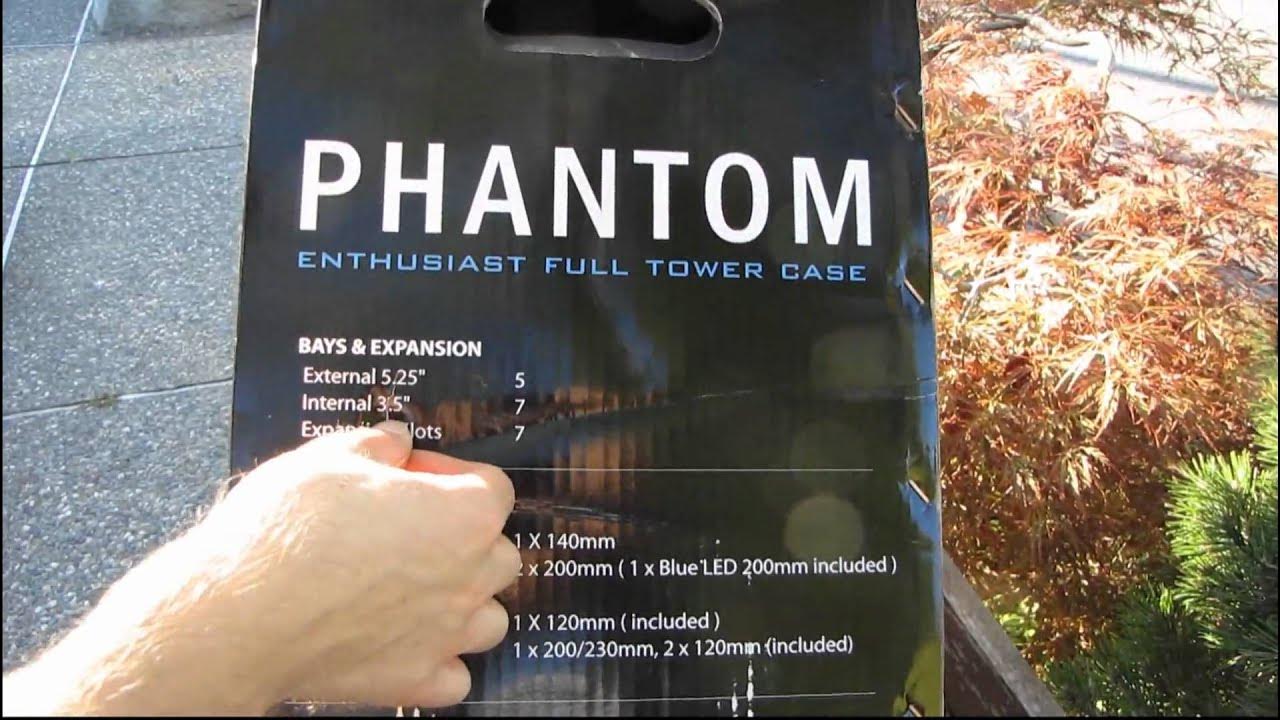
The video opens with Linus introducing the NZXT Phantom as the highly anticipated premium gaming case, signaling an unboxing and first-look format. He notes that this is an evaluation unit, so a few retail-ready details might differ, but the initial inspection focuses on the overall presentation, packaging, and exterior design. Linus points out the box contents and the key specifications visible on the packaging, including drive bays, fan configurations, and expansion slots. He emphasizes the case’s build feel, describing the plastic body as heavy and solid, with a finish that feels premium, and he remarks on the distinctive white and black Stormtrooper-inspired color scheme. The unboxing then shifts to removing the protective packaging, revealing the clean front door, touchpoints for the side panels, and the overall geometry that contributes to the case’s bold aesthetic. He previews the forthcoming exploration of interior layout, cable management, and the built-in fan controller that enables high airflow without external accessories.
Topics · technology · hardware · pc-case · unboxing · build-quality · cooling · computer-parts · pc-modding
Questions answered
- What makes the NZXT Phantom stand out in terms of cooling and airflow?
- The Phantom supports up to three large 200 mm fans and includes a built-in fan controller capable of handling up to 20 watts per channel, enabling strong airflow across drives and components.
- Does the case support large ATX or E-ATX motherboards?
- Yes, the case supports up to E-ATX motherboards, with room for large CPU coolers and straightforward access to the motherboard cutouts for cooling upgrades.
- Are the side panels easy to remove and reattach?
- Yes, the side panels use thumbscrews and a simple release mechanism, making removal and reattachment straightforward.
- What about drive mounting and tool-less features?
- The Phantom includes 3.5 inch and 2.5 inch drive mounting with tool-less rails, as well as screwless 5.25 inch bays and modular hard drive cages for easier installation.