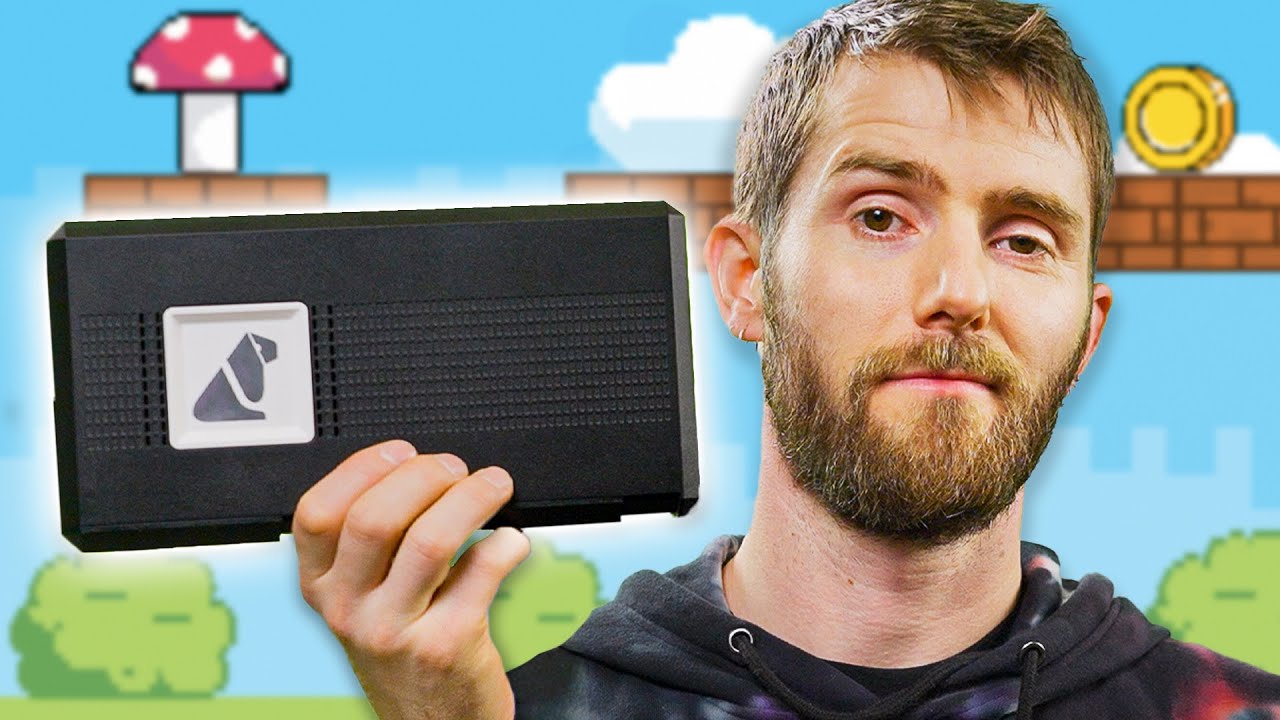
I review whatever I want now - Retrotink 4K Video Upscaler
0 up · 0 down · 0 ratings
Description
Create your build at buildredux.com Sign up for an account at grammarly.com If you want to get access to extra features, get 20% off Grammarly Premium. Retro Video Games and Consoles are back and bigger than ever but it’s hard to play them on your 4k OLED TVs. The Retrotink 4k might solve that problem, and we’re going to test if you even need to keep your CRTs. Trinitron? More like Trini-GONE! This UHD scaler has HDR, 120hz, advanced phosphor emulation and an HDMI input. But is it worth adding to your collection? Discuss on the forum: linustechtips.com
Check out the RetroTINK-4K: lmg.gg
Check out the AVPro Edge 8k 8x8 HDMI Matrix Switcher: lmg.gg
Promos
Check out the RetroTINK 5X-Pro: lmg.gg Purchases made through some store links may provide some compensation to Linus Media Group. ► GET MERCH: lttstore.com ► GET EXCLUSIVE CONTENT ON FLOATPLANE: lmg.gg ► SPONSORS, AFFILIATES, AND PARTNERS: lmg.gg ► EQUIPMENT WE USE TO FILM LTT: lmg.gg ► OUR WAN PODCAST GEAR: lmg.gg FOLLOW US --------------------------------------------------- Twitter: twitter.com Facebook: @LinusTech Instagram: @linustech TikTok: @linustech Twitch: twitch.tv MUSIC CREDIT --------------------------------------------------- Intro: Laszlo - Supernova Video Link: youtube.com iTunes Download Link: itunes.apple.com Artist Link: soundcloud.com Outro: Approaching Nirvana - Sugar High Video Link: youtube.com Listen on Spotify: spoti.fi Artist Link: youtube.com Intro animation by MBarek Abdelwassaa @mbarek_abdel Monitor And Keyboard by vadimmihalkevich / CC BY 4.0 geni.us Mechanical RGB Keyboard by BigBrotherECE / CC BY 4.0 geni.us Mouse Gamer free Model By Oscar Creativo / CC BY 4.0 geni.us CHAPTERS --------------------------------------------------- 0:00 Intro 1:19 Sponsor 1:34 Why you need a Scaler 4:37 What is the Retrotink 4k 8:00 MiSTerFPGA and Super Mario World 14:36 Switch and Tears of the Kingdom 19:13 Neo Geo and King of Fighters 21:03 CRT or WANNABE 23:34 PS2 and God of War 2 25:50 Should you buy it? Check of FirebrandX's website here firebrandx.com
The video opens by contrasting modern OLED displays with retro CRTs, highlighting the appeal of low latency and the unique color and motion characteristics of CRTs. The host introduces the RetroTINK 4K as a UHD scaler designed to bridge retro gaming with modern displays, emphasizing HDR support, 120 Hz capability, and robust IO including USB-C, SCART, RCA, VGA, HDMI input and output. The initial segment explains the core concept of scalers, why many televisions struggle with older game content, and how a capable scaler can preserve the CRT look while offering modern convenience. The host demonstrates the internal rationale behind the RetroTINK 4K, including its use of a Cyclone 5 FPGA and dedicated CRT phosphor emulation filters, and contrasts it with other scalers in terms of latency and image quality across multiple inputs. The discussion moves to practical hands-on testing with a mix of retro consoles and modern devices, exploring how different inputs are handled, how the device can be fine tuned via color correction, masks and scanlines, and how HDR interacts with the overall presentation. The video shows a live comparison with a modern OLED, evaluating how well the RetroTINK 4K can reproduce the CRT aesthetic while maintaining clarity and brightness, and how 4K resolution helps in rendering fine phosphor detail. The presenters then explore performance with a Mister FPGA setup, a Switch, NeoGeo, and PS2, noting how 4K scaling, interlaced content handling, and 120 Hz modes affect image quality and motion feel, including firsthand impressions of texture, lighting, and color vibrancy. In the closing segments, they address scale of value, pricing, and the trade-offs between the RetroTINK 4K and older 5X models, considering build complexity, firmware updates via SD card, and the potential for community-driven presets, before concluding with a candid appraisal of who should buy it and under what conditions, alongside sponsor content and a pointer to further exclusive setup walkthroughs on FloatPlane.
Topics · technology · retro gaming · hardware review · video processing · display technologies · consumer electronics