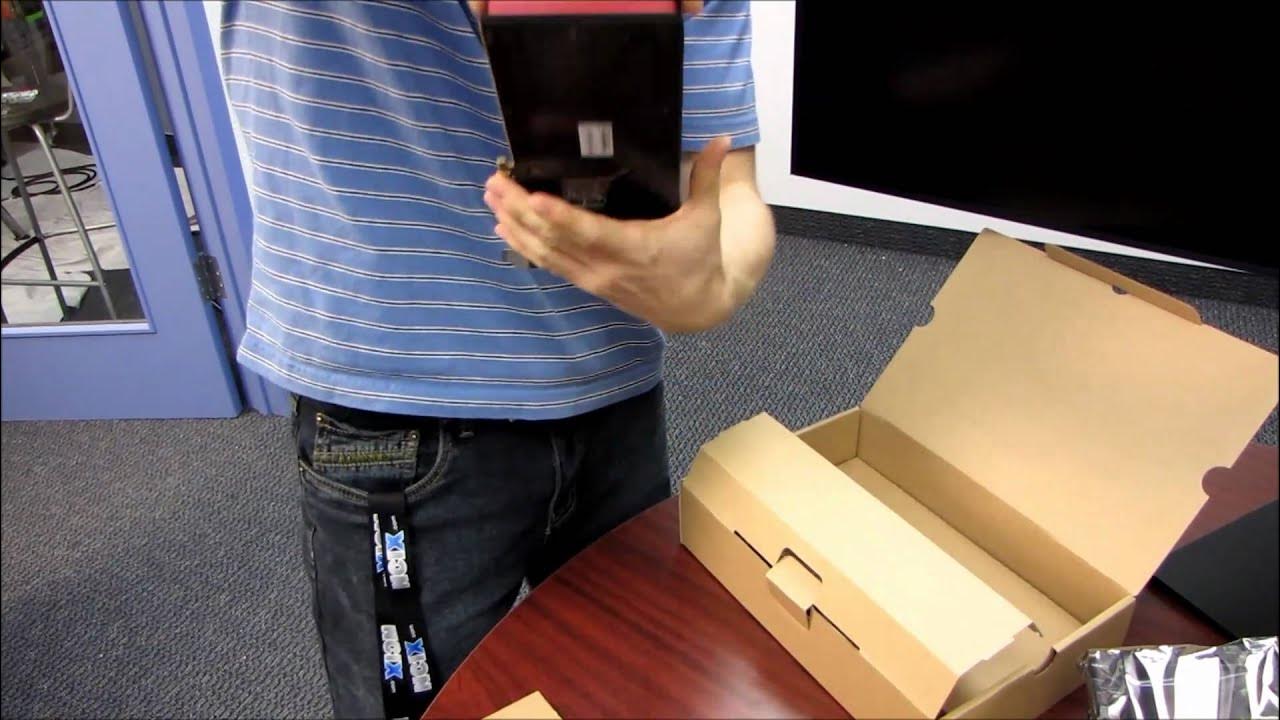
Powercolor AMD Radeon HD 6950 Video Card Unboxing & First Look Linus Tech Tips
0 up · 0 down · 0 ratings
Description
ncix.com Slightly slower than the Radeon HD 6970, but it's still got a phat 2GB of memory and plenty of horsepower.
In this unboxing and first look, Linus Tech Tips examines the PowerColor AMD Radeon HD 6950, detailing its position in the 6000-series lineup and how it compares to nearby models like the 5850, 6850, and 6970. He explains the card’s intended performance tier and notes that higher numbers generally indicate more power, while also pointing out the evolutionary step from the previous generation. Throughout the video, he highlights key features such as DirectX 11 support, AMD Eyfinity multi-display capability for up to four monitors, and 2 GB of memory, underscoring improvements in tessellation performance, HDMI 1.4a, and overall efficiency. As the unboxing progresses, he discusses packaging contents, driver CDs, and the included accessories which are fairly minimal, including a Crossfire bridge, a DVI-to-VGA adapter, and a mini DisplayPort to DisplayPort adapter, while remarking on the card’s lack of a standard DisplayPort connector and reliance on mini DisplayPort for multi-monitor setups. The video then shifts to a hardware tour of the card itself. Linus focuses on the Radeon 6950’s physical design, noting the dual six-pin PCIe power connectors and the absence of Molex-to-PCIe adapters, which signals a stricter power supply requirement. He points out the unique heat spreader and the backplate, praising the vapor chamber cooler as a visual and practical feature for heat management. In the commentary, he clearly differentiates the 6950 from the 6970 by timing, unit count, clock speeds, and power consumption, labeling the 6950 as a slightly cut-down version with shared RAM, still suitable for mid-to-high-end gaming at the time. The unboxing ends with a recap of four-display configurations and the practical guidance on which connectors to use when running multi-monitor setups, encouraging viewers to consider their monitor lineup before connecting the card. Overall, the video blends hardware analysis with practical setup tips, delivering a thorough snapshot of the HD 6950’s capabilities and what to expect from this mid-to-high-end GPU in its era, along with Linus’s characteristic enthusiasm and clear explanations for potential buyers or upgraders.
Topics · technology · hardware · unboxing · consumer electronics · gpu