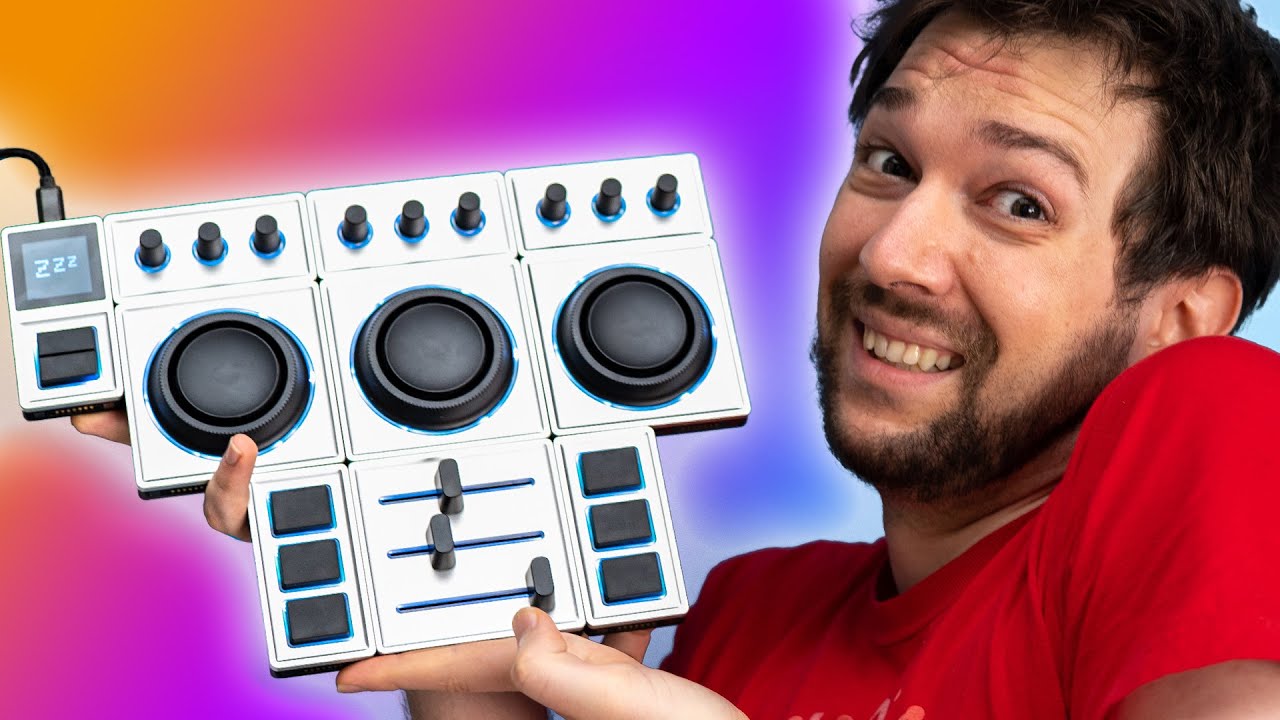
I wanted to LOVE this!!! - Monogram Creative Console
0 up · 0 down · 0 ratings
Description
Promos
Check out the Monogram CC Macropad at lmg.gg Buy Tangent Ripple Color Correction Panel On Amazon (PAID LINK): geni.us On Newegg (PAID LINK): geni.us On B&H (PAID LINK): geni.us Buy Elgato Stream Deck XL On Amazon (PAID LINK): geni.us On Best Buy (PAID LINK): geni.us On Newegg (PAID LINK): geni.us Purchases made through some store links may provide some compensation to Linus Media Group. ►GET MERCH: lttstore.com ►SUPPORT US ON FLOATPLANE: floatplane.com ►LTX EXPO: ltxexpo.com AFFILIATES & REFERRALS --------------------------------------------------- ►Affiliates, Sponsors & Referrals: lmg.gg ►Private Internet Access VPN: lmg.gg ►Our Official Charging Partner Anker: lmg.gg ►MK Keyboards: lmg.gg ►Nerd or Die Stream Overlays: lmg.gg ►Official Game Store: nexus.gg ►Amazon Prime: lmg.gg ►Audible Free Trial: lmg.gg ►Our Gear on Amazon: geni.us FOLLOW US ELSEWHERE --------------------------------------------------- Twitter: twitter.com Instagram: @shortcircuityt Facebook: @ShortCircuitYT FOLLOW OUR OTHER CHANNELS --------------------------------------------------- Linus Tech Tips: lmg.gg TechLinked: lmg.gg Mac Address: lmg.gg Techquickie: lmg.gg LMG Clips: lmg.gg Channel Super Fun: lmg.gg Carpool Critics: lmg.gg
The video acts as a detailed, hands-on unboxing and critique of the Monogram Creative Console, tracing the evolution from older control surface concepts to the current modular system. The host begins by recalling a prior assessment of Pallete Gear and notes that Monogram has attempted to address earlier criticisms with a new version, while maintaining compatibility with older setups. He examines the physical bundle, highlighting the core module, the add-on slider module, and the overall build quality, including aluminum construction and rubber grips. Throughout the opening segment, the host sets expectations by stating that his impressions will cover the GUI, software, and hardware, and he foreshadows a deep dive into customization limits and practical usability. A sponsorship segment interrupts the flow, but it is kept short and clearly delineates the sponsor’s offer, followed by the main focus on the Monogram device. The host then shifts into a critical teardown, praising some design choices like modularity and tweakable controls while criticizing the GUI’s simplicity-focused approach, which he argues hides essential options behind menus. He demonstrates the advanced manual entry feature, showcasing how it unlocks deeper customization that is not available through the standard GUI, and immediately flags that lacking documentation and in-app transparency undermine the product’s value. The discussion unfolds with practical demonstrations of the orbiter modules, touch points, and how the hardware interacts with color correction workflows, alongside real-world examples of latency and responsiveness in applications like Photoshop and Premiere. He compares performance to other devices, notes areas where the software lags behind user expectations, and cites upcoming API and plugin developments that could improve compatibility and speed. The host consistently balances critique with praise, acknowledging that while the Monogram system has notable strengths for aggressive workflows, it remains frustrating for regular editing tasks due to latency, limited granularity, and a GUI that many users will find opaque without manuals. He closes with a candid verdict: a 7 out of 10, recognizing substantial potential but emphasizing the need for more refined software tuning, better documentation, and stronger integration with major apps such as Adobe products. Viewers are left with practical takeaways about what to expect from the Monogram ecosystem today and what to watch for in future updates or competing solutions, such as Tangent Ripple, which the host notes may offer a more consistent experience for certain tasks. Finally, the video promises further insights and potential revisions, inviting users to consult the official manuals for application-specific guidance and stressing that the device shines in some use cases while still lagging in others.
Topics · technology · hardware · video-editing · software