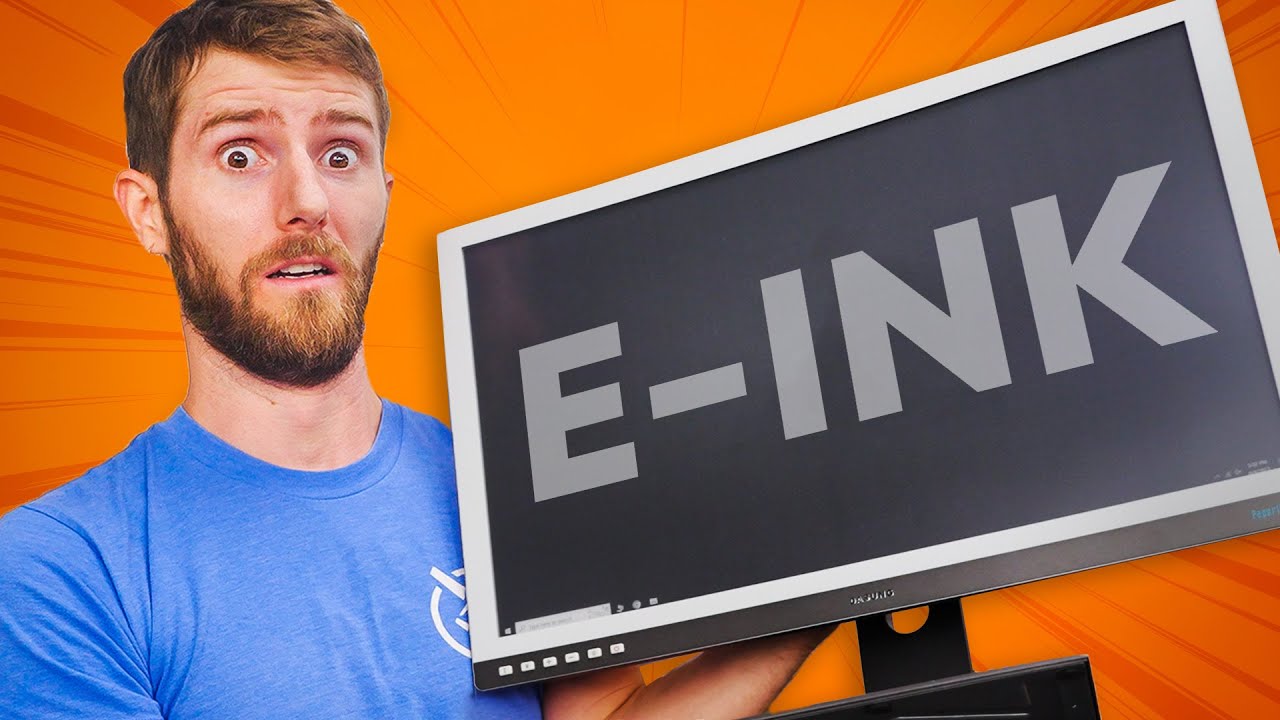
This is the WORST Monitor Ever...ON PURPOSE! - Dasung PaperlikeU E-Ink Monitor
0 up · 0 down · 0 ratings
Promos
Use code LTT50 to get 50% off Keeper personal or family plans at bit.ly or try it out with a 30-day free trial. While we love looking at cool gaming monitors with features like MiniLED and QD-OLEDs, Dasung is coming to us today with something out of left field, an E-INK display. That’s right the same tech that graces the Amazon Kindle is in a monitor now. But is that as bad of an idea as it sounds? Citations: 1) aoa.org 2) webmd.com 3) link.springer.com 4) sid.onlinelibrary.wiley.com 5) cell.com 6) rtings.com 7) niehs.nih.gov 8) cancer.gov 9) en.wikipedia.org Discuss on the forum: linustechtips.com Buy a DASUNG Paper Like E-Ink Monitor: geni.us Buy an Amazon Kindle Scribe: geni.us Purchases made through some store links may provide some compensation to Linus Media Group. ► GET MERCH: lttstore.com ► GET EXCLUSIVE CONTENT ON FLOATPLANE: lmg.gg ► SPONSORS, AFFILIATES, AND PARTNERS: lmg.gg ► EQUIPMENT WE USE TO FILM LTT: lmg.gg ► OUR WAN PODCAST GEAR: lmg.gg FOLLOW US --------------------------------------------------- Twitter: twitter.com Facebook: @LinusTech Instagram: @linustech TikTok: @linustech Twitch: twitch.tv MUSIC CREDIT --------------------------------------------------- Intro: Laszlo - Supernova Video Link: youtube.com iTunes Download Link: itunes.apple.com Artist Link: soundcloud.com Outro: Approaching Nirvana - Sugar High Video Link: youtube.com Listen on Spotify: spoti.fi Artist Link: youtube.com Intro animation by MBarek Abdelwassaa @mbarek_abdel Monitor And Keyboard by vadimmihalkevich / CC BY 4.0 geni.us Mechanical RGB Keyboard by BigBrotherECE / CC BY 4.0 geni.us Mouse Gamer free Model By Oscar Creativo / CC BY 4.0 geni.us CHAPTERS --------------------------------------------------- 0:00 Intro 1:32 How E-Ink works 2:48 Features 3:45 Using it... 4:50 Browsing the Web 7:15 the "modes" 8:34 Watching Videos 9:30 How would you use this? 10:35 Trying word processing 11:32 Compare it to a Kindle Scribe 12:09 GAMING 13:09 The COLOR version is coming! 13:32 Contesting their claims 14:30 The Cost 15:47 Outro
The video opens by framing the Dasung PaperlikeU E Ink Monitor as a bold, unconventional product for computer use, highlighting the idea that eye comfort matters when working at a screen all day. The host explains the basic premise of E Ink in a monitor, noting that this is a display technology more commonly found in e-readers like the Kindle, and questions whether it can realistically function as a desktop monitor. He then walks through the core specs and features, such as the 25.3 inch curved form factor, 3K resolution, built-in USB hub, audio jack, height/pivot/tilt adjustments, and the ability to retain an image without constant power. A central theme emerges: while the technology is appealing for eye health, it introduces substantial compromises in refresh speed, contrast, and grayscale rendering that affect everyday tasks like web browsing and video viewing. Throughout, the host emphasizes that this is a first-generation implementation with clear tradeoffs, and he promises to test real-world use cases to determine who might actually benefit from it. The discussion shifts to practical usability, including modes, front lighting, and the impact of ghosting, with demonstrations of how text, images, and video look in different configurations. The video also compares the PaperlikeU to a Kindle Scribe and teases a future color E Ink version, while noting that some claimed benefits for myopia and digital eye strain are not universally supported by evidence. Finally, the host weighs the product against its price, considers potential niche uses, and ends with reflections on future improvements and markets for color E Ink displays, inviting viewer input on use cases and preferences.
Topics · technology · display · consumer-electronics · review
Questions answered
- What is the Paperlike U253 and why is it considered controversial as a monitor?
- The Paperlike U253 is an E Ink based monitor from Dasung intended for desktop use. It trades typical LCD/OLED performance for eye-friendly, reflective display characteristics, which leads to extremely low refresh rates and grayscale rendering that can make web browsing and video viewing challenging. Its controversy comes from the tradeoffs between eye comfort and everyday usability, plus questions about the accuracy of cited health claims and the overall value at its price point.
- How does E Ink refresh work on this monitor and what are the associated limitations?
- E Ink refresh works by moving charged pigment particles within capsules using an electric field. On this monitor, refresh rates are very low, around 15 Hz in some modes, which causes ghosting and smeared text during motion. Gray tones are achieved through dithering rather than true grayscale, which can make text look grainy and reduce sharpness, especially compared to traditional monitors.