Pure Digital Flip MinoHD Setup & Operation Guide Linus Tech Tips
0 up · 0 down · 0 ratings
Description
This is so simple that it hardly merited a video, but I did it anyway.
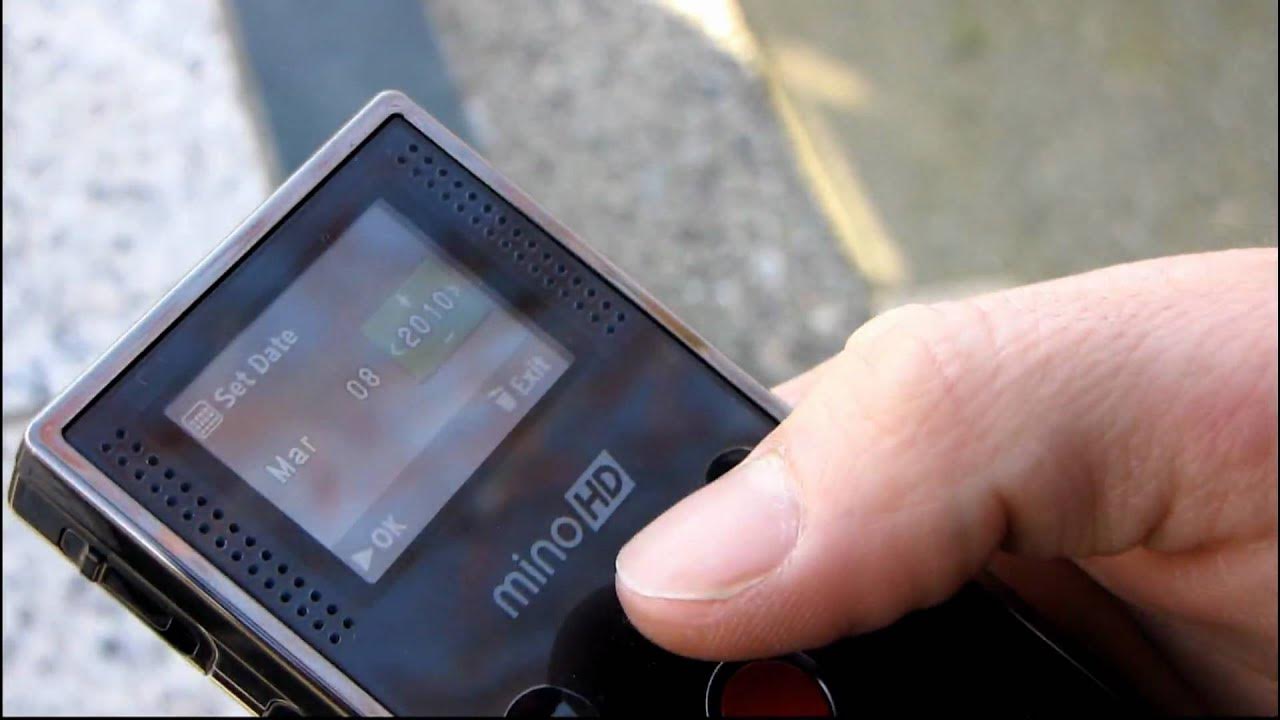
This video serves as a compact setup and operation guide for the Pure Digital Flip MinoHD. In the opening segment, the presenter walks through setting the device’s date and time, noting a few quick interactions with the camera’s interface as hints from a cameraman partner and using a second phone to verify the year 2010. The process highlights the device’s simplicity, showing how to confirm the date, adjust the time, and save the settings, all while noting the device’s 60 minute recording capacity on the 4 gigabyte model. The guide then shifts to basic usage: pressing the record button to begin filming, playing back footage with a single press, adjusting volume during playback, and using a trash icon to unlock and delete videos. The video promises a practical demonstration, hinting at an upcoming unboxing segment featuring an Athlon 64 FX-51, and also covers navigating the playback controls and basic file management. By the end of the excerpt, the presenter emphasizes how easy it is to operate the Flip MinoHD and teases further demonstrations, including more features and a retro unboxing segment. Overall, the video prioritizes practical, hands-on instruction for a compact camcorder, highlighting quick setup, straightforward recording and playback, and simple content management.
Topics · technology · consumer_electronics · how_to · setup_guide
Questions answered
- What is the first setup step shown for the Flip MinoHD in this video?
- The first step shown is setting the date and time on the device, then saving the settings.
- How do you delete a video on the Flip MinoHD as demonstrated in the video?
- Press the trash icon to unlock, then confirm deletion by selecting yes.