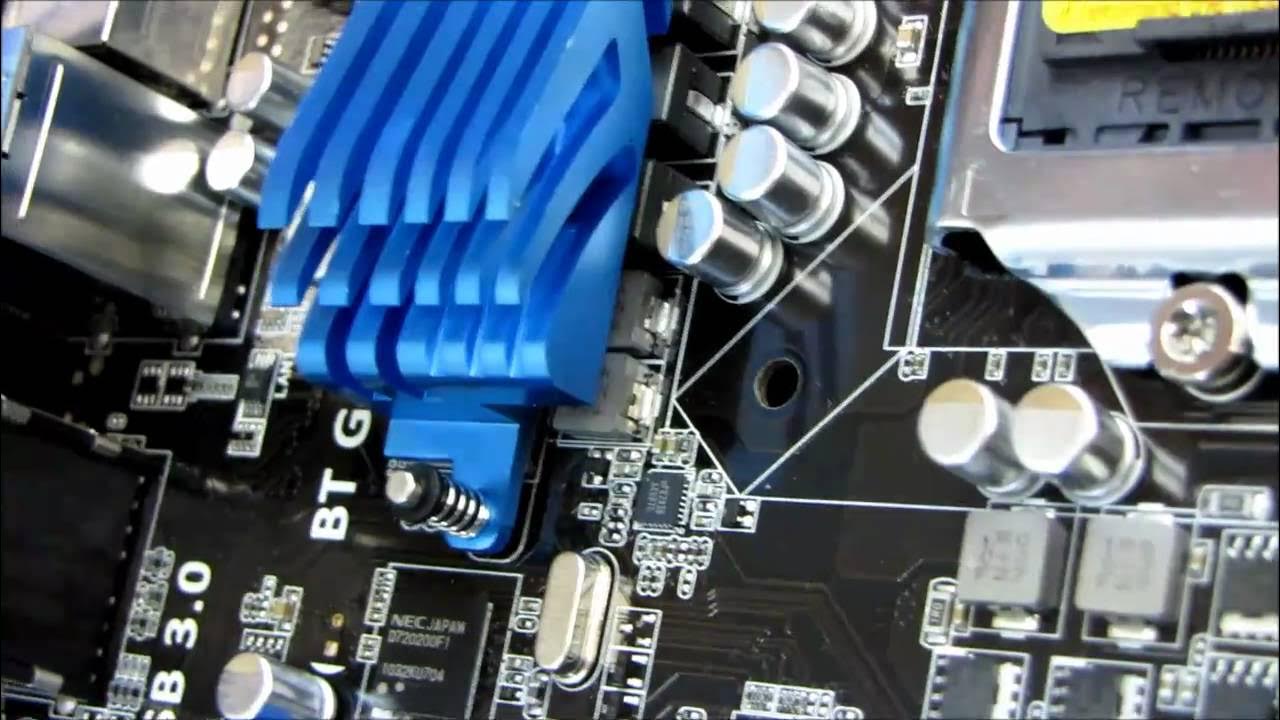
ASUS P8P67 Pro P67 LGA1155 Core i7 SLI Motherboard Unboxing & First Look Linus Tech Tips
0 up · 0 down · 0 ratings
Description
ncix.com ASUS' P*P** Pro motherboards often represent the best value dual graphics board in any particular lineup. Here we have no exception.
In this unboxing and first look, Linus Tech Tips dives into the ASUS P8P67 Pro motherboard, showcasing packaging, included accessories, and the board itself. The video opens with a quick overview of what the P67 Pro brings to the table, highlighting digital voltage regulation, built-in Bluetooth and USB 3.0, and the UEFI BIOS that allows mouse control for easier navigation. Linus then examines the I/O shielding, SATA ports, and expansion slots, noting that the board supports Intel Sandy Bridge processors on the LGA 1155 socket and the P67 chipset, with overclocking capabilities for K-series CPUs. As the host removes the motherboard from its anti-static bag, he points out the layout of power connectors, the 8-pin CPU power, and the 24-pin ATX power, along with the dual USB 3.0 headers and front-panel connections that improve front-case usability. The unboxing continues with a tour of the included accessories such as the USB 3.0 internal header, SLI bridge, and Q-Connectors, and a reminder to download drivers rather than using the included DVD. Linus emphasizes the board’s strong feature set for a value-oriented option, including dual-GPU support and a robust memory installation method, before moving to a brief assessment of the PCIe lane arrangements and how the X16/X8 configurations can affect multi-GPU setups on the P67 platform. By the end, he returns to the practical takeaways, praising the build quality and the overall value proposition of the ASUS P8P67 Pro while inviting viewers to subscribe for more unboxings, reviews, and tech content.
Topics · technology · hardware
Questions answered
- What CPU socket and chipset does the ASUS P8P67 Pro use, and what processors does it support?
- The board uses the LGA 1155 socket with the Intel P67 chipset, supporting Intel Core i5, i3, and i7 processors.
- Can the PCIe slots run at full 16x for two graphics cards, and how does SLI affect bandwidth on this board?
- Two full 16x slots are available for a single GPU; for dual GPUs, bandwidth can drop to 8x/8x unless additional chipset hardware is used; SLI compatibility is supported on this board, but multi-GPU configurations may run at reduced speeds depending on the setup.