I Hope We Don't Get a Noise Complaint... - Our Epic Employee Lounge Sound System
0 up · 0 down · 0 ratings
Description
Promos
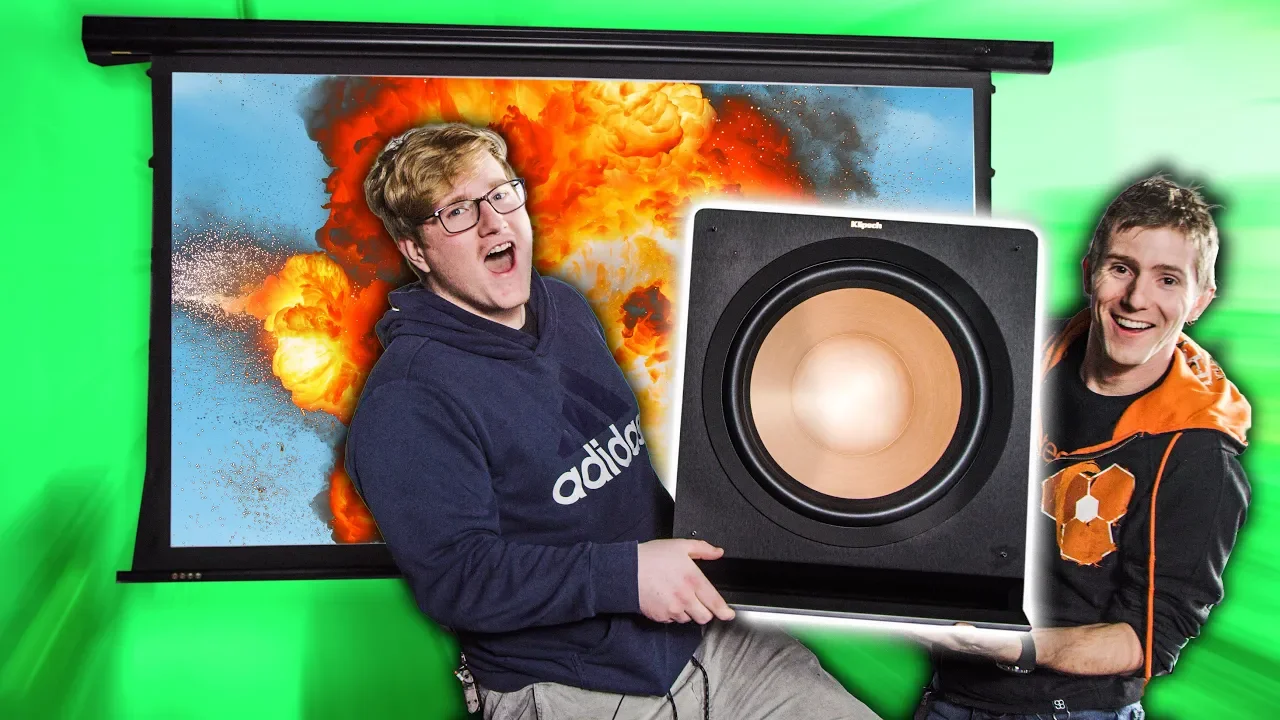
Thanks to Skillshare for sponsoring this video! The first 500 of our subscribers to use this link: skl.sh will get a 2-month free trial Use offer code TECHTIPS20 to get 20% off your next Mack Weldon order at lmg.gg We upgrade the LMG Lounge with a 120" EluneVision screen, and a Klipsch 5.1.2 Dolby Atmos setup.
Check out Klipsch Reference Premiere Speakers: lmg.gg Discuss on the forum: linustechtips.com Our Affiliates, Referral Programs, and Sponsors: linustechtips.com Get Private Internet Access today at geni.us Linus Tech Tips merchandise at lttstore.com Linus Tech Tips posters at crowdmade.com Our Test Benches on Amazon: amazon.com Our production gear: geni.us Twitter - twitter.com Facebook - @LinusTech Instagram - @linustech Twitch - twitch.tv Intro Screen Music Credit: Title: Laszlo - Supernova Video Link: youtube.com iTunes Download Link: itunes.apple.com Artist Link: soundcloud.com Outro Screen Music Credit: Approaching Nirvana - Sugar High youtube.com
The video centers on a multi-part upgrade to an office lounge entertainment setup, combining a large format projection screen with a Dolby Atmos capable speaker system. The host explains the goal of achieving the best possible viewing and gaming experience by upgrading from a standard TV to a 120 inch Elune Vision screen, paired with Klipsch Reference Premiere 5.1.2 speakers. Early sections focus on unboxing and planning, including discussions of the screen’s tab tensioning mechanism and how the new display will sit in front of the existing TV, effectively letting viewers choose between projector and flat-panel gaming as needed. The narrative highlights the importance of proper positioning for both the screen and the projector, as well as safe mounting practices, like using appropriate hardware instead of improvised drywall anchors. A significant portion of the video is devoted to the complexities of wiring, routing HDMI, and ensuring the receiver can correctly deliver Atmos object-based sound to the array of speakers, with calibration that aligns speaker delays to the intended film mix. Throughout the upgrade, the team alternates between lighthearted banter and technical walkthroughs, demonstrating both the challenges and breakthroughs of DIY high-end home theater construction. The host even notes the interplay between studio sponsorships and the project itself, culminating in a cinematic reveal of the upgraded space that feels close to a home theater in a mini-office setting. By the end, viewers see a calibrated system with a convincingly immersive soundstage, a dramatically larger image, and a sense that the project pushes the boundaries of what an office lounge can achieve for movie nights and gaming sessions. The overall takeaway is one of tangible impact: a more cinematic experience that blends strong hardware choices with practical, laugh-filled problem solving, and a reminder that good planning and a bit of elbow grease can transform a workspace into an entertainment hub.
Topics · technology · home_theater · diy_projects · audio_equipement · reviews_and_purchases
Questions answered
- Welke apparatuur wordt er geïnstalleerd tijdens de upgrade?
- Tijdens de upgrade wordt een 120 inch EluneVision scherm gemonteerd en een Klipsch 5.1.2 Dolby Atmos geluidssysteem geïnstalleerd, inclusief een krachtige subwoofer en meerdere luidsprekers die worden afgesteld voor Atmos-precisie.
- Wat is de belangrijkste uitdaging bij het installeren van het nieuwe systeem?
- Belangrijke uitdagingen zijn het correct kiezen en plaatsen van de projector en scherm, kabelrouting en het calibreren van de receiver zodat alle luidsprekers hun optimale tijdvertraging krijgen voor een realistische multispeaker-ervaring.