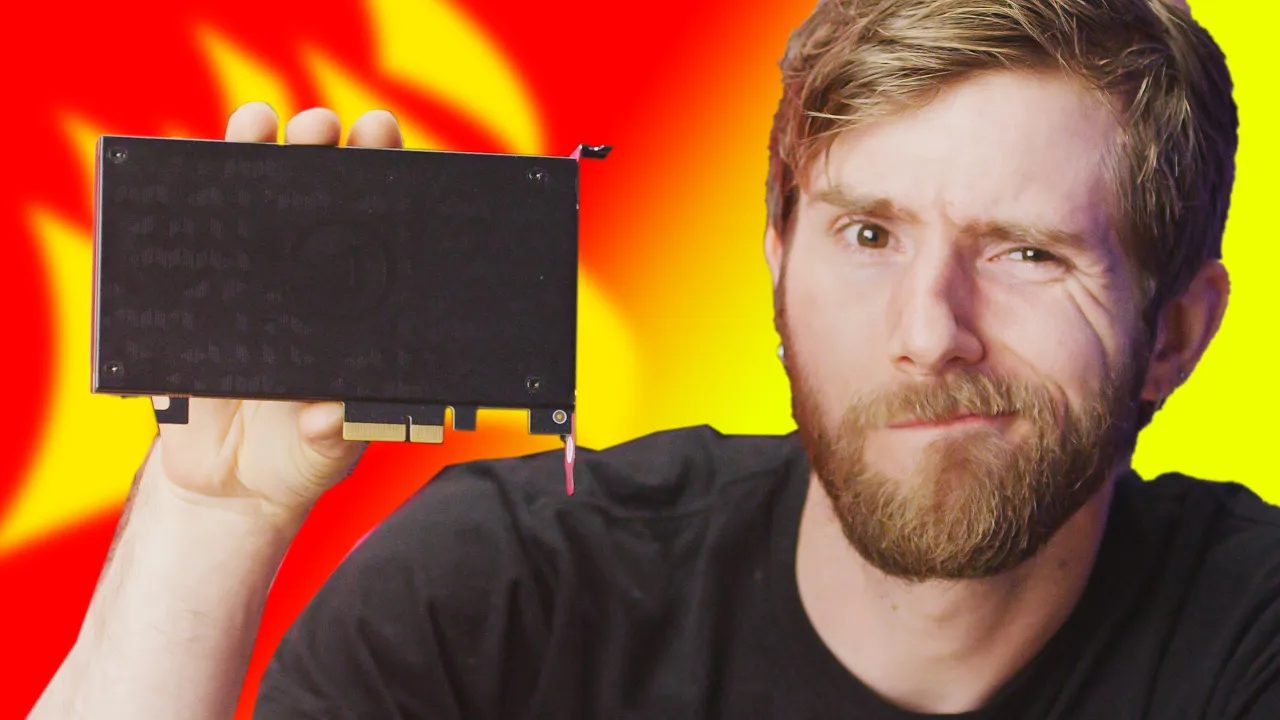
Does your PC Need This?? - Capture Cards Explained
0 up · 0 down · 0 ratings
Description
Thanks to CORSAIR for sponsoring this video!!
Promos
Check out the CORSAIR Vengeance a4100 Series Streaming PC at geni.us Buy Elgato 4K60 PRO Capture Cards: geni.us On Amazon (PAID LINK): geni.us On Newegg (PAID LINK): geni.us Buy AMD Ryzen 3000 CPUs On Amazon (PAID LINK): geni.us On Newegg (PAID LINK): geni.us On B&H (PAID LINK): geni.us Do you really need a capture card for content creation in 2020? Watch to find out! Purchases made through some store links may provide some compensation to Linus Media Group. Discuss on the forum: linustechtips.com GET MERCH: lttstore.com SUPPORT US ON FLOATPLANE: floatplane.com LTX EXPO: ltxexpo.com AFFILIATES & REFERRALS --------------------------------------------------- Affiliates, Sponsors & Referrals: lmg.gg Get Private Internet Access VPN at lmg.gg Get a Mech Keyboard: geni.us Nerd or Die Stream Overlays & Templates: geni.us NEEDforSEAT Gaming Chairs: geni.us Get a Displate Metal Print at lmg.gg Use code LINUSMEDIAGROUP on Epic Games Store: lmg.gg Get a 30-day free trial of Amazon Prime at lmg.gg Our Gear on Amazon: amazon.com FOLLOW US ELSEWHERE --------------------------------------------------- Twitter: twitter.com Facebook: @LinusTech Instagram: @linustech Twitch: twitch.tv FOLLOW OUR OTHER CHANNELS --------------------------------------------------- Techquickie: lmg.gg TechLinked: lmg.gg ShortCircuit: lmg.gg LMG Clips: lmg.gg Channel Super Fun: lmg.gg Carpool Critics: lmg.gg MUSIC CREDIT --------------------------------------------------- Title: Laszlo - Supernova Video Link: youtube.com iTunes Download Link: itunes.apple.com Artist Link: soundcloud.com Outro Screen Music Credit: Approaching Nirvana - Sugar High youtube.com Monitor And Keyboard by vadimmihalkevich / CC BY 4.0 lmg.gg Mechanical RGB Keyboard by BigBrotherECE / CC BY 4.0 lmg.gg Mouse Gamer free Model By Oscar Creativo / CC BY 4.0 lmg.gg
Capture cards have evolved significantly, and this video walks through what they do, how they differ, and whether you actually need one in 2020. It starts by defining a capture card as a device that converts an unencrypted video signal from external sources into a format a computer can record, clarifying that encrypted streams like Netflix cannot be decrypted. The discussion then contrasts PCI Express based cards with USB based ones, noting that PCIe tends to offer higher reliability and lower latency, while USB options score points for flexibility and cross-system recording where you can swap USB ports instead of moving cards between machines. The host highlights notable examples from Elgato, including their HD60 S+ USB model and the 4K60 Pro PCIe, and explains how standalone encoders like the 4K60 S+ can encode and record without tying up a computer, at a higher cost. A key concept is pass-through, which lets you game on the same device while capturing without adding latency, a feature often advertised as zero latency but something the team tests to verify. The video then links these hardware capabilities to practical use cases, showing that your choice hinges on your setup, space, and whether you require portability or maximum quality, such as 4K60 recording. Finally, the hosts apply this to a CORSAIR Vengeance a4100 streaming PC configuration, arguing that for many PC-only streamers there may be little benefit to a capture card, while enthusiasts and multi-device streams can justify the investment. The takeaway is clear: capture cards are not universally necessary, but they offer meaningful options for certain workflows, with PCIe generally favored for stability and simple setups for single-machine streaming, and cost and use-case considerations guiding any purchase. If you want deeper technical details or build advice, the video points you toward additional content about building a streaming setup on a budget and related gear recommendations.
Topics · technology · hardware · streaming
Questions answered
- What is a capture card and what problem does it solve for content creators?
- A capture card takes an unencrypted video signal from an external source and converts it into a format that a computer can record or stream, enabling capture from devices like game consoles or cameras.
- What is the difference between USB and PCI Express capture cards, and which should you choose?
- USB capture cards are flexible and work on almost any computer with USB 3, good for moving between systems, but can be less stable and may crowd USB bandwidth. PCI Express capture cards tend to be more reliable with lower latency and are better when you have a fixed setup and space for a dedicated PCIe slot.
- What does pass-through mean on a capture card and why is it important?
- Pass-through allows the game signal to be displayed on your monitor while it is being captured, reducing capture latency and avoiding the need to game with a separate laggy preview window.