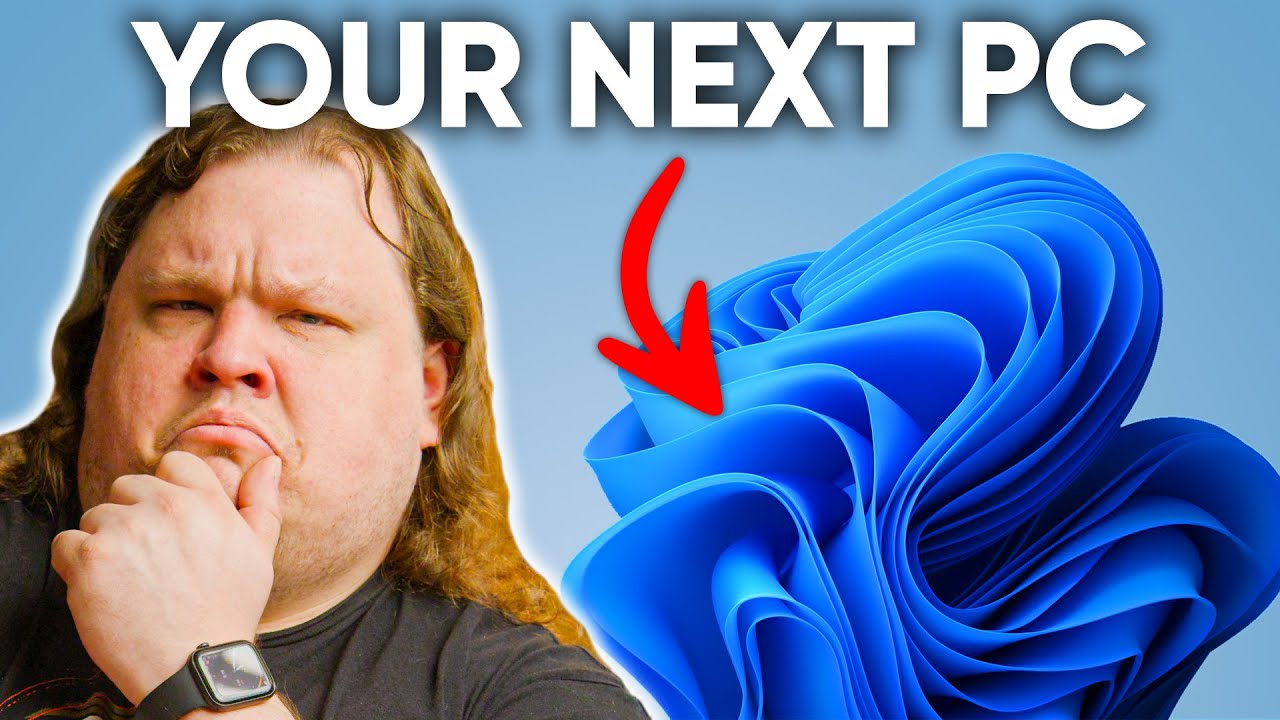
Windows 11 is bigger than we thought
0 up · 0 down · 0 ratings
Description
Get a Free Pair of Wireless Bluetooth Headphones at Micro Center: micro.center
Promos
Check out the Micro Center Custom Builds Showcase: micro.center Get a 30-day trial of Zoho Projects today: zco.to Windows 11 is out of the dev channel and officially beta software now. The final release is close, so let’s see what new features are in Microsoft’s biggest operating system update in a long, long time. Discuss on the forum: linustechtips.com ►GET MERCH: lttstore.com ►SUPPORT US ON FLOATPLANE: floatplane.com ►LTX EXPO: ltxexpo.com AFFILIATES & REFERRALS --------------------------------------------------- ►Affiliates, Sponsors & Referrals: lmg.gg ►Check out our podcast gear: kit.co ►Private Internet Access VPN: lmg.gg ►Our Official Charging Partner Anker: lmg.gg ►Secretlabs Gaming Chairs: lmg.gg ►MK Keyboards: lmg.gg ►Nerd or Die Stream Overlays: lmg.gg ►Green Man Gaming lmg.gg ►Amazon Prime: lmg.gg ►Audible Free Trial: lmg.gg ►Our Gear on Amazon: geni.us FOLLOW US ELSEWHERE --------------------------------------------------- Twitter: twitter.com Facebook: @LinusTech Instagram: @linustech Twitch: twitch.tv FOLLOW OUR OTHER CHANNELS --------------------------------------------------- Mac Address: lmg.gg Techquickie: lmg.gg TechLinked: lmg.gg ShortCircuit: lmg.gg LMG Clips: lmg.gg Channel Super Fun: lmg.gg Carpool Critics: lmg.gg MUSIC CREDIT --------------------------------------------------- Title: Laszlo - Supernova Video Link: youtube.com iTunes Download Link: itunes.apple.com Artist Link: soundcloud.com Outro Screen Music Credit: Approaching Nirvana - Sugar High youtube.com Intro animation by MBarek Abdelwassaa @mbarek_abdel Monitor And Keyboard by vadimmihalkevich / CC BY 4.0 geni.us Mechanical RGB Keyboard by BigBrotherECE / CC BY 4.0 geni.us Mouse Gamer free Model By Oscar Creativo / CC BY 4.0 geni.us CHAPTERS --------------------------------------------------- 0:00 Intro 1:16 Start and Taskbar are Fluent in UI 3:20 Widgets are a thing I guess 4:11 Taskbar Corner clicks, right? 5:16 I'm afraid it's Terminal 6:05 File it under Explorer 8:20 Setting the tone 9:12 Highly Dynamic Display 10:10 Winning by Defaults 11:04 Round it off a Touch 12:16 Oh Snap, it's Virtually all UI 13:35 Responsive to new features 15:12 Going on full auto (HDR) 16:12 It's coming soon... Can you run it? 17:20 And... Should you run it?
Windows 11 is introduced as a major visual and functional update that, despite sharing much of its core with Windows 10, contains enough changes to feel like a distinct system. The video opens by framing the Windows release history, noting alternating waves of good and bad releases, and sets the stage for evaluating whether the new UI and features amount to a meaningful upgrade. The presenter walks through the updated Fluent UI, highlighting the refreshed Start menu, faster search, and the removal of live tiles which should simplify pinning apps. He points out that some changes are superficial at first glance but accumulate into a much larger shift in how the OS feels and behaves, especially in daily tasks. The discussion also touches on customization tradeoffs, such as the centered taskbar, new context menus, and the evolving but sometimes inconsistent design language across apps and legacy components. Overall, the video positions Windows 11 as a step toward a more cohesive and responsive experience, even if some decisions feel incremental or controversial.
Topics · technology · operating system · user interface · hardware and software compatibility
Questions answered
- What are the main UI changes introduced in Windows 11 according to the video?
- Key UI changes include a refreshed Start menu with a polished look, a centered taskbar with configurable options, the removal of live tiles, a more contextual and touch-friendly desktop, and a new Windows Terminal and redesigned File Explorer with a simplified top bar.
- How does the video describe the widgets panel and its potential usefulness?
- The video notes that the widgets panel is a major feature but comes across as underwhelming in its current form, largely because it relies on Microsoft services for personalization and lacks a widget store, making its practical value uncertain.
- What are some potential drawbacks or criticisms mentioned about Windows 11?
- Criticisms include incomplete reworks that still push users to older menus, higher default spacing that can hinder readability, inconsistent appearance across apps, and the complexity of setting default applications due to new handling requirements.
- What is the video’s take on upgrading to Windows 11?
- Upgrading is recommended for very recent PCs that can handle the changes and security requirements, but the video suggests waiting until bugs are ironed out, with Windows 10 remaining a viable option through October 2025.