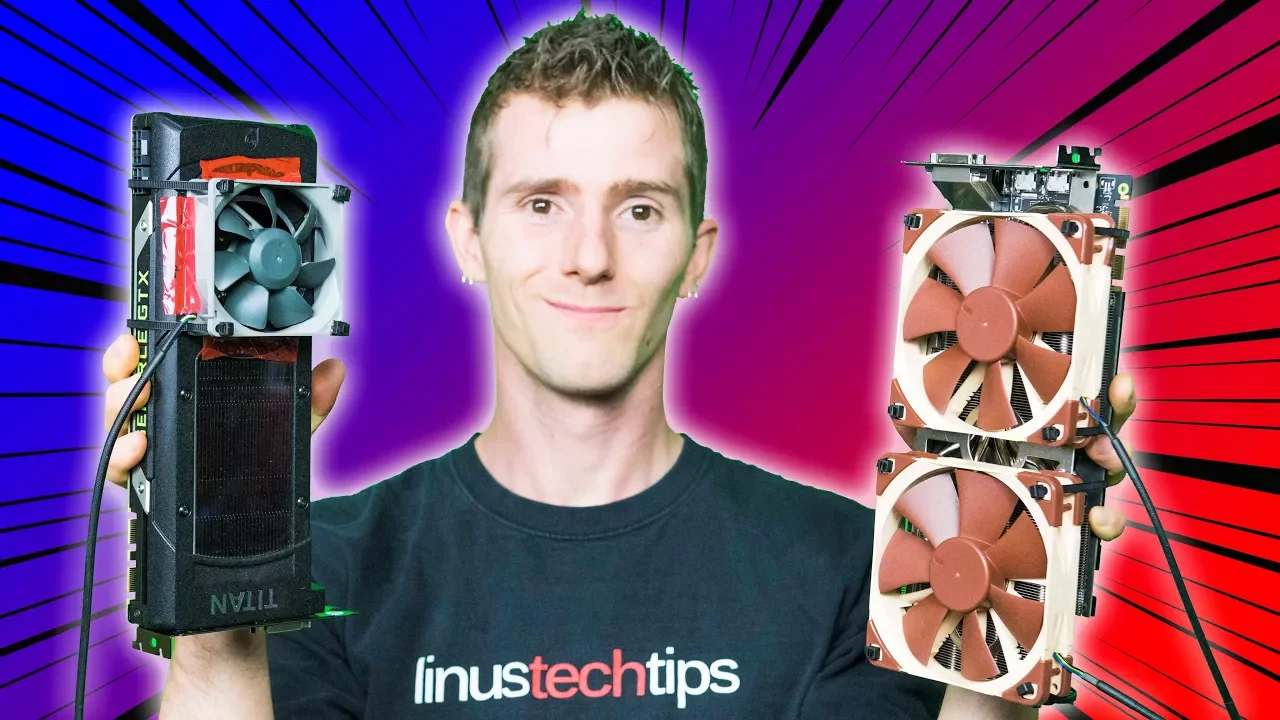
Video Card Dead Fan Repair Guide
0 up · 0 down · 0 ratings
Description
Fixing a broken video card fan - the super Canadian way!! iFixit sponsor link: Get IFixit's Pro Tech Toolkit now for only $59.95 USD at ifixit.com Intel sponsor link:
Promos
Check out HP's Omen X featuring Intel's 7th Generation Core i7 7700K processor on Newegg: geni.us Buy video cards on Amazon: geni.us Discuss on the forum: linustechtips.com Our Affiliates, Referral Programs, and Sponsors: linustechtips.com Linus Tech Tips merchandise at designbyhumans.com Linus Tech Tips posters at crowdmade.com Our production gear: geni.us Twitter - twitter.com Facebook - @LinusTech Instagram - @linustech Twitch - twitch.tv Intro Screen Music Credit: Title: Laszlo - Supernova Video Link: youtube.com iTunes Download Link: itunes.apple.com Artist Link: soundcloud.com Outro Screen Music Credit: Approaching Nirvana - Sugar High youtube.com Sound effects provided by freesfx.co.uk
Video Card Dead Fan Repair Guide walks viewers through diagnosing and reviving a GPU cooler when a video card fan has failed. The host demonstrates initial tests to quantify how much performance loss occurs without airflow, showing how a non functioning fan throttles a Titan X and a non-reference GTX 1070 under load. After establishing a baseline, the guide covers safety cautions and warranty implications, emphasizing that this is aimed at older cards still performing well enough to justify a repair rather than a full upgrade or replacement. The core procedure is laid out in practical steps: removing the shroud, disconnecting power leads, and extracting or replacing the fans, followed by reassembly with attention to sealing around the new fans and controlling power delivery. The video then details mounting methods using zip ties and optional sealants, while highlighting the value of keeping the original heatsink geometry as much as possible to preserve cooling efficiency. In the results section, the Asus GTX 1070 shows a notable uplift in performance with the modified cooling setup, achieving higher boost clocks and lower temperatures, whereas the Titan X demonstrates more limited gains and higher temperatures, underscoring the variability between card designs. The host also comments on using simple, off-the-shelf components to approximate the original performance, noting that extensive thermal optimization is often unnecessary for many GPUs, but sometimes a more robust cooling solution or even a full cooler replacement may be required for high-power models. The segment closes with tips on sourcing tools and parts, a nod to iFixit for repair gear, and a reminder that while the mod can save money, it requires care and an understanding of each card’s unique cooling needs.
Topics · hardware · electronics · repair · computer hardware