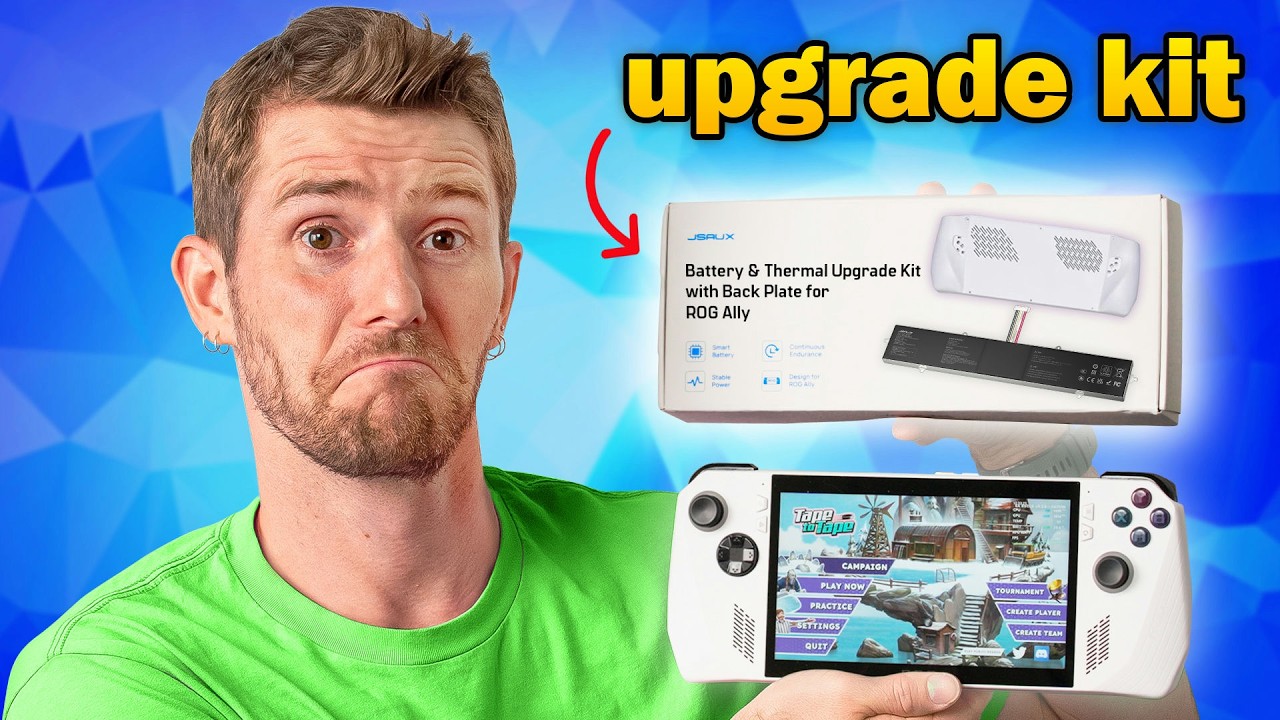
Buying a New One is Stupid - JSAUX ROG Ally Battery & Thermal Upgrade Kit
0 up · 0 down · 0 ratings
Description
Ready to create your own website? Click this link bit.ly to start your free trial with Wix Linus tries to bring his original ROG Ally closer to the new Ally X using JSAUX’s battery and thermal upgrade kit. But how close can you really get for under $100? Turns out… pretty close. Kinda. Buy an ASUS ROG Ally Handheld PC: geni.us Buy an ASUS ROG Ally X Handheld PC: geni.us
Promos
Check out the JSAUX Battery & Thermal Upgrade Kit with Back Plate for ROG Ally lmg.gg Want us to unbox something? Make a suggestion at lmg.gg ► GET MERCH: lttstore.com ► GET A VPN: piavpn.com ► GET EXCLUSIVE CONTENT ON FLOATPLANE: lmg.gg ► SPONSORS, AFFILIATES, AND PARTNERS: lmg.gg Purchases made through some store links may provide some compensation to Linus Media Group. Affiliate links powered in part by affilimate.com Linus Sebastian is an investor in Framework Computer, Inc CHAPTERS --------------------------------------------------- 0:00 Intro 0:52 What’s in the JSAUX upgrade kit 2:17 Battery, thermal mod, and backplate install 5:14 SSD upgrade attempt fails 6:10 Closing it up 6:46 Sponsor 7:27 Booting it up 8:35 Performance, thermals, and battery life 12:27 Final thoughts 12:59 Credits
The video examines the JSAUX Battery & Thermal Upgrade Kit for the ROG Ally, evaluating how closely it can emulate the ROG Ally X experience on an original Ally hardware setup while keeping costs under $100. The host starts by outlining the kit contents, including a new battery rated around 65 Wh, a heat sink with pre-applied thermal pads, a replacement back plate, gloves, and a precision tool set. He notes the warranty is voided by this modification and emphasizes safety checks like inspecting the battery for punctures or bulging before installation. The unboxing sequence highlights the labeling and organization of screws, and the kit’s documentation is praised for being clear and instructional. During installation, the host reuses the original rear paddle buttons and back triggers, comments on the slightly looser fan filter mesh of the new assembly, and proceeds with battery removal, application of thermal materials, and careful reassembly. He also encounters a minor hurdle when fitting the back panel and contends with potential SSD upgrade conflicts due to space and angle constraints, ultimately deciding not to upgrade the SSD in this cycle. The video then pivots to performance testing, comparing the upgraded original Ally with the newer Ally X under several power profiles. Results indicate the Ally X maintains higher frame rates and cooler operation, while the upgraded original still improves battery life and overall usability, though with a heavier handheld and some tradeoffs in SSD upgrade options. In closing, the host reflects that the upgrade delivers a meaningful portion of the X experience for a fraction of the price, noting that the weight increase and SSD limitations are acceptable given the cost savings and reduced hassle relative to selling the original device. The sponsor segment and a final assessment frame the upgrade as a solid, budget-conscious path for enthusiasts who want longer play sessions and better thermals without purchasing a new handheld. The video ends with a positive verdict on the approach and a nod to the creator’s audience, encouraging continued exploration of third party upgrades.
Topics · technology · hardware · handhelds · modding
Questions answered
- What is the cost and core benefit of the JSAUX upgrade kit for the original ROG Ally?
- The kit costs under $100 and delivers longer battery life and better thermals, bringing performance closer to the ROG Ally X without buying a new device.
- Can the upgrade allow upgrading the SSD in the original Ally, and what limits were observed?
- The upgrade introduces a heat sink and mechanical changes that can limit SSD upgrades due to space and mounting considerations, with some users opting not to upgrade the SSD in this cycle.
- Does the video show a finished hardware install, and why is that important?
- The video shows extensive installation steps but notes and comments point out that a final finished view of some cuts was not shown, which matters for users attempting the same mod.