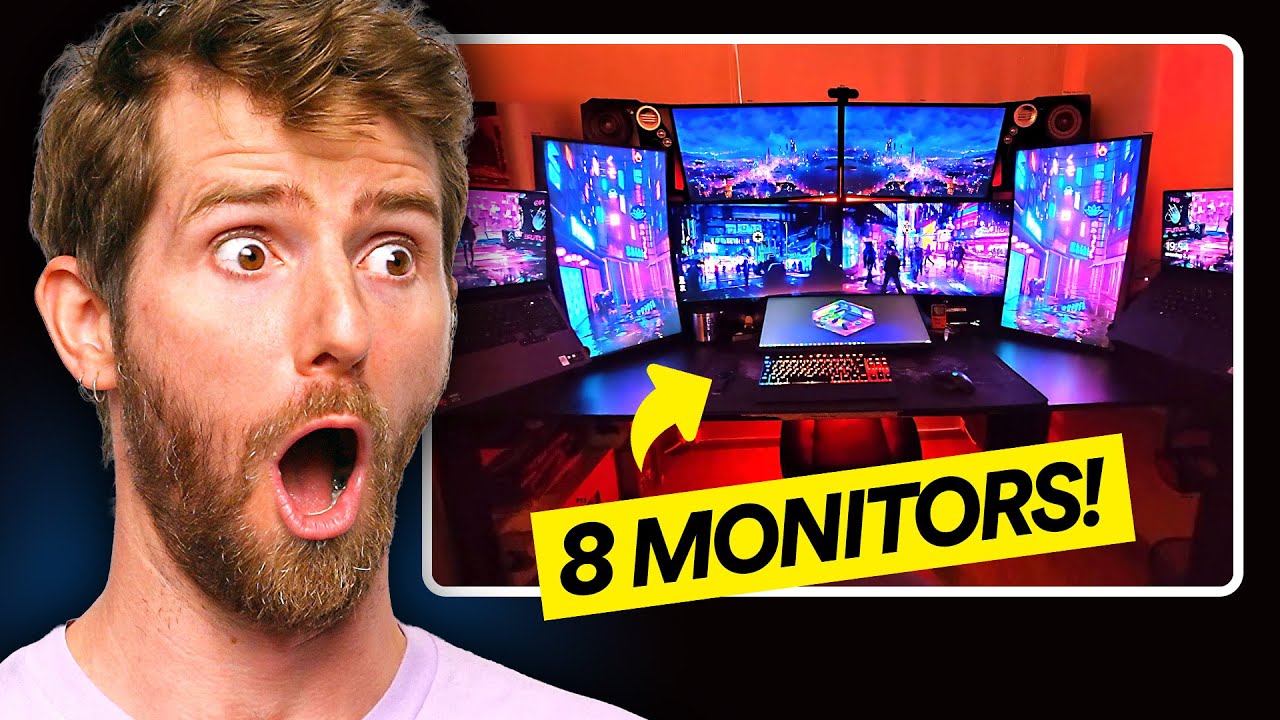
How Many Monitors is Too Many? Reacting to Multi-Monitor Setups
0 up · 0 down · 0 ratings
Description
Thanks to LG for sponsoring!
Promos
Check out the LG Smart Monitor Swing here: bit.ly The LG Smart Monitor Swing features a 4K touchscreen, a versatile moving stand, and LG webOS — and yes, some of your setups from the Reddit contest are featured in this video Having multiple monitors can be a game-changer for productivity... until you have so many they start spilling off your desk! Linus and the team react to some of YOUR best, worst, and wildest multimonitor setups, and along the way test the line between enough, and too many by sending a few lucky submitters an extra monitor with a little help from our sponsor LG. Discuss on the forum: linustechtips.com ► GET OUR MERCH: lttstore.com ► GET EXCLUSIVE CONTENT ON FLOATPLANE: lmg.gg ► GET A VPN: piavpn.com ► SPONSORS, AFFILIATES, AND PARTNERS: lmg.gg Purchases made through some store links may provide some compensation to Linus Media Group. Affiliate links powered in part by affilimate.com Linus Sebastian is an investor in Framework Computer, Inc CHAPTERS --------------------------------------------------- 0:00 Intro 1:05 Tie Fighter 1:40 Why no line up? 3:19 Hard as Diamond 4:27 Something's Missing 5:12 This one's a little crazy 6:52 The "Reasonable" One 7:30 The Time Theft Setup 9:30 It can only go up from here 10:09 The Hobby Shop 10:48 This guy might actually be 50 11:35 The F1 Spectator 12:13 How many tabs? 12:39 WHAT is THAT? 13:19 What do you even do with this many? 14:13 The Linus Superfan 14:37 An actually good setup? 15:07 Using the LG monitor in different ways 16:28 The Trucker 17:02 The FAKE multi-monitor setup 17:36 The Ultimate DAD Setup 18:26 Linus Cat Tips 18:53 Outro
This video surveys a wide range of multi monitor setups, using user-submitted configurations to explore what counts as a productive workspace and what just becomes excessive. The hosts comment on how displays have become more affordable and capable, allowing for immersive desk arrangements that push the boundaries of utility versus clutter. They highlight clever solutions like modular mounting, movable LG smart monitors, and non-traditional second screens, while also pointing out ergonomic and aesthetic tradeoffs such as monitor alignment, desk depth, and speaker placement. The sponsor segment around the LG Smart Monitor Swing is woven into the discussion, with demonstrations of its webOS features, tilt and pivot capabilities, and how it can act as a standalone or supplementary display. Overall, the video blends humor with practical evaluation of space, workflow, and the real-world value of adding more screens to a desk setup.
Topics · technology · productivity · home_office · reviews · gaming · hardware · ergonomics
Questions answered
- What is the main purpose of having multiple monitors in a setup according to the video?
- The video shows that multiple monitors can boost productivity and provide dedicated spaces for tasks like racing stats, programming, and media consumption, but there is a tradeoff with space, ergonomics, and clutter.
- What is the LG Smart Monitor Swing and how is it used in the video?
- The LG Smart Monitor Swing is a 4K touchscreen with a movable stand and webOS that can act as a standalone display or integrate into a larger setup, used in the video to demonstrate flexible mounting and cross-application use.