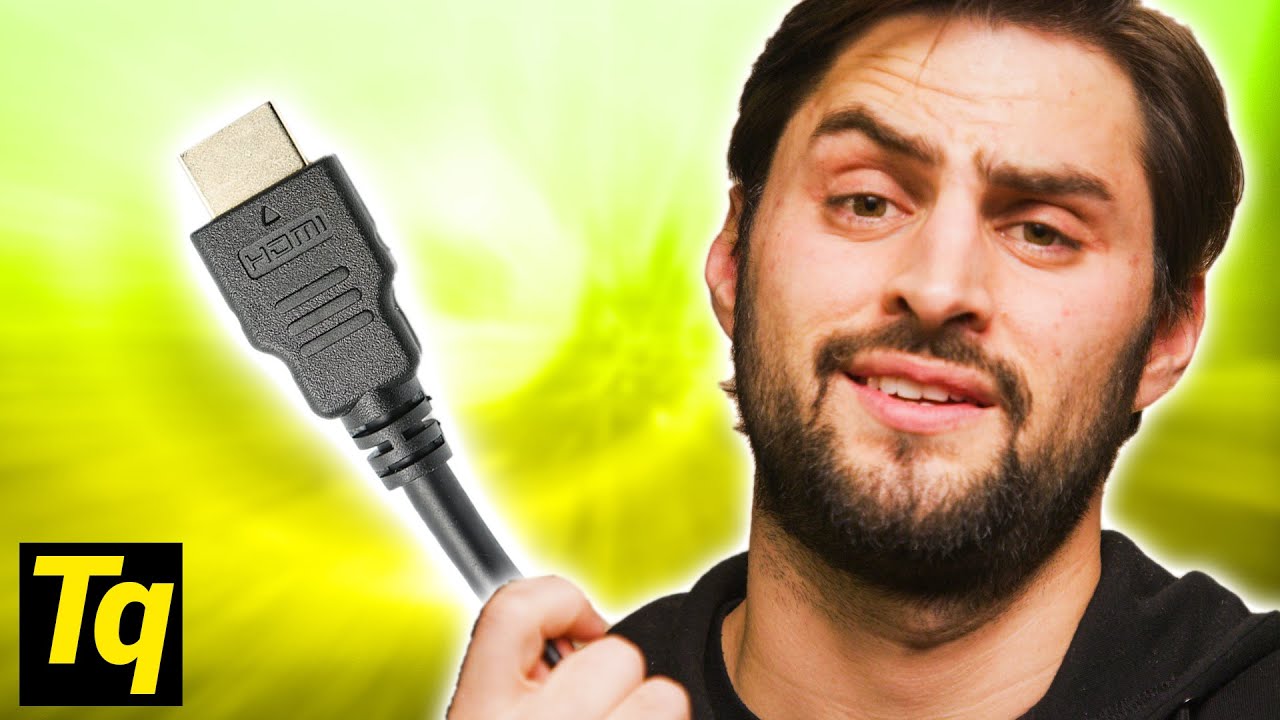
The DUMBEST Thing About HDMI (EDID)
0 up · 0 down · 0 ratings
Promos
Sign up for Private Internet Access VPN at privateinternetaccess.com What is EDID, and how can it cause HDMI problems? Leave a reply with your requests for future episodes, or tweet them here: twitter.com ►GET MERCH: lttstore.com ►SUPPORT US ON FLOATPLANE: floatplane.com ►LTX EXPO: ltxexpo.com AFFILIATES & REFERRALS --------------------------------------------------- ►Affiliates, Sponsors & Referrals: lmg.gg ►Private Internet Access VPN: lmg.gg ►MK Keyboards: lmg.gg ►Nerd or Die Stream Overlays: lmg.gg ►NEEDforSEAT Gaming Chairs: lmg.gg ►Displate Metal Prints: lmg.gg ►Epic Games Store (LINUSMEDIAGROUP): lmg.gg ►Official Game Store: nexus.gg ►Amazon Prime: lmg.gg ►Audible Free Trial: lmg.gg ►Our Gear on Amazon: geni.us FOLLOW US ELSEWHERE --------------------------------------------------- Twitter: twitter.com Facebook: @LinusTech Instagram: @linustech Twitch: twitch.tv FOLLOW OUR OTHER CHANNELS --------------------------------------------------- Linus Tech Tips: lmg.gg TechLinked: lmg.gg ShortCircuit: lmg.gg LMG Clips: lmg.gg Channel Super Fun: lmg.gg Carpool Critics: lmg.gg
The video explains EDID, Extended Display Identification Data, and why it matters for HDMI and other modern connections. It begins by contrasting old analog connections with today’s digital displays, where EDID lets displays communicate their capabilities to sources so the correct video parameters are used. The host describes the standard flow: when two devices are connected via HDMI or DisplayPort, the display shares its manufacturer, model, maximum resolutions, and color spaces, and the source then outputs a compatible signal, potentially enabling features like HDR automatically. The explanation emphasizes that while EDID aims to simplify setup, it also introduces new failure modes because the information is processed at multiple points in the chain. The host then covers real world problems such as delays when routing through receivers, blank screens when hot plug signals aren’t read consistently, and misreported EDID data that prevents proper audio or video formats from being used. He notes that firmware oversights often cause these issues and provides practical mitigations, such as EDID emulators or manual configuration tweaks, to bypass automatic but faulty behavior. The narrative concludes with a candid acknowledgment that EDID remains a source of occasional frictions despite being designed to streamline device communication, and it plugs a VPN sponsor while encouraging viewers to adjust settings manually when needed. The overall takeaway is that EDID is powerful but imperfect, and users often achieve the best results by verifying and tweaking the settings rather than relying solely on automatic detection.
Topics · technology · hardware · video_and_audio_standards · consumer_electronics
Questions answered
- What is EDID and what does it do in HDMI connections?
- EDID stands for Extended Display Identification Data. It lets a display communicate its supported resolutions, color spaces, and other capabilities to a source device, so the source can output a compatible video signal.
- Why can EDID cause problems like blank screens or incorrect audio formats?
- Problems arise when the EDID information is read inconsistently, incorrectly reports capabilities, or is misprocessed at different points in the device chain, causing the source to output the wrong formats or not signal audio properly.
- What practical steps can users take when EDID issues occur?
- Try bypassing automatic configuration with manual settings, use EDID emulators to fix the information passed along the chain, and verify that resolutions, refresh rates, and audio formats are set correctly on each device.