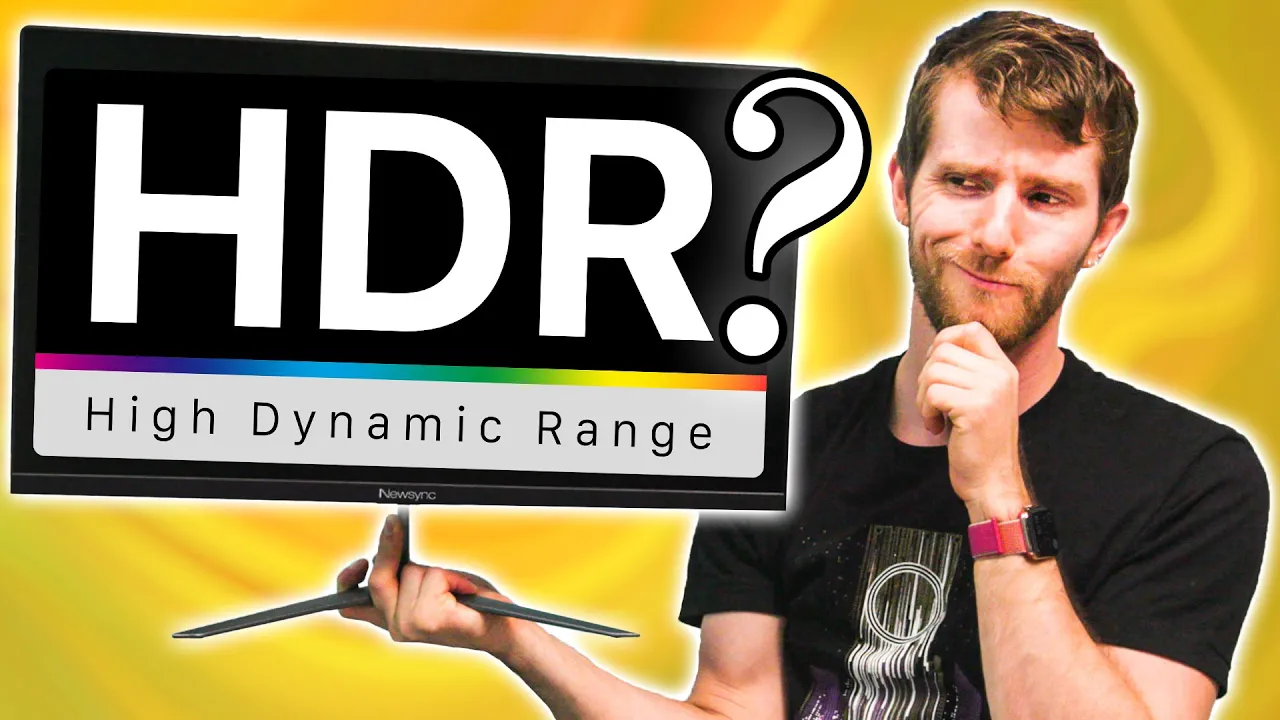
The Cheapest HDR Monitor vs the BEST
0 up · 0 down · 0 ratings
Promos
Get 20% OFF + Free Shipping at Manscaped.com with code TECH - mnscpd.com
Check out ORIGIN PC’s new EVO16-S Ready-To-Ship Streamer Bundle today at bit.ly We compare the cheapest HDR monitor on Amazon against the cheapest one that still has a VESA DisplayHDR 400 rating, a Samsung with DisplayHDR 600 certification, and the $4,500 ASUS PA32UCX with a peak brightness of 1,200nits! Buy Newsync X250 FG Zero 165 HDR Monitor: On Amazon (PAID LINK): geni.us On Newegg (PAID LINK): geni.us Buy ASUS ProArt Series PA32UCX HDR Monitor: On Amazon (PAID LINK): geni.us On Newegg (PAID LINK): geni.us Buy Acer 144hz HDR Monitor: On Amazon (PAID LINK): geni.us On Newegg (PAID LINK): geni.us Buy Samsung Curved 144Hz HDR Monitor: On Amazon (PAID LINK): geni.us On Newegg (PAID LINK): geni.us Purchases made through some store links may provide some compensation to Linus Media Group. Discuss on the forum: linustechtips.com GET MERCH: lttstore.com SUPPORT US ON FLOATPLANE: floatplane.com LTX EXPO: ltxexpo.com AFFILIATES & REFERRALS --------------------------------------------------- Affiliates, Sponsors & Referrals: lmg.gg Get Private Internet Access VPN at lmg.gg Get a Displate Metal Print at lmg.gg Support a Creator code LINUSMEDIAGROUP on Epic Games Store: lmg.gg Get a 30-day free trial of Amazon Prime at lmg.gg Our Test Benches on Amazon: lmg.gg Our Production Gear: lmg.gg FOLLOW US ELSEWHERE --------------------------------------------------- Twitter: twitter.com Facebook: @LinusTech Instagram: @linustech Twitch: twitch.tv FOLLOW OUR OTHER CHANNELS --------------------------------------------------- Techquickie: lmg.gg TechLinked: lmg.gg ShortCircuit: lmg.gg LMG Clips: lmg.gg Channel Super Fun: lmg.gg Carpool Critics: lmg.gg MUSIC CREDIT --------------------------------------------------- Title: Laszlo - Supernova Video Link: youtube.com iTunes Download Link: itunes.apple.com Artist Link: soundcloud.com Outro Screen Music Credit: Approaching Nirvana - Sugar High youtube.com
HDR, in the broad sense, is easy to hype but hard to use well unless you have the right hardware. This video surveys a range of monitors from a true high end reference, the ASUS ProArt PA32UCX, down to budget HDR displays, to determine what the real advantages of HDR certification are in practice. The host walks through the differences between DisplayHDR 1000, DisplayHDR 600, and a plain HDR label, explaining that peak brightness is not the only constraint and that local dimming, color volume, and panel quality all determine how convincing HDR looks in games and movies. The testing approach emphasizes real-world scenes, like a weapon shop and sunlit outdoor areas, to show how shadows, highlights, and color reproduction fare under each display. Throughout the comparison, the video highlights tradeoffs such as calibration, build quality, and whether budget panels actually deliver meaningful HDR improvements, rather than simply enabling an HDR toggle. The conclusion argues that budget HDR displays can be acceptable for casual use, but to truly experience HDR you should aim for a DisplayHDR certification and be prepared to invest more for better local dimming, color accuracy, and brightness stability. If you are chasing a genuine HDR experience, the video suggests prioritizing certified displays over purely high brightness specs, and it notes that some cheaper models may still disappoint even with HDR branding. The overall message is practical: HDR is not a gimmick, but the cost and hardware requirements to get a truly compelling HDR image remain substantial, especially for enthusiasts and professionals who demand consistent performance across varied content.
Topics · technology · hardware · display technology · reviews
Questions answered
- What is the practical difference between DisplayHDR 1000 and DisplayHDR 600 as explained in the video?
- DisplayHDR 1000 offers higher peak brightness and, in many cases, better local dimming performance, which helps preserve detail in bright and dark areas. DisplayHDR 600 may meet a certification threshold but often lacks the same brightness and depth in shadows, leading to more clipped highlights and less overall contrast in high dynamic range scenes.
- Is a budget HDR monitor a good value for gaming or general use?
- Budget HDR monitors can be acceptable for casual use or entry level HDR gaming, but they typically require compromises such as less effective local dimming, color accuracy issues, or limited brightness. For a noticeably better HDR experience, a DisplayHDR certified model with solid local dimming and color performance is recommended.
- What monitors were compared in the video, and what were the key findings?
- The video compared a high end reference like the ASUS ProArt PA32UCX with DisplayHDR certifications to budget options such as the NewSync X250FG Zero 165 HDR and an Acer model. The findings showed that the high end monitor delivered superior brightness, local dimming, and detail in dark and bright areas, while budget models often failed to reproduce fine shadows and highlights, making HDR less convincing overall in practice.