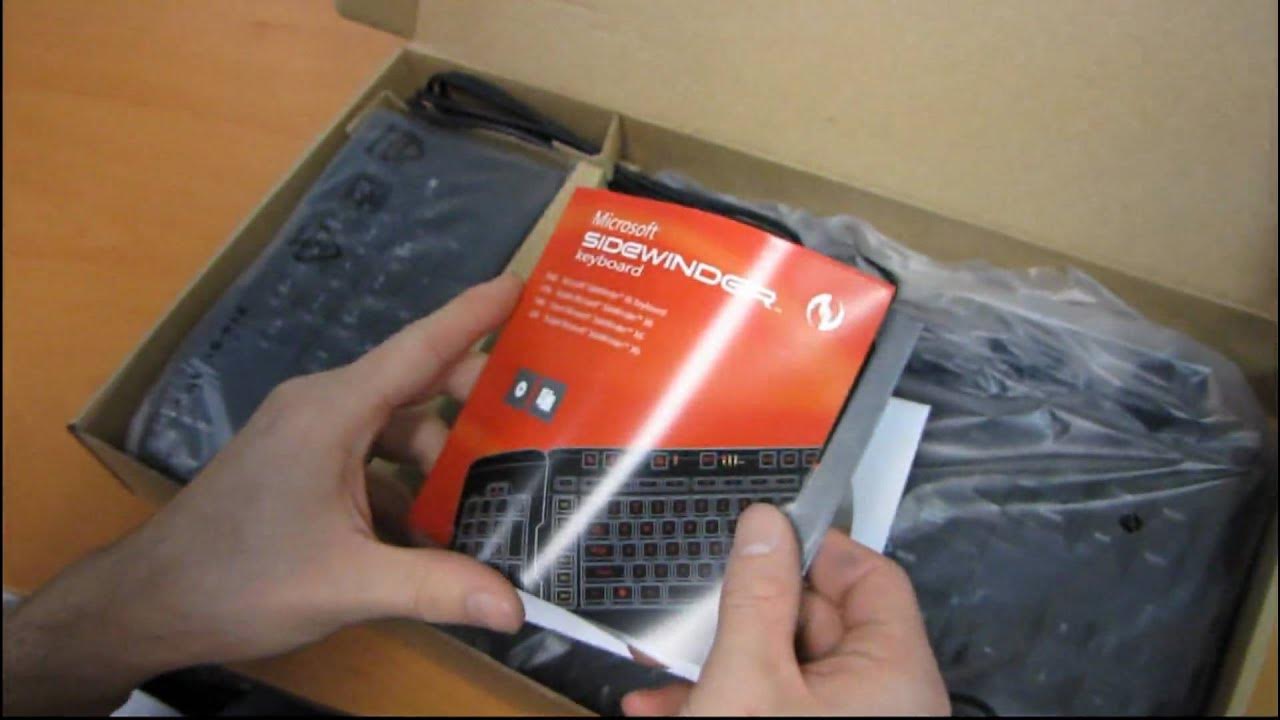
Microsoft Sidewinder X6 Gaming Keyboard Unboxing & First Look Linus Tech Tips
0 up · 0 down · 0 ratings
Description
The X6 has some pretty unique features including the way it handles macros, the way you can detach the number pad and put it on the right if you're a south paw, and the way it lights up the WASD keys (oh wait, that one's not that unique). But seriously this keyboard looks really good, and for the price it's a unique value in the market.
The video provides a thorough unboxing and first look at the Microsoft Sidewinder X6 gaming keyboard, highlighting some distinctive design choices that set it apart in its era. The host begins by identifying the product as a powerful programmable keyboard and quickly points to the front box art as a tongue-in-cheek indication of its gaming pedigree. He then walks through the key features, emphasizing the switchable keypad that can be moved to either side for left- or right-handed use, the mode switching between typing and two gaming modes, and the extensive macro capabilities capable of storing up to 90 macros. The narrative continues with practical notes such as the cruise control feature for continuous actions, in-game macro recording, and the dedicated WASD lighting keys that aid visibility in dark environments. There is a lighthearted, conversational tone as he demonstrates the physical layout, notes about the braided cable and magnetic interface, and the standalone number pad that clips onto the keyboard. He also reviews the build quality and key travel, balancing praise for the standard layout with caveats about the overall feel of the keys, while briefly comparing it to a related Microsoft mouse release to place the X6 within a broader product ecosystem. The unboxing concludes with a quick peek at the included manual, driver CD, and Microsoft product guide, ending with a practical demonstration of plugging in the interface and detaching the numpad, before delivering a final verdict on the keyboard’s value given its price point and unique features. The host closes with a light, personal note, thanking viewers for checking out the unboxing and inviting further exploration of the X6’s capabilities in future content.
Topics · hardware · peripherals · unboxing · gaming · tech-review
Questions answered
- What are the standout features of the Microsoft Sidewinder X6 highlighted in this video?
- The standout features include a switchable keypad for left or right handed use, mode switching between typing and two gaming profiles, up to 90 programmable macros, cruise control for continuous actions, in-game macro recording, WASD lighting, a quick launch key, a two-color adjustable backlight, and a detachable number pad that clips magnetically into place.
- How is the keyboard's physical layout described, and what are the impressions of key travel?
- The keyboard retains a fairly standard layout with no shortened keys or unusual key sizes, and the host notes that the keys have relatively short travel, which can be beneficial for gaming by reducing travel distance and improving responsiveness.