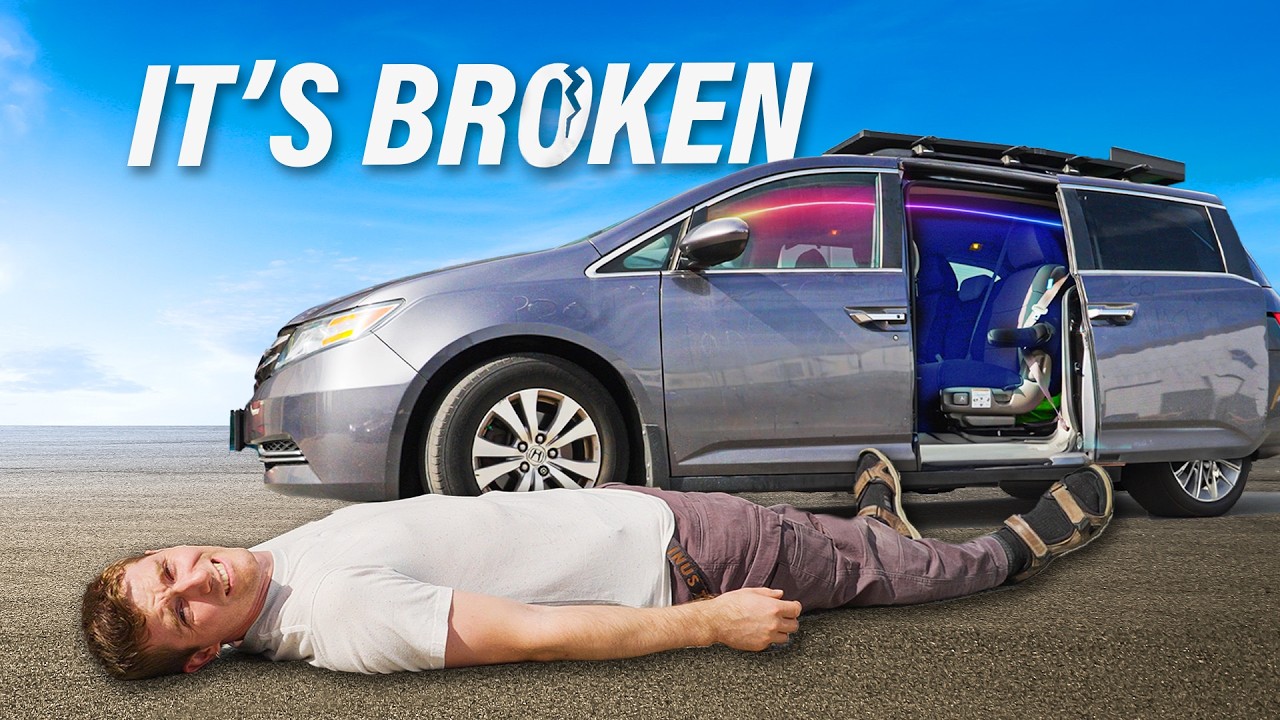
I have 5 hours to fix the gaming mini van
0 up · 0 down · 0 ratings
Promos
Check out a XTRONS 17.3" Car Roof Mounted Monitor: lmg.gg Buy an AMD Ryzen 5 5600x CPU: geni.us Buy a LianLi SP 750 750W 80+ Gold PSU: geni.us Buy TEAMGROUP T-Force 3200MTs CL16 DDR4 RAM: geni.us Buy a NVIDIA RTX 2080TI Super FE Graphics Card: geni.us Buy an ASUS ROG Strix X570-I Motherboard: geni.us Buy a Crucial P5 Plus 1TB m.2 NVMe SSD: geni.us Buy a GL.iNet Puli AX Router: link.gl-inet.com Purchases made through some store links may provide some compensation to Linus Media Group. Discuss on the forum: linustechtips.com ► GET MERCH: lttstore.com ► GET EXCLUSIVE CONTENT ON FLOATPLANE: lmg.gg ► GET A VPN: piavpn.com ► SPONSORS, AFFILIATES, AND PARTNERS: lmg.gg ► EQUIPMENT WE USE TO FILM LTT: lmg.gg ► OUR WAN PODCAST GEAR: lmg.gg FOLLOW US --------------------------------------------------- Twitter: twitter.com Facebook: @LinusTech Instagram: @linustech TikTok: @linustech Twitch: twitch.tv MUSIC CREDIT --------------------------------------------------- Intro: Laszlo - Supernova Video Link: youtube.com iTunes Download Link: itunes.apple.com Artist Link: soundcloud.com Outro: Approaching Nirvana - Sugar High Video Link: youtube.com Listen on Spotify: spoti.fi Artist Link: youtube.com Intro animation by MBarek Abdelwassaa @mbarek_abdel Monitor And Keyboard by vadimmihalkevich / CC BY 4.0 geni.us Mechanical RGB Keyboard by BigBrotherECE / CC BY 4.0 geni.us Mouse Gamer free Model By Oscar Creativo / CC BY 4.0 geni.us CHAPTERS --------------------------------------------------- 0:00 - My Problems 0:39 - War Thunder! 0:50 - Monitor Plan 2:40 - Power and assignments 3:53 - Display Power 7:24 - Interior disassembly, cable running 10:24 - Children with bench grinders and sharp knives 20:09 - Putting the car back together 24:12 - The End Result 25:01 - War Thunder! 25:49 - Outro
Channels and socials
Join us in War Thunder for FREE at playwt.link Get an exclusive bonus using our link - thanks for supporting the channel! Problem 1: My gaming minivan is completely broken and not a single game can be played. Problem 2: I promised my children that they'd be able to game during our road trip over the long weekend. Problem 3: The long weekend is in 5 hours, we've gotta get going.
The video opens by framing a high-pressure 5-hour challenge to fix and assemble a gaming minivan for a family road trip. The host explains that the project started with missing laptops after a prior teardown, leaving the vehicle with broken screens and cables, and a promise to the kids to deliver a functioning gaming setup for the weekend. The plan quickly centers on repurposing a single PC to drive multiple screens mounted inside the van, with a mix of wired connections and clever cable management. The initial segment outlines the hardware approach, including a retrofitted in-car display and a goal of sharing gameplay among the kids while keeping individual screens. The tone blends humor with hands-on engineering, as the team debates monitor placement, power routing, and which child gets to operate which segment of the build, all while acknowledging the time pressure and the potential risks of working within a vehicle’s interior. The War Thunder sponsorship segment sits as a light aside that reinforces the driving motivation to get the kids gaming while traveling, without steering away from the core mechanical build.
Topics · technology · cars · DIY · family · live-build · gaming
Questions answered
- What triggered the 5-hour challenge to fix the gaming minivan?
- The minivan had broken screens and cables after laptops were removed, and the creator promised the kids a playable setup for the road trip during the long weekend.
- What is the core solution for displaying on multiple screens?
- One computer is wired to multiple monitors using a combination of Type-C outputs and a workaround with a VR-style active adapter to support DP Alt Mode for multiple displays.
- How is power and internet handled inside the van?
- Power is managed with in-vehicle wiring and adapters, including a 4G internet puck for connectivity when not near Wi-Fi, and a remote IR receiver for turning the PC on and off.
- What challenges did the team face with installation inside the van?
- They dealt with limited space, cutting through interior panels, routing cables safely, and ensuring the monitors could be mounted and reach the front seats without compromising safety.
- Was the 5-hour plan successful by the end of the video?
- The team achieved a functional multi-display setup with a working PC and internet, though some iterations were necessary during the build, and final testing showed a capable but still evolving system.