ASUS Vivo Tab RT TF600 Windows RT Tablet Unboxing & First Look Linus Tech Tips
0 up · 0 down · 0 ratings
Description
The TF600 Vivo Tab RT is ASUS's implementation of ARM on Windows. This tablet is VERY light, VERY thin, and the screen is absolutely gorgeous. CA: ncix.com US: us.ncix.com
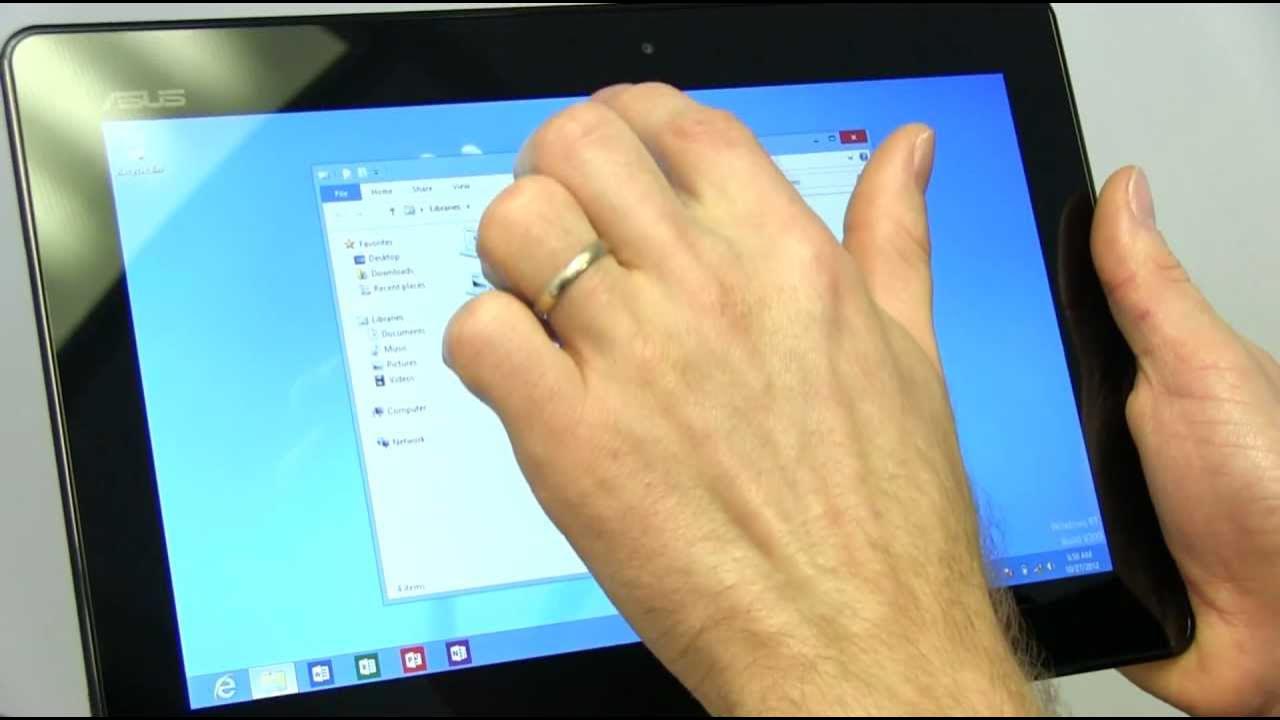
The video opens with an introduction to Windows RT on ARM devices, focusing on the ASUS Vivo Tab RT TF600. Linus explains that Windows RT shares much with Windows 8 but is designed specifically for ARM processors, and he previews what the Vivo Tab RT brings to the table as ASUS’s take on the platform. He highlights that the device is thin and light for a 10-inch tablet and points out early on that Windows RT devices ship with a full Office package, including Word, Excel, PowerPoint, and OneNote, which is a key productivity lure. The unboxing reveals the device itself, a microfiber cloth, warranty card, and a user manual that includes gesture basics for the Windows interface, as well as the charging solution that can connect via USB for broader file system access. Linus then discusses the hardware design, noting the hybrid metal and plastic finish, the speaker placement, and the portrait-oriented use case that may partially obscure the speakers when held in that orientation. He proceeds with initial setup, option selections, and color scheme choices, followed by a first boot into the Windows 8/RT environment.]
Topics · technology · hardware · tablets · operating_system · consumer_electronics
Questions answered
- What are the key software features included with Windows RT on the Vivo Tab TF600?
- Windows RT devices ship with a full Office package (Word, Excel, PowerPoint, OneNote) and access to the Windows Store for apps, plus Internet Explorer 10 with Flash support for web content.
- What hardware aspects stand out on the Vivo Tab RT TF600 according to the video?
- The device is described as very thin and light for a 10 inch tablet, with a hybrid metal and plastic back, integrated speakers, a micro HDMI port, microSD, USB via an adaptible charger, and a detachable keyboard docking option.
- Does the reviewer recommend the keyboard dock for productivity use?
- Yes, the reviewer advises that a keyboard dock is highly recommended for serious productivity with Windows RT on the Vivo Tab RT.
- What is a stated caveat about the Windows RT storage on this device?
- The reviewer notes that the usable storage for a 32 GB model is significantly less than 32 GB due to the Windows RT installation consuming space, limiting room for apps.