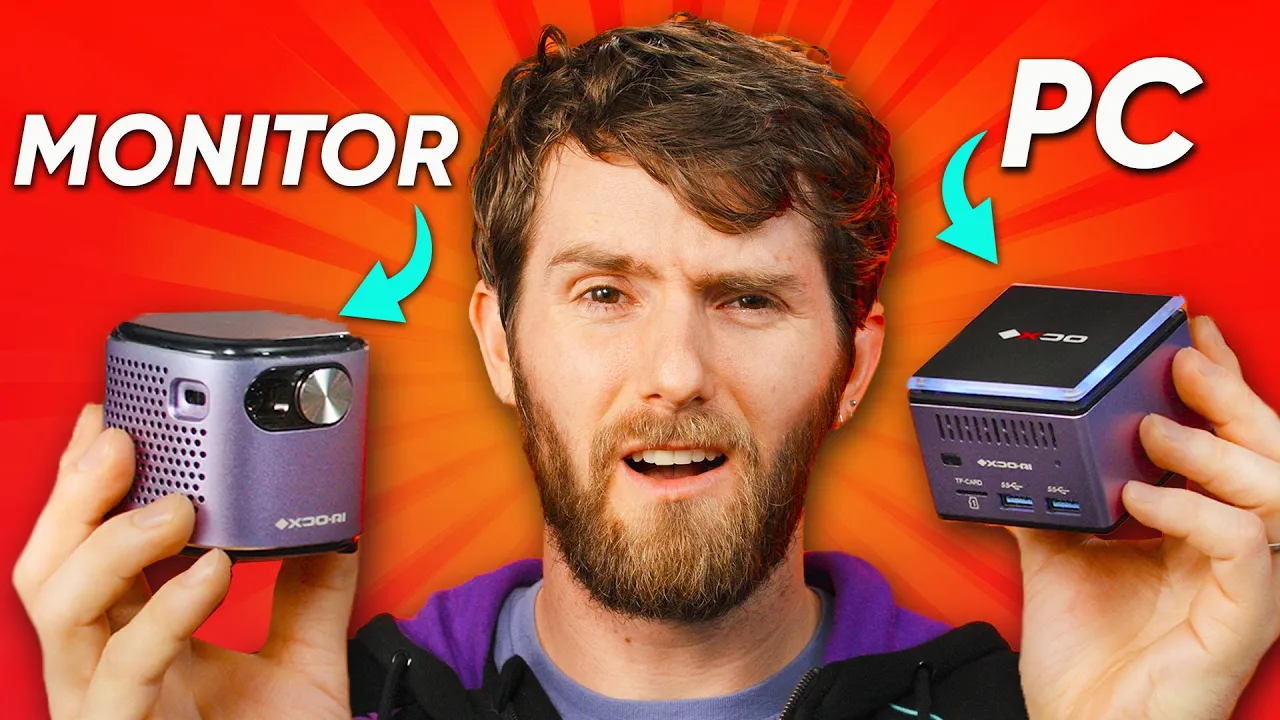
This is a computer - XDO.AI PicoPC
0 up · 0 down · 0 ratings
Description
Subscribe to our Floatplane account for exclusive content today at lmg.gg PDQ.com: Start your FREE trial now! At lmg.gg This tiny PC is one of the coolest devices I've seen in a long time! I'm going to show you all the cool stuff it comes with (including the mini projector), what it looks like inside, and what it's like to game on it. Discuss on the forum: linustechtips.com
Promos
Check Out the Pantera Pico PC: lmg.gg Purchases made through some store links may provide some compensation to Linus Media Group. ► GET MERCH: lttstore.com ► SUPPORT US ON FLOATPLANE: floatplane.com ► AFFILIATES, SPONSORS & REFERRALS: lmg.gg ► PODCAST GEAR: lmg.gg FOLLOW US --------------------------------------------------- Twitter: twitter.com Facebook: @LinusTech Instagram: @linustech TikTok: @linustech Twitch: twitch.tv MUSIC CREDIT --------------------------------------------------- Intro: Laszlo - Supernova Video Link: youtube.com iTunes Download Link: itunes.apple.com Artist Link: soundcloud.com Outro: Approaching Nirvana - Sugar High Video Link: youtube.com Listen on Spotify: spoti.fi Artist Link: youtube.com Intro animation by MBarek Abdelwassaa @mbarek_abdel Monitor And Keyboard by vadimmihalkevich / CC BY 4.0 geni.us Mechanical RGB Keyboard by BigBrotherECE / CC BY 4.0 geni.us Mouse Gamer free Model By Oscar Creativo / CC BY 4.0 geni.us CHAPTERS --------------------------------------------------- 0:00 Intro 0:40 look at this tiny pc 1:02 cute accessories 3:09 Teardown 5:31 Intel "J-series"?? 7:16 Testing NVMe compatibility 7:58 Booting up 10:48 Gaming on it 11:39 Can I stream 4K? 11:52 My thoughts
This video dives into the Pantera Pico PC by XDO.AI, highlighting just how small and capable a modern mini PC can be. The host marvels at a fully featured Windows 10 compatible system that includes USB-C power in, three USB 3.0 ports, a micro SD reader, HDMI output, and a headphone jack, all packed into a device the size of a palm. The accompanying accessory bundle is a major talking point, featuring a tiny projector, a retractable mobile mouse, a compact carrying case, a battery bank, and a small remote, all designed to form a portable, all-in-one micro setup. The segment sets up expectations about expandability, noting both the internal M.2 slot and the potential for future upgrades, while also pointing out the unconventional ecosystem around the Pico PC and its peripherals. By the end of the first portion, the presenter frames the Pico PC as a compelling, if niche, travel and work-from-anywhere solution that aims to balance price with compact form factor. The overall takeaway is that the Pico PC packs a surprising amount of hardware into a tiny footprint, with a package that is as much about the on-the-go lifestyle as about raw performance. The video then transitions toward hands-on exploration of the internals and user experience, teasing deeper hardware insights and practical demonstrations.
Topics · hardware · technology · consumer_electronics · teardown · portable_computing
Questions answered
- What processor powers the Pico PC, and what does that imply about its efficiency and performance?
- The Pico PC uses an Intel Celeron J4125 processor, a quad-core part with up to 2.7 GHz burst and 2.0 GHz base. This indicates low power consumption (10 W TDP) and modest performance suitable for basic tasks and light gaming, but not high-end workloads.
- What major peripherals come with the Pico PC, and how do they contribute to its portability?
- The package includes a mini projector, a retractable mobile mouse, a tiny carrying case, a battery bank, and a remote, along with an HDMI input. These accessories enable a compact, all-in-one travel setup that can function as a small workstation or media center on the go.
- Is the Pico PC upgradeable, and what does the teardown reveal about storage expansion?
- The teardown shows an accessible M.2 slot and a straightforward SSD upgrade path, suggesting easy storage expansion. The presenter notes that upgrading to a larger SSD is feasible, and the design includes a simple rubber gasket and a few screws to replace the drive.