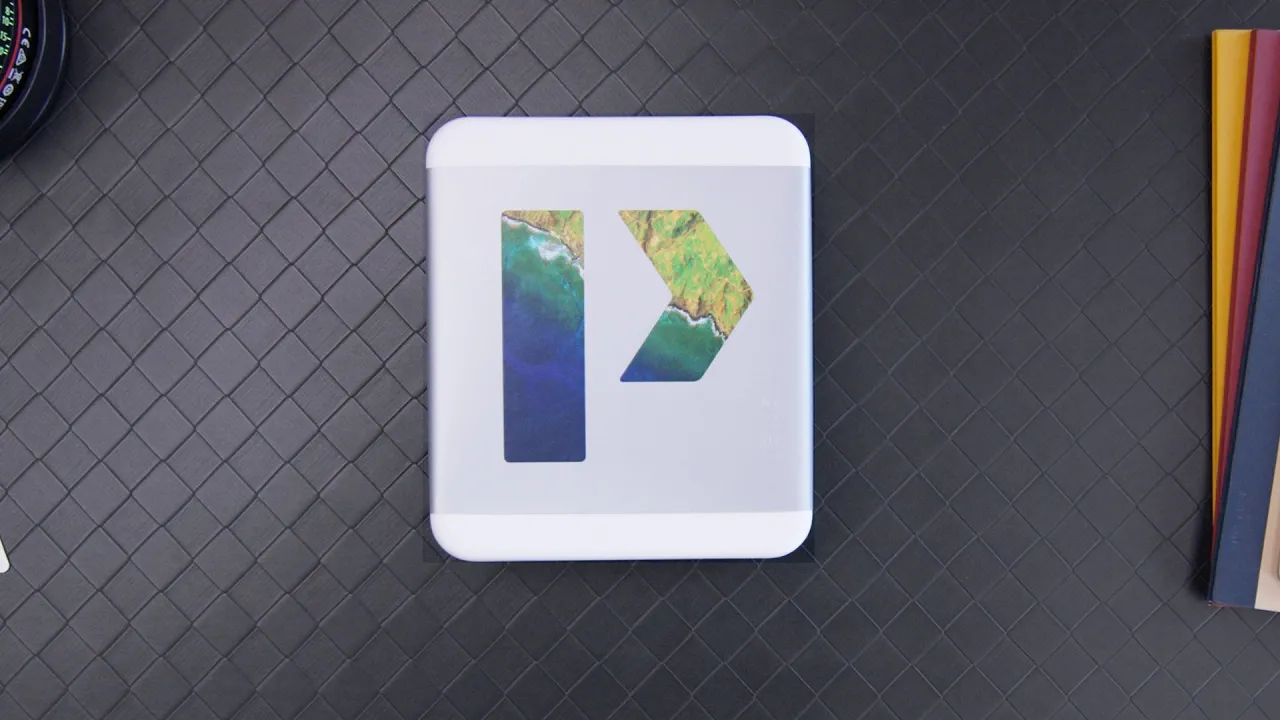
Nexus 6P Unboxing & Setup!
0 up · 0 down · 0 ratings
Channels and socials
Nexus 6P Unboxing & First setup! Nexus 6P & 5X Impressions: youtu.be Video Gear I use: amzn.com Intro Track: soundcloud.com ~ twitter.com google.com @MarquesBrownlee @MKBHD @MKBHD
The video presents an early, hands-on unboxing and first impressions of the Nexus 6P. It opens with the box contents, highlighting the USB Type-C cable options and included accessories like the SIM removal tool and software trial offers. The host notes the phone's feel in the hand, comparing it to the larger Nexus 6 and praising the slimmer, more refined form factor possible thanks to the materials and design by Huawei. Attention is given to the hardware details such as the textured power button, the back fingerprint sensor, and the USB-C port, with initial observations about the graphite color and finish. The setup process is demonstrated, including SIM insertion and the initial boot, as well as the first use experience with Nexus Imprint and wake-on-fingerprint features. The creator signals forthcoming deeper testing, promising to cover camera performance, battery life, and the impact of Android 6.0 Doze on battery management in a fuller review, while inviting viewers to subscribe for updates. A brief aside notes that the Nexus 5X packaging is similar. Overall, the video frames the Nexus 6P as a strong stock-Android option with solid hardware, setting the stage for a more comprehensive evaluation to come after extended use.
Topics · technology · smartphones · unboxing · android
Questions answered
- What USB connection does the Nexus 6P use and what accessories are included in the box?
- The Nexus 6P uses USB Type-C. The box includes a USB-A to USB-C cable, a USB-C to USB-C cable for fast charging, a SIM removal tool, paperwork, and a free trial for Google Play Music All Access.