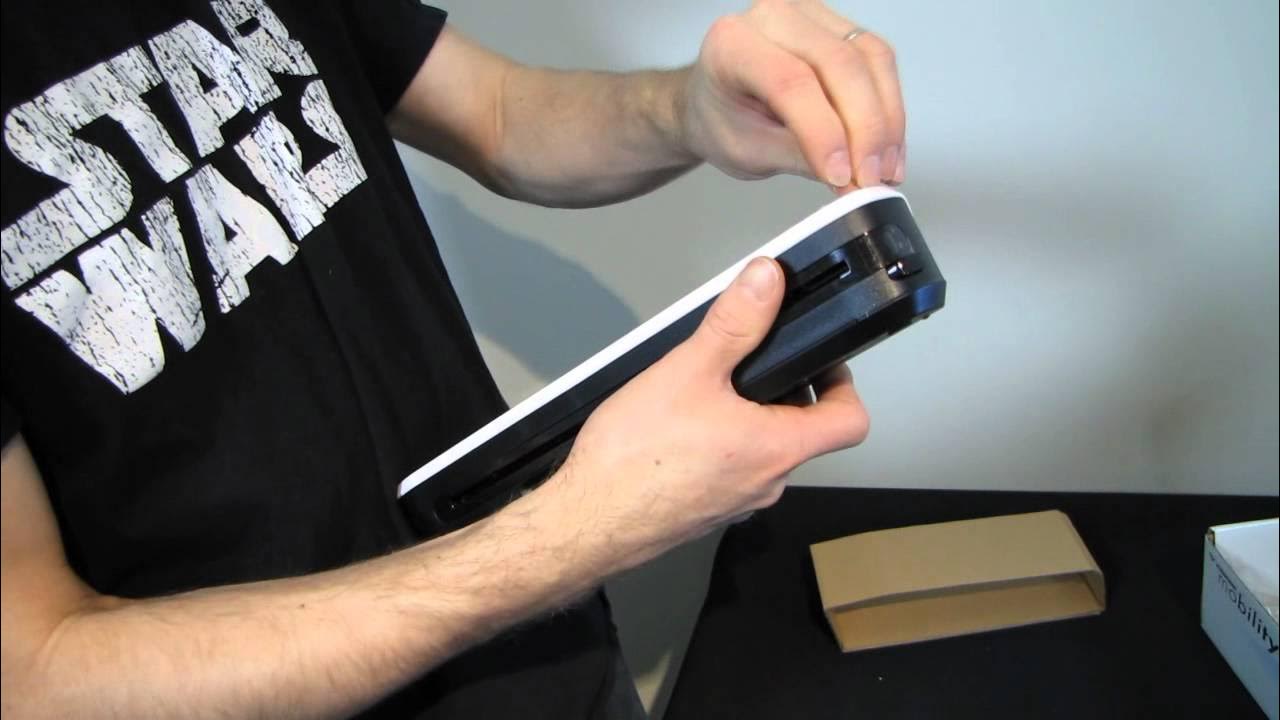
Visioneer Mobility Cordless Portable Scanner RE-UNBOXING & Second Look Linus Tech Tips
0 up · 0 down · 0 ratings
Description
CA: ncix.com US: us.ncix.com Neat product if you're constantly on the go and need to scan documents. Can imagine someone like a realtor using something like this all the time.
The video provides a re-unboxing and second look at the Visioneer Mobility cordless portable scanner, focusing on how the device is designed for mobility and on-the-go document capture. The host walks through the unboxing, highlighting the package contents, power options, and the different adapters included for wall or USB charging, as well as the SD card and microSD adapter that come pre-installed. He demonstrates the scanner's intended use cases, such as scanning photos, business cards, IDs, and receipts, and shows how the device can save scans directly to a USB drive, SD card, or a connected computer. The host tests various input materials, including photos, plastic cards, and paper, and explains how the device handles different sizes with labeled slots for A6, A4, and card sizes. A key point is the unit’s 300 DPI simplex scanning capability and its rechargeable battery that claims up to 300 scans per charge, with on-screen indicators signaling readiness. The demonstration includes a short setup sequence, explanation of the cleaning swab, jam-removal button, and how to access scan results on the connected computer or SD card, culminating in a practical assessment of its ease of use and potential on-site usefulness for contractors or professionals who need quick, portable scanning. Viewers are reminded that this is a re-unboxing, with emphasis on how the device performs in real-world tasks and the host’s expectation of future Linus Tech Tips coverage, including more unboxings and reviews. The overall takeaway is that the Visioneer Mobility scanner aims to offer a cable-free, portable solution for mobile document capture, albeit with caveats about setup familiarity and feeding documents through the roller mechanism. The video closes with a call to subscribe for more content and a quick nod to the channel’s broader coverage of tech accessories and gadgets.
Topics · technology · unboxing · gadgets · review · portable devices
Questions answered
- What can the Visioneer Mobility scanner do without a computer?
- It can scan to a USB drive or SD card, and can be charged or powered via USB or wall adapters without needing a computer.
- What are the scanning specs and included accessories?
- The unit supports 300 DPI simplex scanning, includes a 2 GB SD card in the package, and comes with multiple regional power adapters and a cleaning swab.
- How many scans per charge does the device offer and what inputs were tested?
- Pre-release boxes claimed up to 300 scans per charge, though the packaging listed 150; in the video the host tests photos and plastic cards, demonstrating typical on-the-go usage.