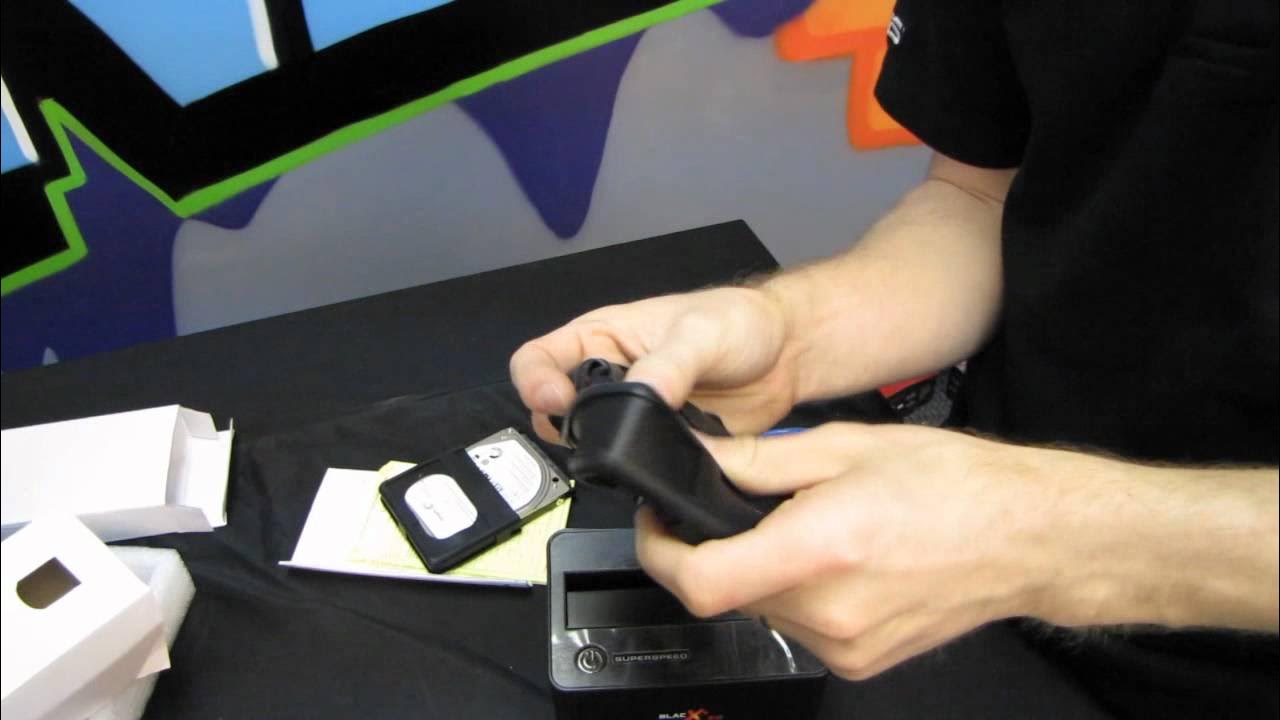
Thermaltake BlacX 5G USB3.0 UASP External Drive Dock Unboxing & First Look Linus Tech Tips
0 up · 0 down · 0 ratings
Description
CA: ncix.com US: us.ncix.com If you're looking for a convenient way to get data on or off of an external 2.5" or 3.5" drive, the Thermaltake BlacX is fast and inexpensive! With USB 3.0 and support for UASP, it's hard to go wrong!
The video is an unboxing and first look at the Thermaltake BlacX 5G USB3.0 UASP external drive dock. Linus Labs examines the product packaging, notes the drive dock supports both 2.5 inch and 3.5 inch SATA hard drives, and highlights key features such as USB 3.0 SuperSpeed, UASP support, a 3-year warranty, and backwards compatibility. He demonstrates the unit’s physical design, including ventilation holes at the back and a front label reader for identifying connected drives, and he physically tests placing a 2.5 inch drive into the dock before discussing the intended use case. The host also points out the included USB 3.0 cable and power adapter, clarifies that drives are not included, and mentions the enclosure’s suitability for transferring large documents, photos, or video files between drives and computers. A substantial portion of the segment is dedicated to setting up the device and describing its straightforward operation, with Linus planning an upcoming comparison between USB 3.0 and USB 3.0 with UASP on a high-end SSD to measure performance gains. He explains that the dock is primarily a testing platform for a broader upcoming video on UASP acceleration, and he signals how the product will fit into his workflow for benchmarking. The ending includes a light remark about the rubber feet and a reminder to subscribe for more unboxings, reviews, and computer videos. Overall, the video balances practical unboxing details with context about how UASP can impact data transfer speeds, and it leaves viewers with a clear sense of what the BlacX 5G is, what it supports, and how it can be used in real scenarios.
Topics · technology · hardware · storage · unboxing
Questions answered
- What is the Thermaltake BlacX 5G USB3.0 UASP External Drive Dock used for?
- It is a dock that lets you connect 2.5 inch or 3.5 inch SATA drives to a computer via USB 3.0, enabling easy data transfer and drive testing without opening a PC.
- What does UASP bring to USB 3.0 in this dock?
- UASP provides an accelerated transfer protocol that can improve speeds compared to standard USB 3.0, especially when using compatible motherboards and drives.
- Does the BlacX 5G include drives or require them to function?
- Drives are not included; the dock ships with a USB 3.0 cable and power adapter, but you must supply your own hard drive or SSD.