HD Tutorial: Disable User Account Control
0 up · 0 down · 0 ratings
Description
***WATCH IN HD*** Ever wanted to just turn off those annoying pop-ups in Windows Vista? Well with a few clicks and just 1 reboot, you can do just that. Simply follow the instructions provided in this HD tutorial - and be UAC free! ***I only recommend this for Vista's more experienced user population - only do this if you're confident you know what you're doing with your computer. Enjoy - SUBSCRIBE
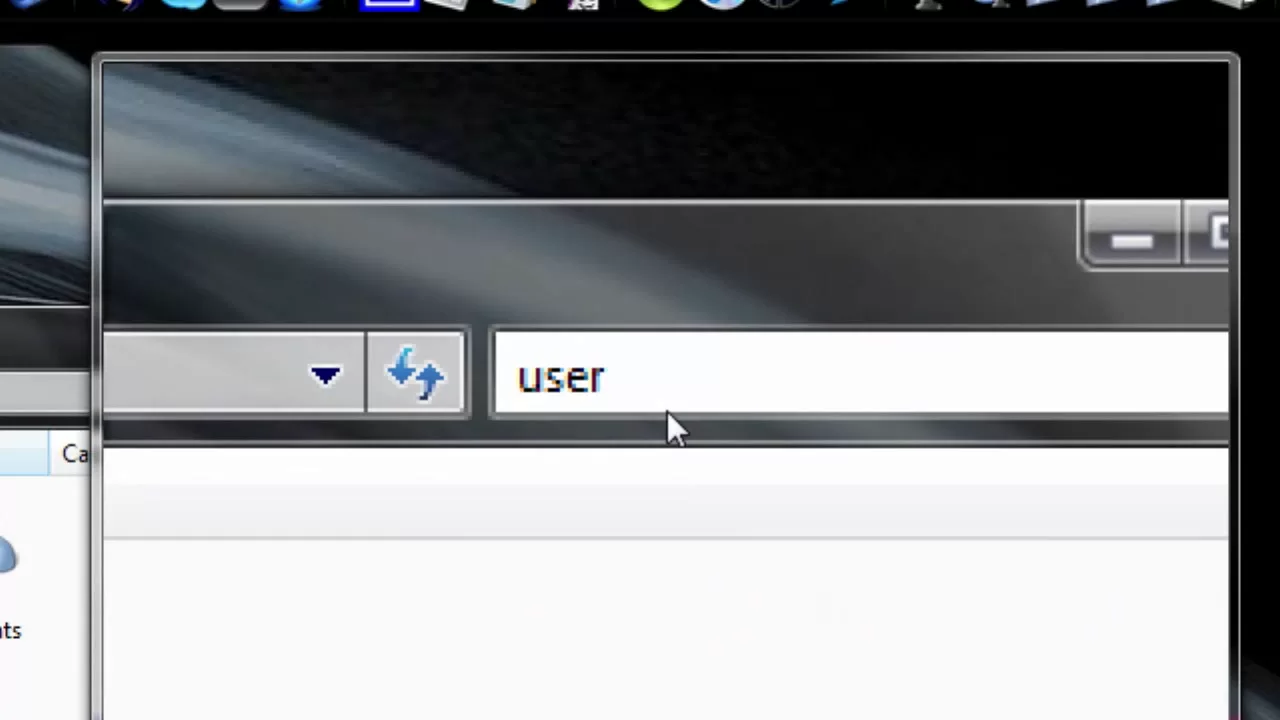
This HD tutorial demonstrates how to disable User Account Control (UAC) in Windows Vista. The presenter starts by cautioning that the procedure is intended for advanced users who are comfortable with their computers. He instructs viewers to open the Start Menu, access the Control Panel, and use the search box to locate User Accounts. After selecting the relevant option, he shows how to turn off UAC by unchecking the box and clicking OK, noting that a restart is required for the changes to take effect. The video also explains that UAC prompts will still appear until the reboot completes, and briefly mentions that this change can be reversed by enabling UAC again and restarting. Finally, the presenter demonstrates an example of running a program as an administrator to illustrate how UAC prompts behave and confirms the overall steps to disable UAC. The tone is practical and direct, emphasizing that the method is simple but should be undertaken with confidence. By the end, viewers are informed that a single reboot is necessary and that re-enabling UAC is reversible, making the process straightforward for users who need to reduce pop-up interruptions in Vista.
Topics · technology · how-to · tutorial
Questions answered
- How do you disable User Account Control on Windows Vista?
- Open the Start Menu, go to Control Panel, use the search box to find User Accounts, select Turn User Account Control on or off, uncheck the box, click OK, and restart the computer.
- Will UAC prompts still appear after turning it off?
- Yes, UAC prompts will continue to appear until you restart the computer to apply the changes.