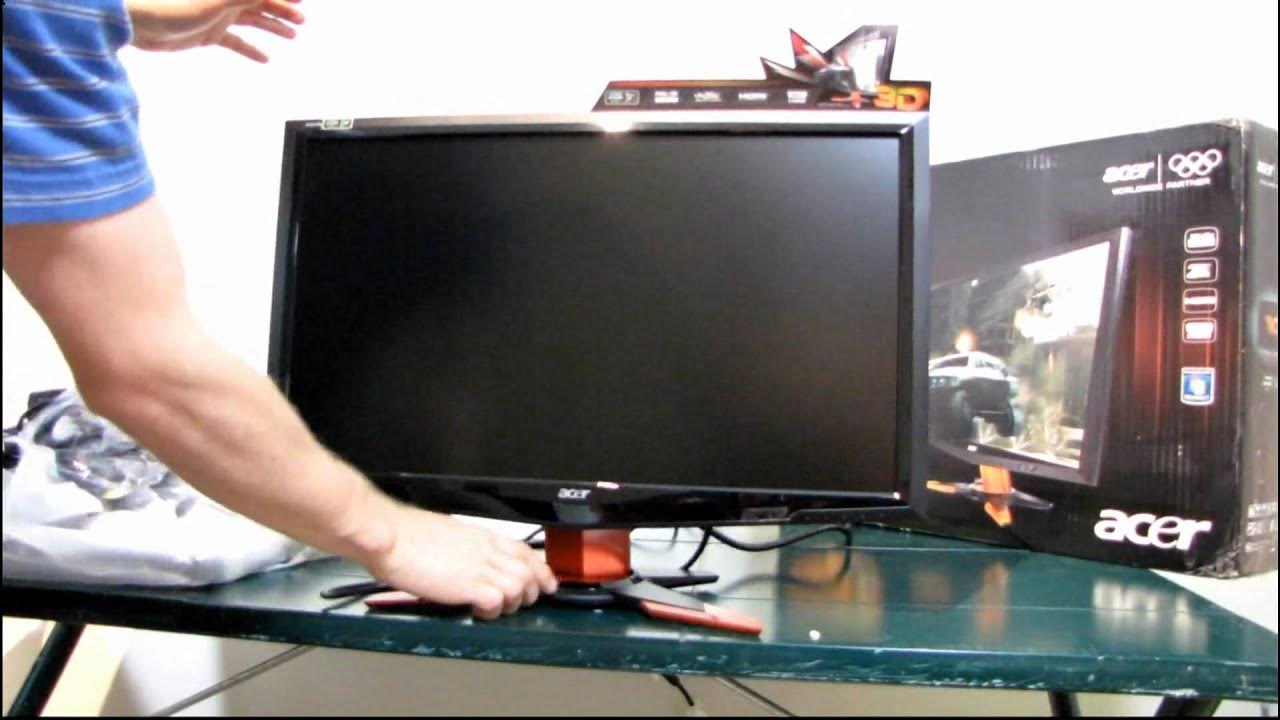
Acer GD235HZ BID 23.6" 3D Vision 120HZ 1080p LCD Monitor Unboxing & First Look Linus Tech Tips
0 up · 0 down · 0 ratings
Description
This is the monitor(s) that I'll be using for my nVidia 3D Vison Surround demonstration
The video presents an unboxing and first look at Acer GD235HZ BID, a 23.6 inch 3D Vision ready LCD monitor, emphasizing its 120 Hz refresh rate and full HD resolution. Linus explains the main selling point is the 120 Hz capability, which provides noticeably smoother image updates compared to a traditional 60 Hz LCD, even when not using 3D Vision. He walks through the included accessories, such as HDMI, DVI (dual link required for 120 Hz at 1080p), VGA, audio out, and the power cable, highlighting how each component enables a complete 3D Vision setup. The setup process is shown, including attaching the monitor to the stand, discussing tilt adjustments, and describing the input options and the mounting possibilities with a VESA mount. Linus also comments on the monitor’s styling, noting orange accents and a metal base, and he points out the minimal physical adjustments aside from tilt. The video teases future content on Nvidia 3D Vision Surround, including multi-monitor configurations for center crosshair visibility and peripheral vision, promising updates on 3D and non-3D surround gaming across multiple displays.
Topics · technology · consumer_electronics · unboxing · gaming monitors
Questions answered
- What makes the Acer GD235HZ suitable for 3D Vision Surround setups?
- The monitor supports a 120 Hz refresh rate at 1080p, which provides twice the image updates per second compared with 60 Hz, a requirement for Nvidia 3D Vision Surround simulations.
- Which cables are included and which input options are available on the GD235HZ?
- The box includes HDMI, a dual link DVI cable, a VGA cable, an audio out jack, and the power cable. The monitor offers VGA, DVI dual link, and HDMI inputs, plus an audio out and a VESA mount option.
- What are the visible physical adjustments and styling notes for this monitor?
- The monitor has a tilt-adjustable stand with a metal base and orange accents, while the on-screen display is controlled by five recessed buttons. There is no pivot or swivel, and the design emphasizes a distinctive cosmetic look.