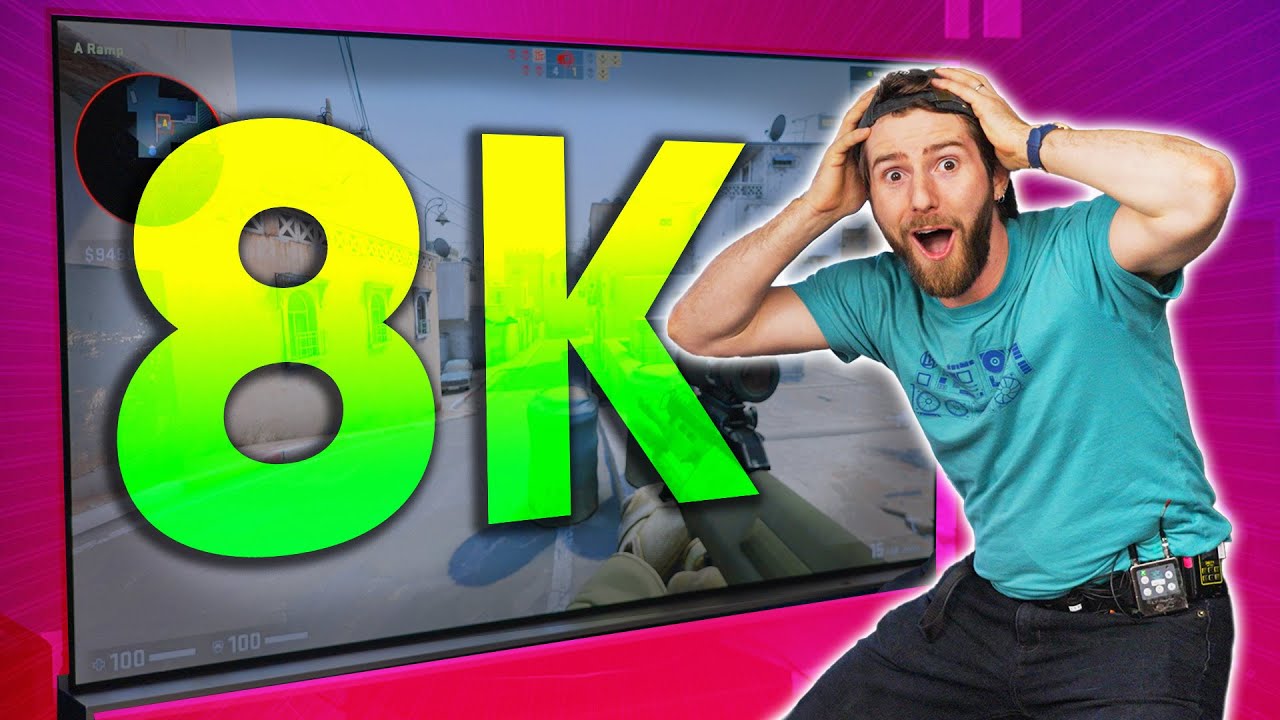
DON'T Game at 8K - RTX 4090 Demo
0 up · 0 down · 0 ratings
Description
Thanks to MSI for sponsoring this video! You can purchase your own RTX 4090 SUPRIM Liquid X 24G at geni.us If you're looking for a great 4K monitor for your gaming,
Promos
check out the MSI Optix MPG321UR-QD at geni.us 8K gaming is finally possible with the new RTX 4090, but does anyone REALLY care? How much of a difference can you even see in games on a giant 8K TV? Discuss on the forum: linustechtips.com Purchases made through some store links may provide some compensation to Linus Media Group. ► GET MERCH: lttstore.com ► SUPPORT US ON FLOATPLANE: floatplane.com ► AFFILIATES, SPONSORS & REFERRALS: lmg.gg ► PODCAST GEAR: lmg.gg FOLLOW US --------------------------------------------------- Twitter: twitter.com Facebook: @LinusTech Instagram: @linustech TikTok: @linustech Twitch: twitch.tv MUSIC CREDIT --------------------------------------------------- Intro: Laszlo - Supernova Video Link: youtube.com iTunes Download Link: itunes.apple.com Artist Link: soundcloud.com Outro: Approaching Nirvana - Sugar High Video Link: youtube.com Listen on Spotify: spoti.fi Artist Link: youtube.com Intro animation by MBarek Abdelwassaa @mbarek_abdel Monitor And Keyboard by vadimmihalkevich / CC BY 4.0 geni.us Mechanical RGB Keyboard by BigBrotherECE / CC BY 4.0 geni.us Mouse Gamer free Model By Oscar Creativo / CC BY 4.0 geni.us CHAPTERS --------------------------------------------------- 0:00 Intro 1:17 Retesting the 3090 3:09 Upgrading to the 4090 4:54 Trying Native 8K 7:20 Is HDR On? 8:03 Something a Little Bit Newer 10:15 Why 8K is a Stupid Bandwagon 16:56 The Math 18:36 Closing Thoughts
Linus Tech Tips explores the practicality of 8K gaming using the RTX 4090, sponsored by MSI. The video opens with a provocative setup, asking whether 8K gaming is genuinely useful or merely a marketing bandwagon. They revisit the concept with a high-end MSI Suprim Liquid X 4090 and a colossal 88 inch LG OLED as the 8K display target, framing their investigation around performance, image quality, and the real difference between 8K and 4K. The hosts retest a prior 8K setup featuring a 3090 to establish a baseline, then upgrade to the 4090 to compare gaming at 8K across several titles and settings. The discussion quickly shifts from raw FPS to the importance of native 8K rendering versus DLSS upscaling, HDR presence, and frame-time stability. They reveal that native 8K rendering can be feasible and surprisingly smooth in some scenarios, though the visual gains can be subtle depending on viewing distance and content. In closing, they acknowledge that while 8K gaming is technically possible, the practical benefits are highly dependent on the game, display size, viewing distance, and whether the extra realism justifies the cost and power draw. They also highlight that the MSI monitor used in the test targets 4K gaming with high refresh and color accuracy, illustrating how high-end hardware can excel in both 4K and 8K contexts. The video ends with a balanced takeaway: 8K gaming is real but not universally transformative, and for many users a 4K experience with high-end GPUs may deliver the best value.
Topics · technology · gaming · hardware
Questions answered
- What GPU was used for the 8K RTX 4090 demonstration and what cooling solution did it have?
- The demonstration used an RTX 4090 Suprim Liquid X with integrated liquid cooling.
- Is 8K gaming shown as native 8K or upscaled in this video, and how did the presenters address the difference?
- The video shows both native 8K and upscaled 8K scenarios; the presenters discuss and sometimes reveal that certain runs are effectively 4K or use upscaling, and they test to assess whether the perceived benefit justifies the cost.