Cisco Valet Wireless N Router Setup Guide Linus Tech Tips
0 up · 0 down · 0 ratings
Description
ncix.com For something that supposed to be so easy, it's... pretty easy :p
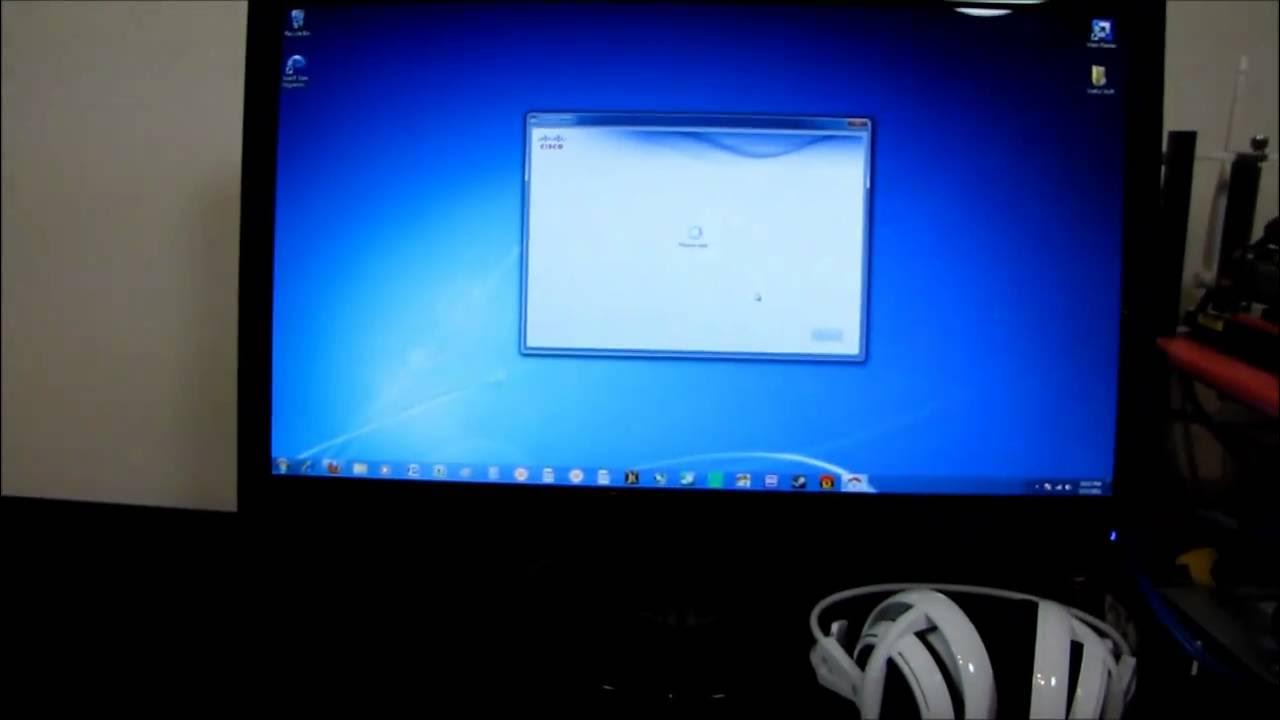
The video provides a hands-on look at the Cisco Valet Wireless N Router, starting with an overview of the hardware including the Valet router unit, its four 1000 Mbps Ethernet ports, and the included USB Wi‑Fi key. The host demonstrates two setup scenarios: first by connecting the Valet to a computer with a third-party wireless card, then by using Cisco’s own Valet connector USB Wi‑Fi card. Throughout the first segment, the host walks through the basic indicators, explains what the easy setup wizard appears to do, and evaluates how the software configures the network name, guest network, and security settings. He notes the wizard’s role in enabling simple, end-user friendly configuration and keeping essential details like the networking name and guest access straightforward for non-technical users. The presenter also provides real-time observations about how the setup prompts guide users through connecting new devices, printing or exporting settings, and reviewing the resulting network profile, including a guest network option and password handling. In a later portion, the video compares the experience of using the Valet USB Wi‑Fi connector to the built-in router setup, highlighting how the two paths converge on similar configuration screens and how advanced options remain available for power users. The conclusion emphasizes the product’s target audience: less technically inclined relatives or friends who need a simple path to internet access, basic parental controls, and guest network management, all via a clear and approachable interface. The host ultimately frames the Cisco Valet as a practical, easy-to-use router solution with a focus on simplicity and safety, while noting some caveats around advanced settings and password visibility for more experienced users. The video blends hardware demonstrations with practical commentary on setup speed, user interface clarity, and everyday family-friendly features. It concludes with a balanced takeaway: the Cisco Valet router and its easy setup key offer a compelling package for straightforward home networking, particularly for those who value a guided, step-by-step experience over deep technical customization, and it recommends this kit for households seeking an uncomplicated, reliable wireless network solution.
Topics · networking · consumer-electronics · tech-guide