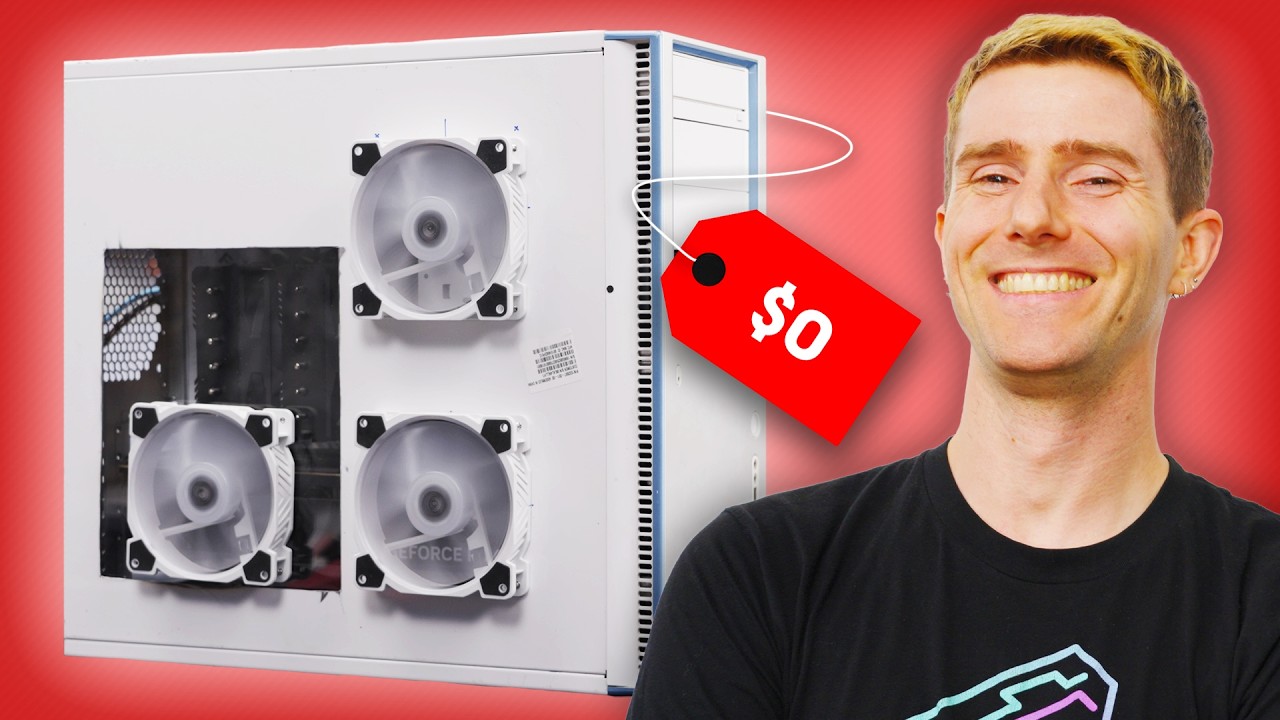
Buying a New Case is a Waste of Money
0 up · 0 down · 0 ratings
Description
Go to ground.news to get 40% off the Ground News Vantage plan. Outsmart algorithms and optimize the way you read the news. Purchase the G.Skill Trident Z5 CK DDR5 RAM at: newegg.com Every year, people spend hundreds of dollars of their computer budget on a new case. BUT you can save that money to upgrade your computer instead! Linus shows Elijah how to take his old computer case and turn it into a MASTERPIECE…well, sort of. Discuss on the forum: linustechtips.com
Check out the EN Labs 5.25 Inch Front 5 Port USB Hub: geni.us
Check out the AMD Ryzen 9 7950X CPU: geni.us
Promos
Check out the ASUS TUF Gaming GeForce RTX 4090 OG OC Edition Graphics Card: geni.us ► GET OUR MERCH: lttstore.com ► GET EXCLUSIVE CONTENT ON FLOATPLANE: lmg.gg ► GET A VPN: piavpn.com ► SPONSORS, AFFILIATES, AND PARTNERS: lmg.gg Purchases made through some store links may provide some compensation to Linus Media Group. CHAPTERS --------------------------------------------------- 0:00 Intro 1:25 Finding the perfect OLD case 2:06 Solving Issue number 1 - Airflow 3:50 ATX Size History 4:42 Issue 2 - How to install backplate? 5:36 The real Case is the Friends we made along the way 5:46 Issue 3 - Modern Front IO 7:06 Issue 4 - Side panel Window and fans 11:01 Professor Adam Explains Power Supplies 11:50 Final build + More 12:38 Cooling Issues? 14:35 The GPU was broken :( 14:51 Testing Thermals 15:09 Buying a new case isn't dumb either 15:46 Conclusion 17:50 Outro
Part 1 introduces the premise of reusing an old or discarded computer case to save money while upgrading a gaming PC. The host frames the project as a creative thrift exercise, emphasizing that a brand new case often costs more than upgrading core components, and that the savings could be redirected toward better parts like CPU, SSD, or memory. He invites Elijah to propose a feature for the new case build and promises to realize it at a fraction of the cost, while also mentioning a sponsor and sponsorship-friendly segments. The discussion surfaces a broad strategy: identify a canvas for modification, assess size compatibility with current hardware, and plan modifications that preserve airflow and accessibility without breaking the budget. The tone blends humor with practical hardware considerations, setting up the build journey as both a challenge and a learning experience about case design and component compatibility.
Topics · Technology · DIY · Gadgets · Computing
Questions answered
- Are you really saving money by using an old case instead of buying a new one?
- Yes, the video argues that you can save a significant portion of the budget by reusing an old case and reallocating funds to higher-end components rather than buying a shiny new case.
- What risks come with modding an old case to fit modern hardware?
- Risks include airflow challenges, space constraints, and potential electrical or mounting issues, which the hosts address by testing cooling, verifying clearance, and adjusting components as needed.
- Is front IO and USB-C support a deal breaker for reusing an old case?
- Not necessarily, as the hosts discuss upgrading or supplementing front IO with external options and modern ports, while considering the cost and practicality of those choices.