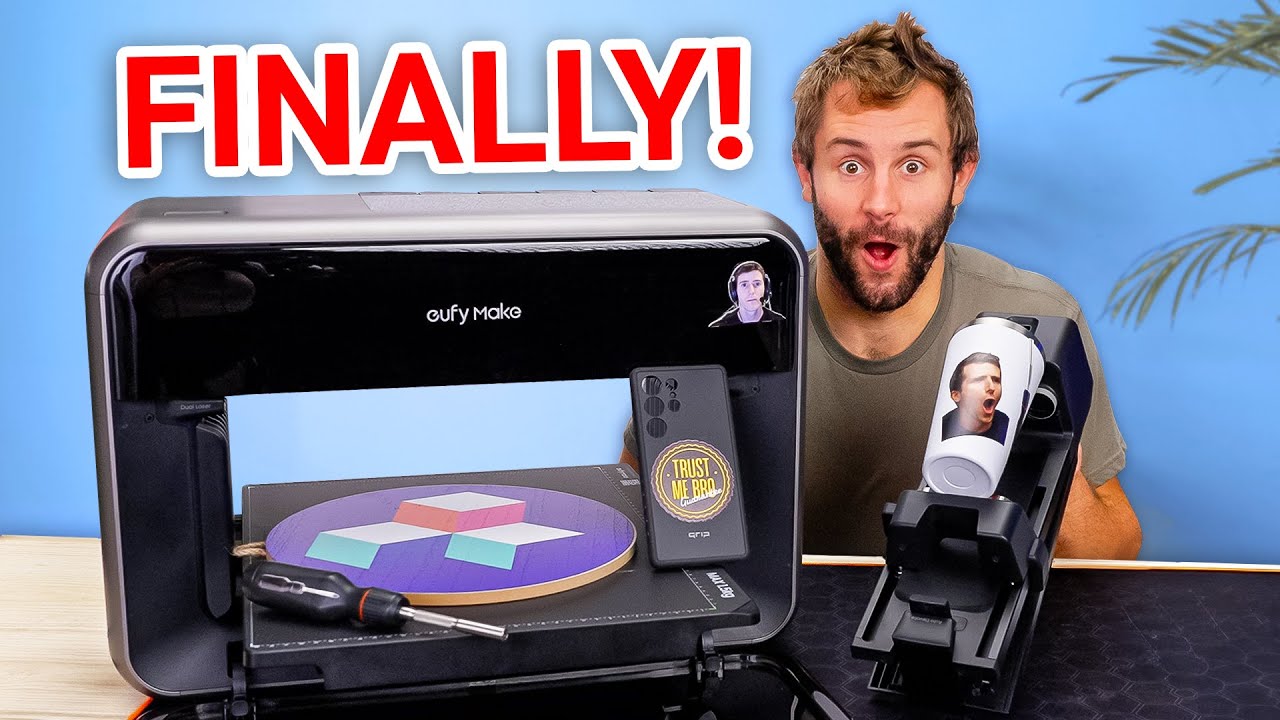
This is HUGE for us! - eufyMake UV Printer E1
0 up · 0 down · 0 ratings
Description
Check out Shopify at shopify.com for a free trial! Tynan from Creator Warehouse checks out a Kickstarter UV printer that promises multi-color, textured prints on everything from flat sheets to bottles. Setup takes some time, but once it’s running, we put it through test prints, rotary jobs, stickers, and even a Linus face texture to see just how capable it really is.
Promos
Check out the eufyMake UV Printer E1: prsm2.com Want us to unbox something? Make a suggestion at lmg.gg ► GET MERCH: lttstore.com ► GET A VPN: piavpn.com ► GET EXCLUSIVE CONTENT ON FLOATPLANE: lmg.gg ► SPONSORS, AFFILIATES, AND PARTNERS: lmg.gg Purchases made through some store links may provide some compensation to Linus Media Group. Affiliate links powered in part by affilimate.com Linus Sebastian is an investor in Framework Computer, Inc CHAPTERS --------------------------------------------------- 0:00 Intro & unboxing 0:21 How UV printing works 0:47 Accessories and filters 3:09 Setting up the printer 5:25 Sponsor 6:33 Initialization and test print 8:15 First real print (dragon) 10:37 More test prints & rotary axis 11:55 Texture experiments and final thoughts 13:30 Pricing and wrap-up
The video opens with an enthusiastic unboxing and initial impressions of the eufyMake UV Printer E1, narrated by a member of Creative Warehouse. The host explains the basic concept of UV printing, highlighting how ink is deposited and cured almost instantly with UV light, and outlines the various accessories included in the kit, such as different beds, a rotary attachment, filtration, and multiple ink cartridges. The setup phase is detailed, including mounting the print head, installing the ink modules, and the safety steps like wearing gloves and using the charcoal filter to minimize fumes. After the hardware is assembled, the host demonstrates connecting to the app and running the initial setup, noting that the process takes time and involves confirming cartridge placements and system initialization. A guided test print follows, with the device calibrating nozzles and the camera, preparing the user for real textures and colors. The first real print,a dragon,shows impressive texture and color depth, though a slight edge bleed reveals a need for alignment precision. Overall, the video moves from unboxing and setup into hands-on testing, exposing the printer’s capabilities across textures, coatings, and various materials, while also discussing practical costs and potential workflow applications for their team.
Topics · technology · unboxing · 3d-printing · manufacturing · hardware-review
Questions answered
- What is the core capability of the eufyMake UV Printer E1 as demonstrated in this video?
- The core capability demonstrated is UV-curable multi-color printing that can produce textured, detailed prints on various substrates, including flat sheets and cylindrical objects, with an emphasis on texture depth and color richness.
- What are some of the key accessories and setup steps shown?
- Key accessories include an ink module system with interchangeable cartridges, a rotary attachment for bottles and round objects, different print beds, a filtration system, and a cleaning kit. Setup steps cover installing ink modules, attaching the filter, connecting to the app, and running initialization and a test print to calibrate the nozzles and camera.
- What costs are mentioned for the printer and cartridges?
- The video notes the printer itself is about $2,500 US, add-ons can bring the total up to around $3,800, and individual ink cartridges cost about $43 each, with a bundled ink and cleaning pack around $300.