Bad Wi-Fi Signal? Use This! - MoCA Explained
0 up · 0 down · 0 ratings
Promos
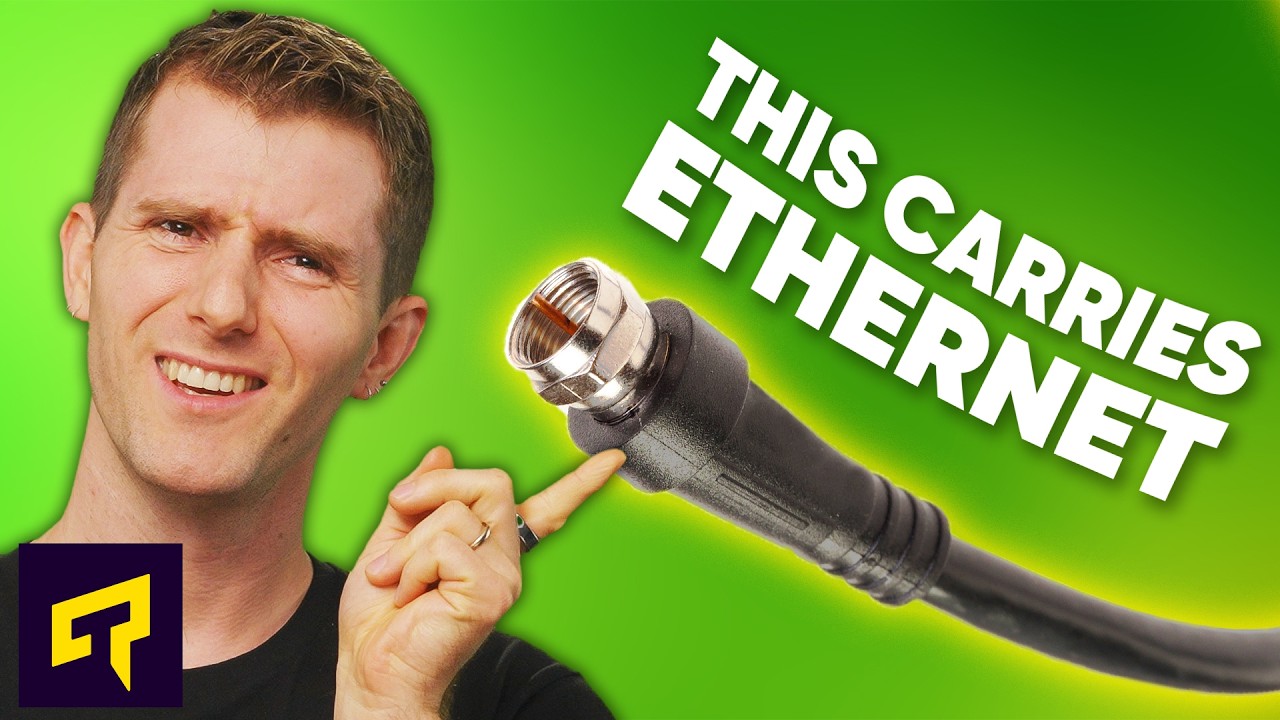
Try Pulseway FREE today, and make IT monitoring simple at: lmg.gg Did you know the coaxial cables in your house that carry cable TV signals and cable Internet can also carry ETHERNET? Learn about the standard that enables this - MoCA - and how it can give your devices a WIRED internet connection even if you don't have Ethernet outlets in your walls. Leave a reply with your requests for future episodes. ► GET MERCH: lttstore.com ► GET A VPN: piavpn.com ► GET EXCLUSIVE CONTENT ON FLOATPLANE: lmg.gg ► SPONSORS, AFFILIATES, AND PARTNERS: lmg.gg
MoCA, or Multimedia over Coax Alliance, is introduced as a practical solution for turning existing coaxial cabling inside a home into a wired network pathway. The presenter explains that MoCA uses a different frequency than typical cable data to avoid interference with cable TV signals, enabling robust high-speed data transfer over coax. A simple two-device setup is described: you connect an Ethernet cable from the router to a MoCA adapter, then plug the adapter into a coax outlet, and repeat the same on the device you want online. The video emphasizes MoCA’s suitability for devices like smart TVs, gaming consoles, and wireless access points, highlighting its encrypted security and potential to eliminate Wi-Fi dead zones without ripping out drywall for Ethernet runs. The comparison to Powerline networking is framed around speed and latency, with MoCA capable of multi-gigabit speeds and lower latency, especially beneficial for gaming and latency-sensitive tasks. While noting downsides such as cost and the need for filters in some installations, the host argues that MoCA remains a practical, less invasive alternative to traditional Ethernet, particularly when coax networks are already present in the home. The episode also points to caveats with older cable modems and TV boxes that may require a filter to prevent interference, and it briefly references Powerline as another option, concluding with encouragement to explore MoCA as a means to improve wired-like performance in everyday setups. Overall, the video positions MoCA as a convenient middle ground between wireless flexibility and hard-wired reliability, suitable for households seeking better speeds without major renovations or wall-wiring projects.
Topics · technology · internet · home_networking · networking
Questions answered
- What does MoCA stand for and what is its basic purpose?
- MoCA stands for Multimedia over Coax Alliance, and its purpose is to use existing coaxial cables in a home to carry Ethernet data, enabling wired-like connectivity without rewiring walls.
- How do you set up MoCA in a typical home?
- You connect an Ethernet cable from your router to a MoCA adapter, plug the adapter into a coax wall outlet, and repeat the process at the device you want online, such as a PC or smart TV.
- How does MoCA compare to Powerline networking?
- MoCA generally offers higher speeds and lower latency than Powerline, with multi-gigabit capabilities, though it can be more expensive and may require filters to prevent interference from cable services.