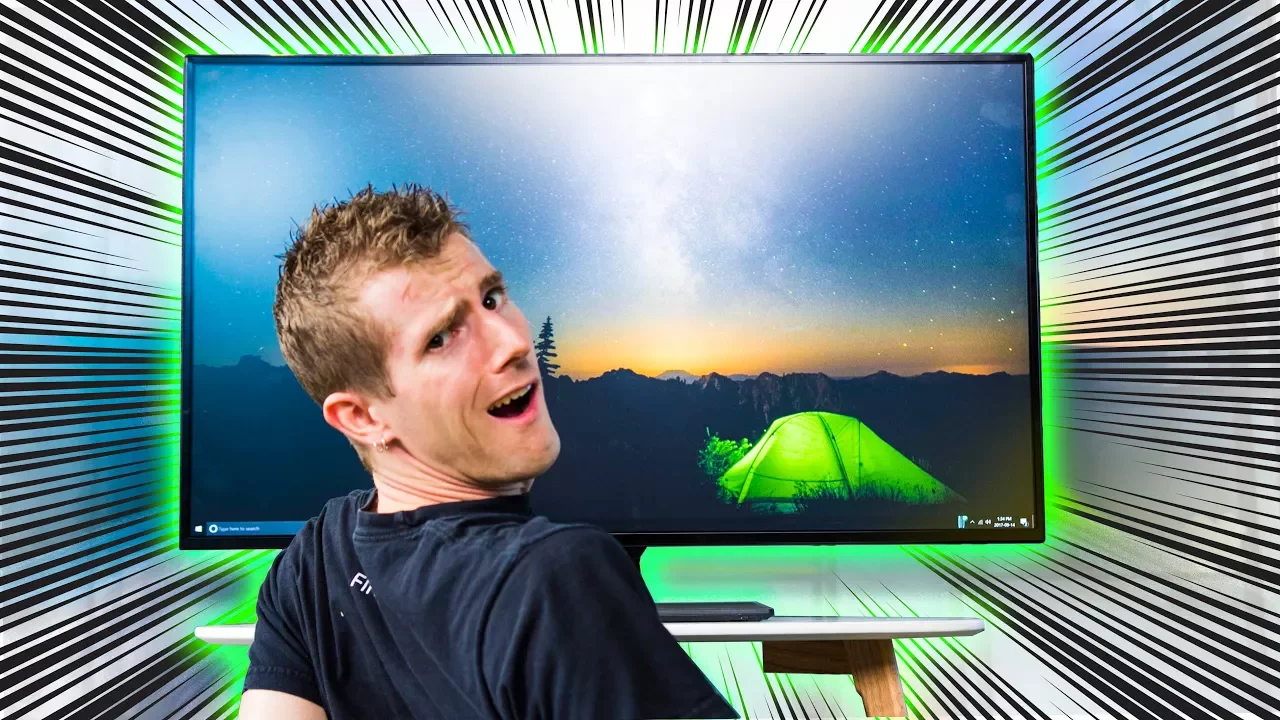
Should you Buy THIS Monitor.. or a TV?
0 up · 0 down · 0 ratings
Description
This 43" monitor from LG is absolutely HUGE- but what's the difference between a big monitor and a TV? And what should you buy? Get iFixit's Pro Tech Toolkit now for only $59.95 USD at ifixit.com
Promos
Check out Ibuypowers gaming desktops featuring Intel's 7th Generation Core i7 7700K processor on Newegg: geni.us Buy LG 43UD79-B Amazon: geni.us Newegg: geni.us linustechtips.com Our Affiliates, Referral Programs, and Sponsors: linustechtips.com Linus Tech Tips merchandise at designbyhumans.com Linus Tech Tips posters at crowdmade.com Our production gear: geni.us Twitter - twitter.com Facebook - @LinusTech Instagram - @linustech Twitch - twitch.tv Intro Screen Music Credit: Title: Laszlo - Supernova Video Link: youtube.com iTunes Download Link: itunes.apple.com Artist Link: soundcloud.com Outro Screen Music Credit: Approaching Nirvana - Sugar High youtube.com Other Music Credits: Title: MYRNE - Confessions (feat. Cozi Zuehlsdorff) Listen on Spotify: monster.cat Video Link: youtube.com Sound effects provided by freesfx.co.uk
The video opens by framing the central question: should you buy a large dedicated computer monitor or a television for near-field viewing? It explains that historically monitors have been smaller with higher pixel density for close-up work, but 4K Ultra HD makes a 43-inch TV-like display capable of matching the detail of a much smaller monitor when viewed from roughly the same distance. The host introduces LG's 43 UD79-B as a hybrid device that behaves like a TV in size but is marketed as a monitor, highlighting its large IPS panel, wide viewing angles, and the intention to balance multitasking productivity with immersive media consumption. The discussion moves through practical use considerations including stand weight, limited height adjustability, and the provision of a remote, which mirrors TV-like usability. The video then compares how such a device handles window management, content creation tasks, and web surfing at desk distance, noting that the extra vertical space can be advantageous for some workflows while the width can demand more mouse movement and cause fatigue. Throughout, it emphasizes real-world tradeoffs: image quality versus text readability, the appeal of integrated speakers, and the fact that this category sits between traditional monitors and TVs in both performance and price. The host ends with a nuanced verdict that while the LG 43 UD79-B offers compelling features and a strong price, it may not fully satisfy hardcore gamers or professionals seeking top-tier gaming features or professional-grade color accuracy, leaving the decision to individual needs and preferences.
Topics · technology · consumer_electronics · display_technology · video_tvs
Questions answered
- What is the main difference between a large monitor and a TV as discussed in the video?
- The video explains that a large monitor and a TV can share similar image detail at close desk distance due to 4K resolution, but they differ in intended use, features, and ergonomics. Monitors tend to emphasize color accuracy and adjustability for productivity, while TVs prioritize built-in speakers and media-friendly features, sometimes at the expense of monitor-specific perks like high refresh rates or extensive color tuning.
- Why might someone choose the 43 UD79-B over a traditional TV or a smaller monitor?
- Because it combines a large screen with near-monitor usability, offering ample vertical space for multitasking and a TV-like convenience factor such as a remote and speakers, all at a price point between typical monitors and 4K TVs. However, it may lack some advanced gaming features and full ergonomic adjustability, so the choice depends on whether the user values space and convenience over peak gaming performance or professional-grade color work.