How to Flash an ASUS Motherboard BIOS Linus Tech Tips
0 up · 0 down · 0 ratings
Description
This is the second in my series of videos on updating the BIOS or firmware of a motherboard.
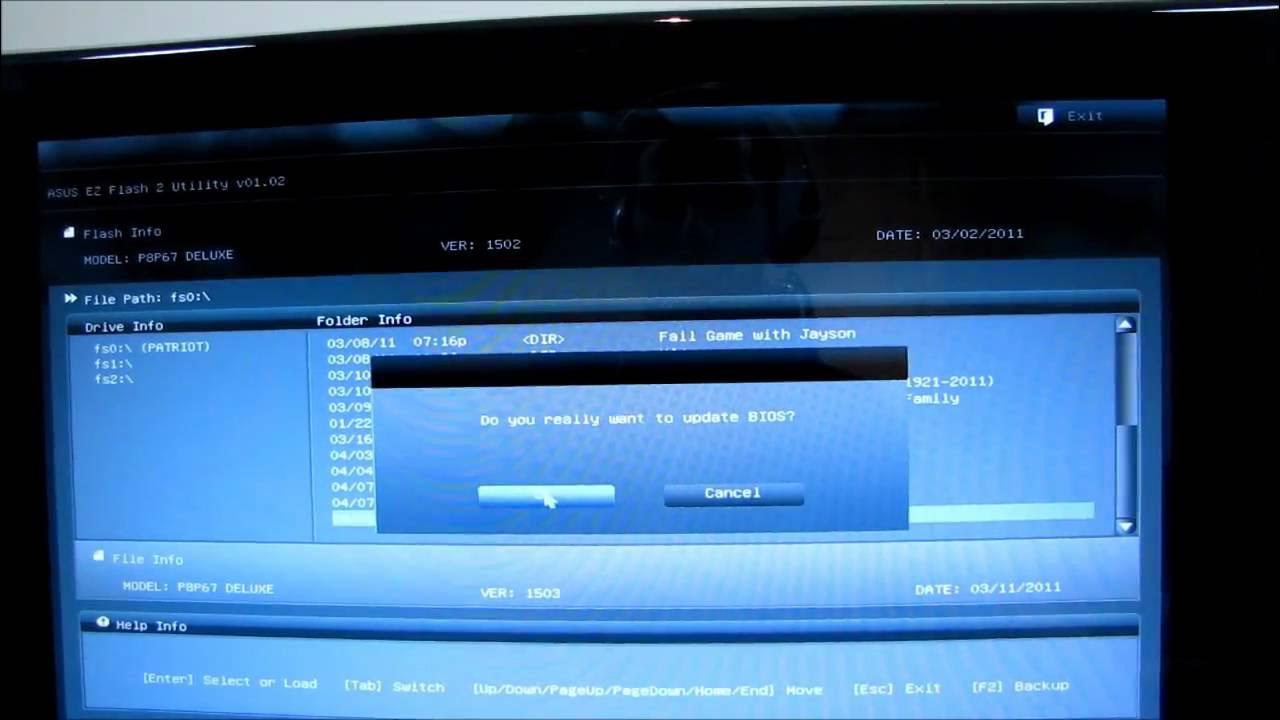
The video walks through flashing an ASUS motherboard BIOS in a straightforward, step by step process. It starts with navigating to the ASUS support website, using the product name (in this case a P67 Deluxe motherboard) to locate the BIOS downloads, and selecting the appropriate BIOS update file. The host demonstrates downloading the ROM file and copying it to the root of a USB flash drive, noting that the board uses an EFI BIOS which requires larger BIOS files for the graphical interface. After rebooting the system and entering the BIOS, the guide shows using the Advanced mode and the Easy Flash 2 utility to select and read the downloaded BIOS file from the USB drive, then initiating the flash. The presenter emphasizes precautions such as running at stock speeds to avoid instability during flashing and using a UPS or reliable power source to prevent power loss mid-flash, which could brick the motherboard. Upon completion, the video covers how to verify the BIOS version in Windows using CPU-Z and the motherboard’s main page, and it concludes with a reminder that flash logs are often vague, suggesting updates may improve functionality beyond what the changelog explicitly states. Finally, the host encourages viewers to subscribe for more hardware content, including unboxings and reviews, while noting that BIOS updates are generally recommended only when issues are present but can be beneficial for compatibility or new features.
Topics · technology · how-to · computers