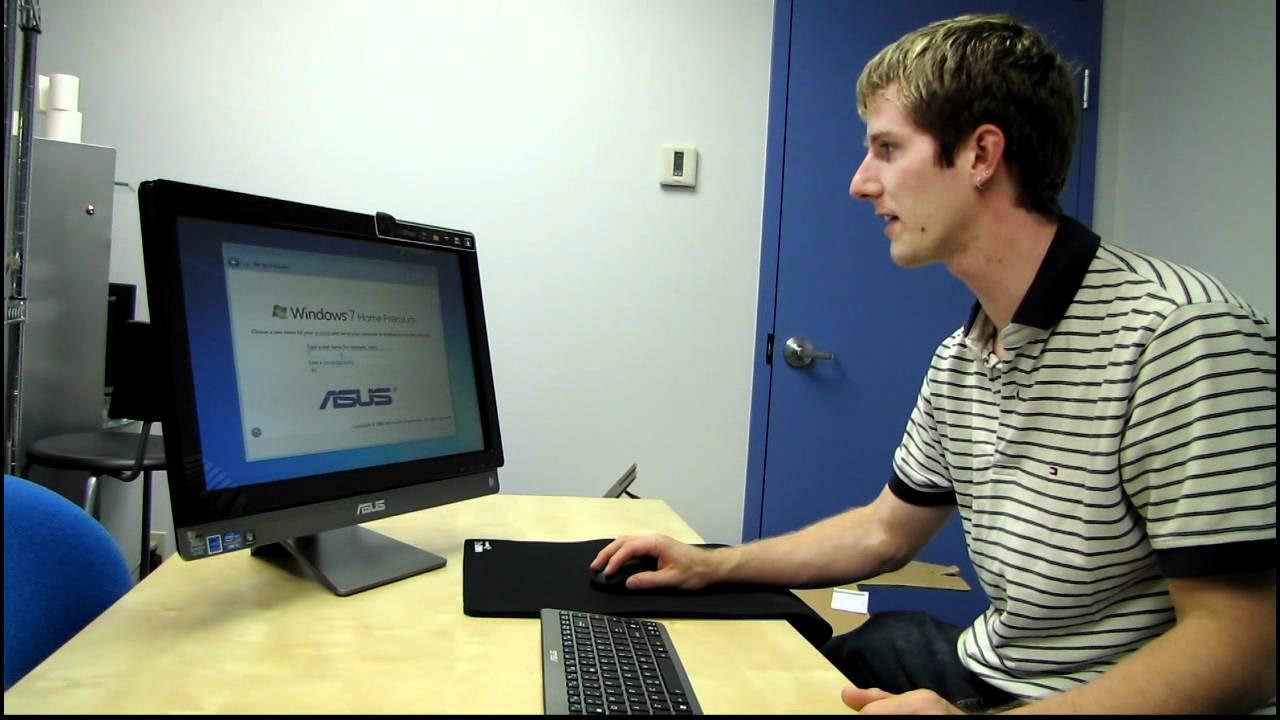
ASUS ET2410 Series All in One Touchscreen Desktop PC Unboxing & First Look Linus Tech Tips
0 up · 0 down · 0 ratings
Description
ncix.com ASUS style just keeps improving with every generation of these all in one desktop PCs. This particular one has great hardware, a very slick overall design, and a fantastic touchscreen display!
The video opens with Linus introducing the ASUS ET2410 All-in-One as an eco-friendly package, emphasizing its recycled content and rebuild focus. He outlines the product family, highlighting the ET2410 24-inch model as a mid-to-high end option with a Core i5 processor, 6GB of RAM, a 1TB hard drive, Windows 7 Home Premium, and a 23.6-inch multi-touch display. Linus discusses the design language, including the metal stand and slim profile, and compares it to other sizes in the ET2410/ET2700 line, noting the absence of a Blu-ray drive on this specific unit. He then unboxes the kit contents, including a wireless mouse, keyboard, the bundled dongle, batteries, and the power brick, and comments on the keyboard's solid feel and the overall build quality. The unboxing is followed by a setup walkthrough where Linus demonstrates language options, the steps to boot Windows, and initial driver installations. He repeatedly checks the unit's physical features, such as the tilt mechanism of the stand, side USB 3 ports, HDMI out, and VGA/HDMI inputs for expanding to a second display or connecting to a project. Linus also highlights practical use cases, like using the HDMI input to connect a laptop for presentations and the non-upgradable nature of all-in-ones being mitigated by using the ET2410 as a monitor with another PC. He shows the front camera, microphone, and touch surface, praising the screen's stability and touch responsiveness while noting the lack of screen discoloration when touched. In the closing portion, Linus boots Windows on the ET2410, explores the responsive touch capabilities with software like MS Paint, and contemplates testing Windows 8 on the device to gauge touchscreen optimization. He summarizes the value proposition of including wireless peripherals and the potential for wall-mounting, and teases a future NC Tech Tips episode to dive deeper into Windows 8 on this hardware. The overall impression is positive: the ET2410 combines a solid chassis, useful I/O options, and a practical all-in-one approach, making it viable for office or media-center setups. Linus concludes with a call to subscribe for more unboxings and reviews while noting that more coverage on Windows 8 could further demonstrate the device’s touchscreen capabilities.
Topics · Technology · Computers · Reviews · Unboxing
Questions answered
- What are the key hardware specs of the ASUS ET2410 showcased in this video?
- The ET2410 features a Core i5 2310 processor, 6GB of RAM, a 1TB hard drive, Windows 7 Home Premium, and a 23.6 inch 1080p multi-touch display with integrated Intel graphics.
- What accessory setup comes included with the unit?
- Included accessories are a wireless mouse, a keyboard, a dongle for the wireless peripherals, batteries for the mouse and keyboard, a power brick and power cable, and a quick start guide.
- What are the notable I/O options on the ET2410?
- On the side there are USB 3 ports and audio jacks; on the rear there are USB ports, gigabit Ethernet, HDMI out, and HDMI and VGA in for second display input, plus a DVD reader writer for optical media.