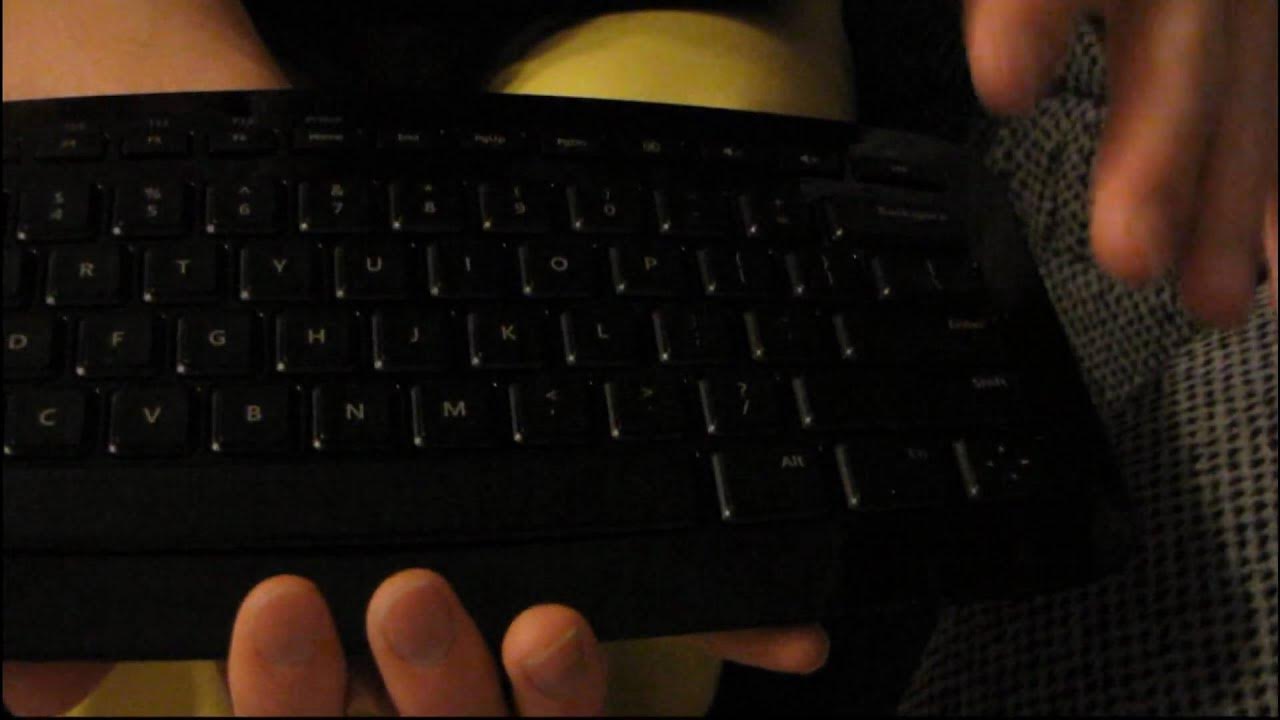
Microsoft Arc PC & Mac Wireless Compact Keyboard Unboxing & First Look Linus Tech Tips
0 up · 0 down · 0 ratings
Description
I think this thing is pretty cool, but not as cool as the Men's Hockey gold medal game I just watched!
The video presents a hands on unboxing and first look at the Microsoft Arc Wireless Compact Keyboard, designed for PC and Mac. Linus walks through the packaging, noting the premium cloth sheath that protects the device and the way Microsoft positions the Arc as a stylish, space saving input option. He demonstrates the unboxing sequence, including removing the protective cover, revealing the Nano transceiver stored in a magnetic compartment, and the battery compartment designed to hold two AAA batteries. Linus then describes the keyboard’s shape and ergonomics, highlighting the distinctive arc curve and the compact layout which fits neatly on a lap or a couch surface while still allowing comfortable typing. He comments on the thoughtful packaging, quick start guide, and the overall presentation, while pointing out practical aspects like the single Windows key and the modified arrow key arrangement that doubles as navigation controls. The overall impression is that the Arc is a purposeful, design focused keyboard aimed at reducing footprint without sacrificing essential functionality, including media controls and a reasonable key layout for everyday use. Linus also notes some conveniences such as the magnetic transceiver and the compact battery setup, while acknowledging its limitations like the lack of backlit keys and the absence of dedicated play and pause controls. In closing, he reflects on the user experience of the unboxing, the potential media center use case, and his takeaway that the Arc keyboard represents a clever hardware component with strong presentation and a unique form factor that still delivers practical wireless PC and Mac compatibility.
Topics · technology · hardware · unboxing · peripherals · input-devices · pc-mac-accessories
Questions answered
- What powers the Microsoft Arc keyboard and how is it organized for portability?
- The keyboard is battery powered using two AAA batteries, stored in a dedicated compartment, and it includes a magnetically secured Nano transceiver for wireless connectivity.
- How is the Windows key implemented on the Arc keyboard, and what other layout choices are notable?
- There is only one Windows key, with a function key used to access Windows functions, and the right side replaces some keys with arrow controls and a compact function layer for F1 to F12.
- What are some practical use cases and missing features mentioned in the unboxing?
- A practical use case discussed is using it from the couch for media control; missing features noted include backlit keys and explicit play/pause controls.