Don't Do This With Your PC
0 up · 0 down · 0 ratings
Promos
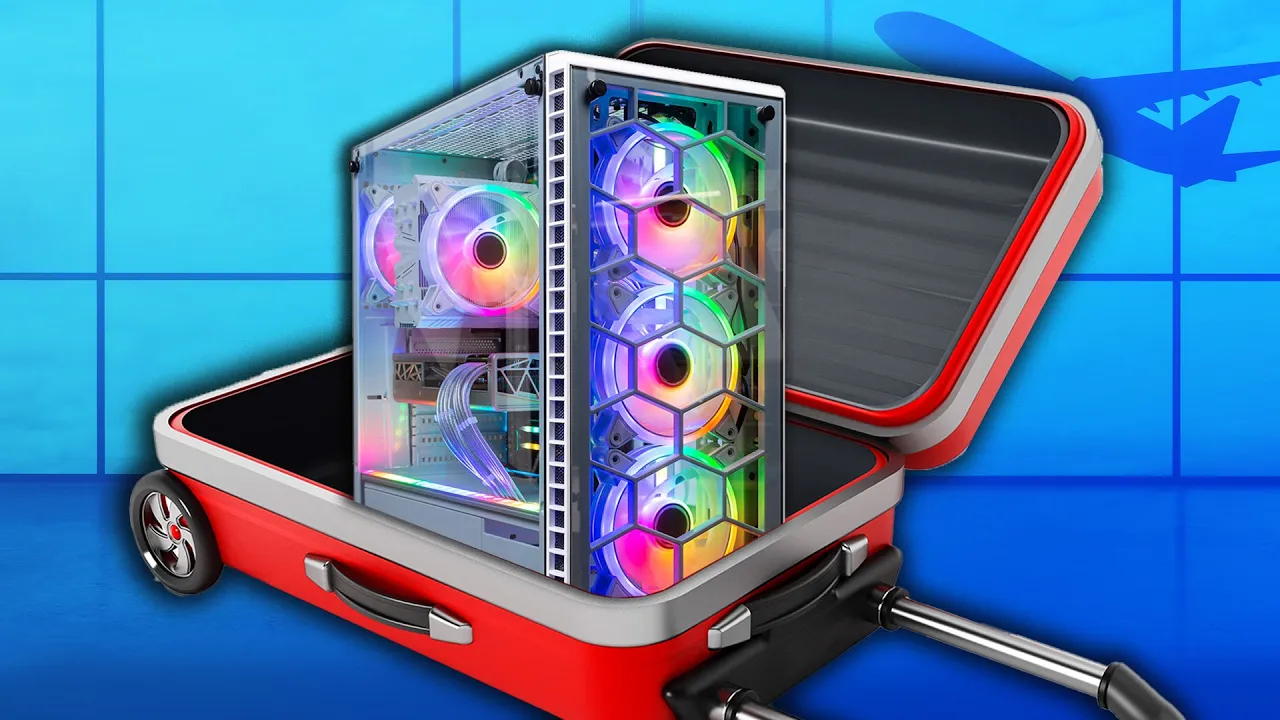
Thanks to Secretlab for sponsoring today's video! Check them out at lmg.gg We answer straightforward tech questions from around the internet - what do you do if your PC fans are rattling? Can you put a PC in your luggage? And can you add more VRAM to your graphics card? Leave a reply with your requests for future episodes. ► GET MERCH: lttstore.com ► COME TO LTX 2023: lmg.gg ► GET EXCLUSIVE CONTENT ON FLOATPLANE: lmg.gg ► AFFILIATES, SPONSORS & REFERRALS: lmg.gg ► OUR WAN PODCAST GEAR: lmg.gg FOLLOW US ELSEWHERE --------------------------------------------------- Twitter: twitter.com Facebook: @LinusTech Instagram: @linustech TikTok: @linustech Twitch: twitch.tv
The video addresses common, sometimes overlooked, technical questions about PCs with practical, no-nonsense guidance. It begins by diagnosing why PC fans might rattle, emphasizing simple physical checks inside the case. The presenter explains that cables can rub against fan blades and that dust buildup can impede motion, recommending a quick sanity check of internal obstructions followed by cleaning and tightening screws to secure fans. If those basic steps don’t resolve the issue, the video suggests lubricating the fan bearings with a few drops of machine oil as a last resort before replacing the fan for a quieter operation. The discussion then shifts to traveling with a PC or components, including how security and baggage screening treat lithium batteries, the advisability of carrying heavy parts like graphics cards in luggage, and the possibility of bringing an all-in-one cooler through security. The segment closes with sponsorship content for Secret Lab chairs and a concise verdict on VRAM upgrades, clarifying that VRAM cannot be added post-purchase and that memory is integrated with the GPU, so upgrading should focus on selecting a GPU with adequate VRAM or lowering game settings or resolution. Throughout, the host invites viewer questions for future episodes, encouraging practical, crowd-sourced topics and promising further insights in upcoming videos.
Topics · technology · computer_hardware · pc_maintenance · travel_electronics
Questions answered
- Can I fix a rattling PC fan with simple internal checks?
- Yes. Start by checking for cables or objects hitting the fan blades, remove dust, ensure fans are securely screwed in, and if needed, apply a few drops of machine oil to the bearings before considering a fan replacement.
- Is it safe to travel with a desktop PC on a plane?
- Desktop PCs can be carried on, but avoid carrying a loose lithium battery in checked luggage. Remove heavy components like graphics cards and pack them separately, and you can also bring an all-in-one cooler through security.
- Can you add more VRAM to a modern graphics card?
- No, VRAM is soldered to modern GPUs and is not expandable. If you need more VRAM, you should upgrade to a GPU that has enough VRAM for your games or lower the resolution and settings.