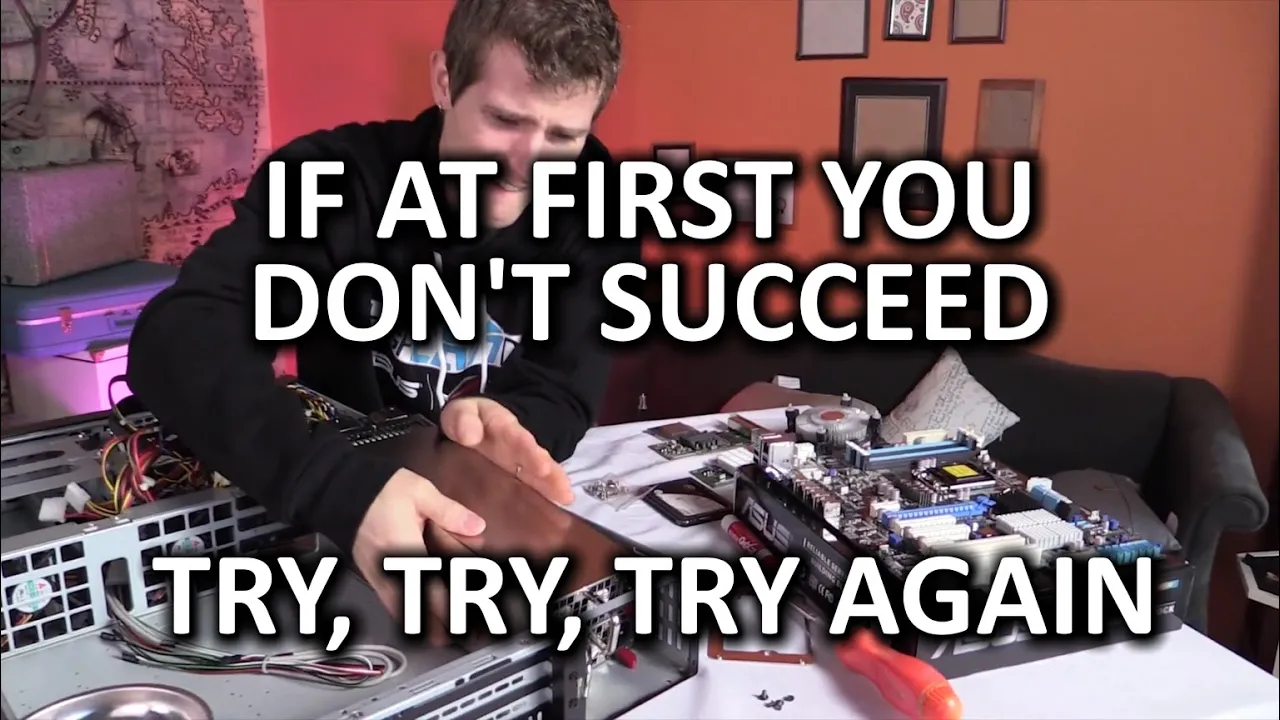
DIY pfSense Rackmount Router Build Log - Part 3: Third Time's the Charm?
0 up · 0 down · 0 ratings
Channels and socials
I decided to take yet another crack at the DIY pfSense router... Is it overkill? Yes. Is it badass? Also yes. Did it ACTUALLY work this time? Let's find out... Zotac giveaway: linustechtips.com Cooler Master pre: linustechtips.com Pricing & discussion: linustechtips.com Support us: linustechtips.com Join our community forum: bit.ly twitter.com @LinusTech To purchase iStarUSA Group products, check with your favorite electronics retailer such as Newegg, Synnex, Ma Labs, ASI, or Amazon, or visit istarusa.com For custom orders or OEM/ODM projects, please
Contact
contact iStarUSA Group directly. iStarUSA Group home page: istarusa.com iStarUSA Group Facebook: @iStarUSA iStarUSA Group Twitter: twitter.com iStarUSA Group LinkedIn: linkedin.com Intro Screen Music Credit: Title: Laszlo - Supernova Video Link: youtube.com iTunes Download Link: itunes.apple.com Artist Link: soundcloud.com Outro Screen Music Credit: Approaching Nirvana - Sugar High youtube.com
Part 3 of the DIY pfSense Rackmount Router Build Log documents Linus Tech Tips trying a third build attempt after previous chassis issues, aiming for a reliable pfSense-based router in a 2U rack chassis. The video begins with a justification of selecting a Cooler Master MasterCase 5 chassis and a iStarUSA D200LS enclosure, highlighting the need for a form factor that fits a rack and allows rotation of expansion cards for full-height PCIe devices. He details the hardware lineup, including a server-grade P9D motherboard, an Intel Xeon 1265L v3 CPU, dual redundant power supplies, and multiple NICs (i340-T4 and i350-based SFP) to reach a total of 12 RJ-45/SFP ports, plus room for future expansion. The narration emphasizes reliability for a mission-critical router, with considerations like ECC RAM and a Goole-based feature set in pfSense, to enable strong firewall, port-forwarding, and monitoring capabilities. After assembling the system, the video covers the initial post and BIOS checks, addressing the persistent theme of risk and reward when attempting an overkill build for networking gear. The pfSense installation is shown as a straightforward wizard-driven process, including choosing between embedded or full install and configuring the management IP for local network access. The host then explains the pivot from Cisco to pfSense and what pfSense brings in terms of performance, visibility, and plugins for monitoring bandwidth and IP usage. The segment closes with a plug for a Zotac Magnus EN970 giveaway, followed by a call for viewers to like, subscribe, and participate in the community while acknowledging that the build is intentionally overpowered for the purpose of experimentation and learning.
Topics · technology · do_it_yourself · networking · servers · hardware · review
Questions answered
- Why did the creator choose a high-end 2U chassis for a pfSense router?
- The creator chose a chassis that fits in a standard rack, supports full-height expansion cards, and enables a reliable dual-power-supply setup for mission-critical operation, arguing that pfSense benefits from high performance and visibility features that justify an overbuilt build.
- What pfSense installation options are discussed, and which was chosen?
- The video explains embedded versus full pfSense installations; the choice depends on the desired feature set and disk usage, with embedded being lighter and the full install offering more features at the cost of disk activity.
- What is the final outcome of the build in this part of the series?
- The build is completed, the system posts, pfSense is installed, and the router is demonstrated to be functioning, albeit with some initial network setup challenges due to fiber media issues that were resolved during configuration.