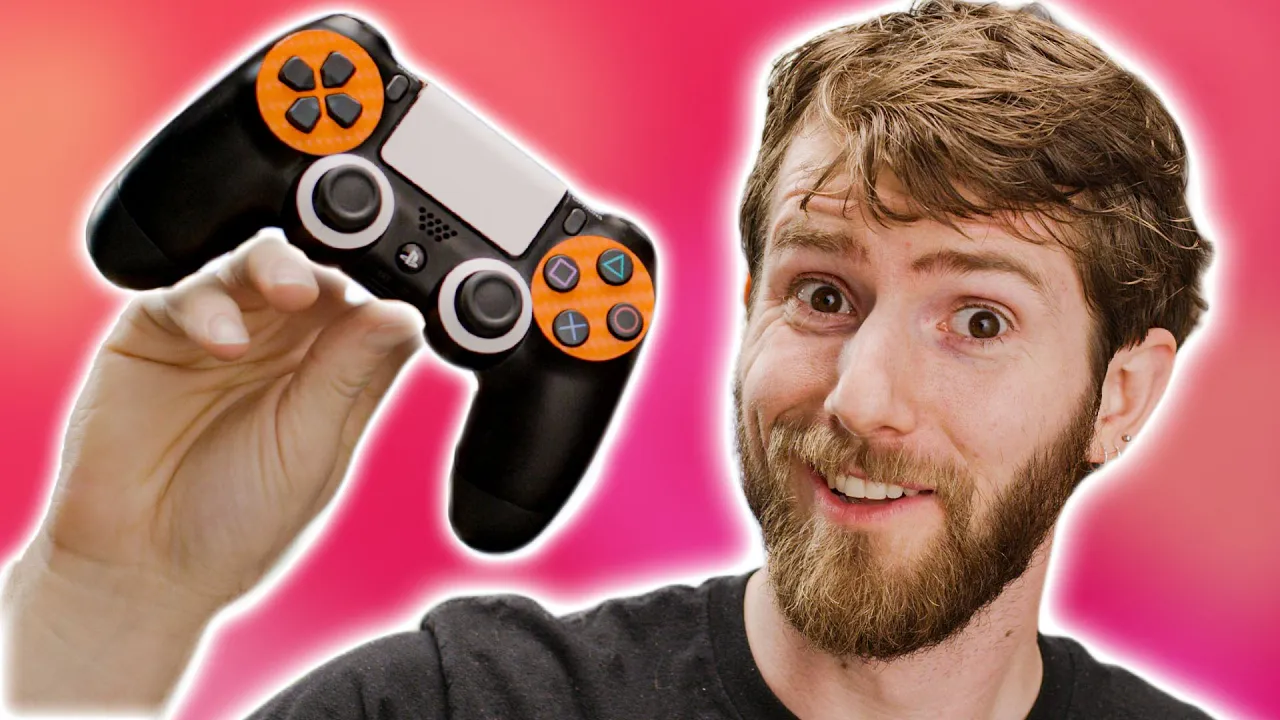
This is the BEST game controller. Let me explain…
0 up · 0 down · 0 ratings
Description
Check out the Wiki: gyrowiki.jibbsmart.com
Promos
Sign up for Private Internet Access VPN at lmg.gg Save 10% and Free Worldwide Shipping at Ridge Wallets by using offer code LINUS at ridge.com Is there a middle ground to the controller vs mouse & keyboard war?? Is JoyShockMapper any good? Want to add air mouse functionality and use stuff you already have? That’s what Jibb Smart aimed to do with his development of JoyShockMapper, allowing users to easily integrate the Dual shock 4, Switch pro controller, and Joy Cons into everyday gaming similar to that of the Xbox controller. Follow JibbSmart: twitter.com/JibbSmart JoyShockMapper: github.com
Check out Jibb's channel: youtube.com/c/GyroGamingJS Buy DualShock 4: On Amazon (PAID LINK): geni.us On Newegg (PAID LINK): geni.us Buy Switch Pro Controller: On Amazon (PAID LINK): geni.us On Newegg (PAID LINK): geni.us Buy Joy Cons: On Amazon (PAID LINK): geni.us On Newegg (PAID LINK): geni.us Purchases made through some store links may provide some compensation to Linus Media Group. Discuss on the forum: lmg.gg GET MERCH: lttstore.com SUPPORT US ON FLOATPLANE: floatplane.com LTX EXPO: ltxexpo.com AFFILIATES & REFERRALS --------------------------------------------------- Affiliates, Sponsors & Referrals: lmg.gg Get Private Internet Access VPN at lmg.gg Get a Mech Keyboard: geni.us NEEDforSEAT Gaming Chairs: geni.us Get a Displate Metal Print at lmg.gg Use code LINUSMEDIAGROUP on Epic Games Store: lmg.gg Get a 30-day free trial of Amazon Prime at lmg.gg Our Gear on Amazon: geni.us FOLLOW US ELSEWHERE --------------------------------------------------- Twitter: twitter.com Facebook: @LinusTech Instagram: @linustech Twitch: twitch.tv FOLLOW OUR OTHER CHANNELS --------------------------------------------------- Techquickie: lmg.gg TechLinked: lmg.gg ShortCircuit: lmg.gg LMG Clips: lmg.gg Channel Super Fun: lmg.gg Carpool Critics: lmg.gg MUSIC CREDIT --------------------------------------------------- Title: Laszlo - Supernova Video Link: youtube.com iTunes Download Link: itunes.apple.com Artist Link: soundcloud.com Outro Screen Music Credit: Approaching Nirvana - Sugar High youtube.com Monitor And Keyboard by vadimmihalkevich / CC BY 4.0 lmg.gg Mechanical RGB Keyboard by BigBrotherECE / CC BY 4.0 lmg.gg Mouse Gamer free Model By Oscar Creativo / CC BY 4.0 lmg.gg
This video opens by addressing a common grumble among gamers who rely on traditional analog sticks, arguing that aiming precision is a weak point for most controllers. The host then introduces JoyShockMapper, an open source tool that turns a DualShock 4, Switch Pro Controller, or Joy-Cons into a handheld mouse-like input by remapping controller actions to keyboard and mouse events. The discussion emphasizes that while gyro sensors on controllers exist, they have often been underutilized in mainstream games, and JoyShockMapper acts as a translation layer so PC games can interpret gyro-based inputs just like a mouse. The host highlights how the software can map two gyro axes to mouse movement and bind other controls to mouse clicks or keyboard keys, enabling a more intuitive, one-to-one feel between player intention and on-screen action. They point out that the interface is largely command line driven, with simple commands and an autoload feature that pulls the right config file based on the active window, making setup surprisingly approachable despite its early development stage. The video also covers practical demonstrations with CS:GO and DOOM, showing how the right stick can control viewing direction in a 360-degree space using a technique called flick stick, and how this can produce notably precise aiming and fluidity even for players who are new to gyro-based control. Finally, the host reflects on the practicality of the approach, acknowledging that while not universally superior to mouse and keyboard, it can significantly improve control for controller users switching to PC, and discusses hardware considerations like gyro refresh rates and the benefits of wired connections for responsiveness.
Topics · technology · gaming · open_source · hardware · pc_gaming · input_remapping
Questions answered
- What is JoyShockMapper and what problem does it solve?
- JoyShockMapper is an open source input remapper that translates controller actions into keyboard and mouse inputs so PC games that do not natively support controller input can be played with a controller, leveraging gyro sensors to achieve mouse-like precision.
- How does the flick stick concept work and why is it beneficial?
- The flick stick maps the right analog stick movement to a 360-degree look direction using gyro or stick input, enabling fast, fluid viewpoint changes that feel more precise and natural for aiming in certain games.
- Can JoyShockMapper fully replace mouse and keyboard for all games?
- No, it is not universally better than mouse and keyboard, but it can be a significant improvement for controller players who are transitioning to PC and can offer precise control in suitable titles like CS:GO and DOOM.