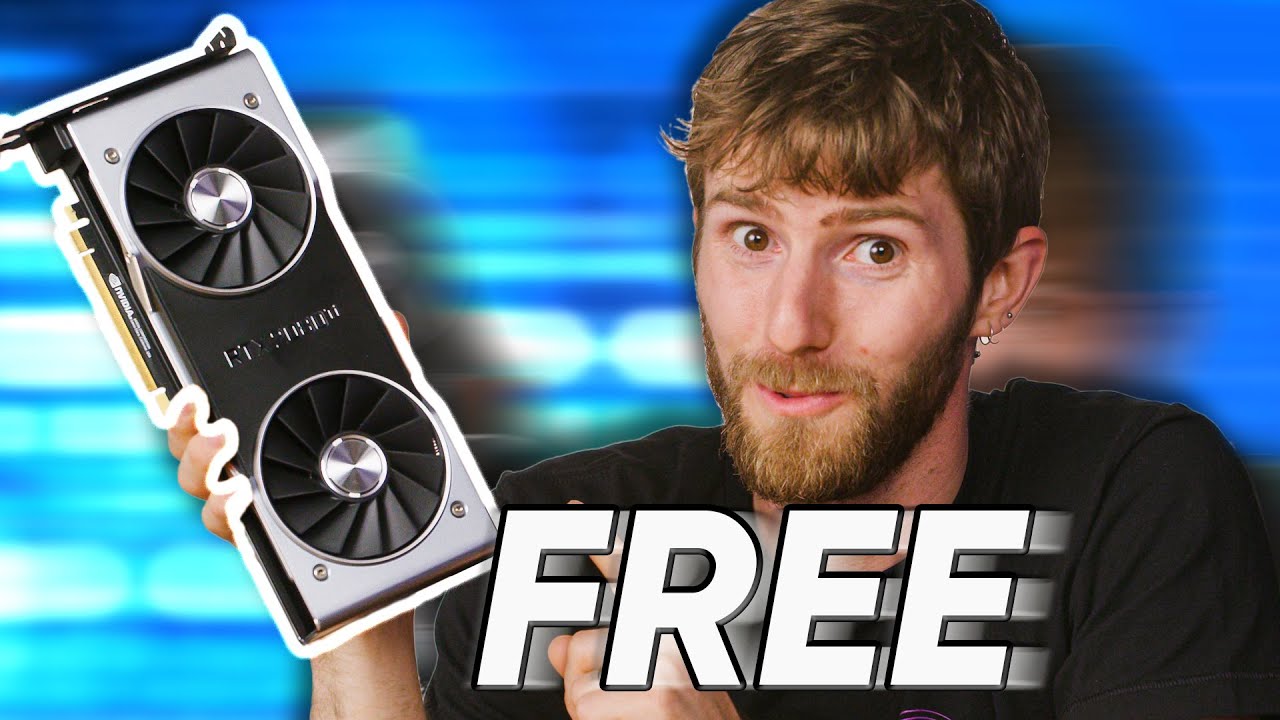
Faster Gaming for FREE - Hardware GPU Scheduling Explained
0 up · 0 down · 0 ratings
Promos
Receive an additional $50 credit for Ting today when you sign up at linus.ting.com Windows 10’s April 2020 update was delayed for a long time, but now that it’s generally available, there are a few goodies lurking within that may improve your gaming experience… Discuss on the forum: linustechtips.com GET MERCH: lttstore.com SUPPORT US ON FLOATPLANE: floatplane.com LTX EXPO: ltxexpo.com AFFILIATES & REFERRALS --------------------------------------------------- Affiliates, Sponsors & Referrals: lmg.gg Get Private Internet Access VPN at lmg.gg Get a Mech Keyboard: geni.us Nerd or Die Stream Overlays & Templates: geni.us NEEDforSEAT Gaming Chairs: geni.us Get a Displate Metal Print at lmg.gg Use code LINUSMEDIAGROUP on Epic Games Store: lmg.gg Get a 30-day free trial of Amazon Prime at lmg.gg Our Gear on Amazon: geni.us FOLLOW US ELSEWHERE --------------------------------------------------- Twitter: twitter.com Facebook: @LinusTech Instagram: @linustech Twitch: twitch.tv FOLLOW OUR OTHER CHANNELS --------------------------------------------------- Techquickie: lmg.gg TechLinked: lmg.gg ShortCircuit: lmg.gg LMG Clips: lmg.gg Channel Super Fun: lmg.gg Carpool Critics: lmg.gg MUSIC CREDIT --------------------------------------------------- Title: Laszlo - Supernova Video Link: youtube.com iTunes Download Link: itunes.apple.com Artist Link: soundcloud.com Outro Screen Music Credit: Approaching Nirvana - Sugar High youtube.com Monitor And Keyboard by vadimmihalkevich / CC BY 4.0 lmg.gg Mechanical RGB Keyboard by BigBrotherECE / CC BY 4.0 lmg.gg Mouse Gamer free Model By Oscar Creativo / CC BY 4.0 lmg.gg
The video introduces the concept of hardware accelerated GPU scheduling in Windows 10 and why it matters for gaming performance. It explains that the traditional CPU-based graphics command scheduler has been a bottleneck and that Windows 10 May 2020 update brings a hardware-assisted approach where the GPU can manage resource allocation for top-priority tasks while the OS handles prioritization at a high level. The host walks through the historical context, from Windows Vista's software scheduler to the WDDM approach, and clarifies how hardware scheduling aims to reduce latency and increase throughput by balancing workloads across GPU and CPU resources. The segment emphasizes that this feature is still in early stages and not default, outlining the need for driver maturity and workload-specific outcomes before it becomes broadly beneficial. The discussion also previews a forthcoming multi-GPU test and frames the overall goal of achieving meaningful gains across certain scenarios while acknowledging that not all setups will see improvements right away. In the mid portion, the video details the test methodology, including hardware configurations such as Ryzen 3 3100, Ryzen 9 3950X, RTX 2080 Ti, and Radeon 5700 XT. It demonstrates that at lower resolutions the benefits of hardware scheduling are modest and sometimes non-existent due to CPU-bound workloads and early driver state. The presenter shows how 4K GPU-bound scenarios begin to reveal more noticeable gains on some titles like Shadow of the Tomb Raider and Red Dead Redemption 2, with minimum frame rates improving by a noticeable margin for certain CPU-GPU pairs. The analysis also notes that some games running on specific APIs or engine architectures may not leverage the scheduling changes, citing Doom Eternal and CS:GO as examples where benefits vary by hardware and workload. Overall, the commentary stresses that driver maturity and workload-specific optimization are key to realizing the potential of hardware scheduling. In the final stretch, the host synthesizes the results into practical guidance, indicating that while Ryzen 3 configurations show more consistent gains, higher-core CPUs such as the 16-core Ryzen 9 may experience mixed outcomes depending on the game and resolution. The video argues that the feature remains promising for productivity workloads as well, evidenced by Blender and V-Ray benchmarks where hardware scheduling demonstrates tangible improvements. It closes with a cautious but optimistic outlook: as drivers mature and developers optimize for the scheduler, users may see either no loss or a gradual performance uplift in many scenarios, making hardware GPU scheduling a topic to monitor for future gaming gains and broader compatibility.
Topics · hardware · gaming-performance · computer-architecture · technology
Questions answered
- What is hardware GPU scheduling and why was it introduced in Windows 10?
- Hardware GPU scheduling is a feature where the operating system can prioritize GPU tasks at a high level while the GPU independently manages resource allocation to optimize latency and throughput. It was introduced to replace the old CPU-based scheduler, which could bottleneck graphics workloads, especially with modern multi-core CPUs and capable GPUs.
- What were the observed effects of hardware GPU scheduling at 1080p and 4K in the tested systems?
- At 1080p with low settings the improvements were modest or non-existent in many cases due to CPU bottlenecks and early driver support. At 4K the tests showed more noticeable gains in some titles, particularly with Nvidia GPUs in certain scenarios, while others showed little to no benefit or even slight losses depending on the game and CPU/GPU combo.
- Should users enable hardware GPU scheduling now?
- The video suggests proceeding with caution: it is not the default and results are workload dependent. Some configurations may experience gains, others may see no change or even reduced performance. Driver maturity and game support will influence the overall benefit, so users should test with their hardware and monitor changes before deciding to enable it permanently.