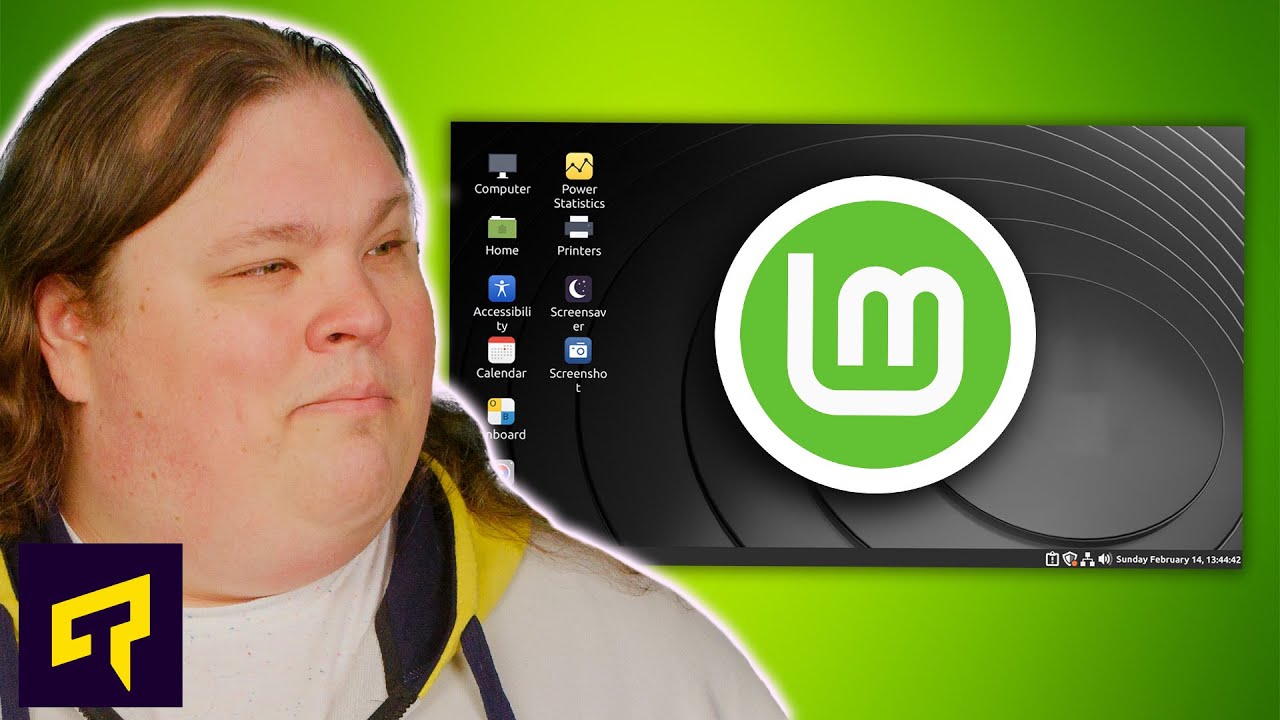
Is Linux Mint BETTER Than Windows?
0 up · 0 down · 0 ratings
Promos
Thanks MANSCAPED for sponsoring today's video! Get 20% OFF + Free Shipping at mnscpd.com Is Linux Mint the best operating system you're not using? Leave a reply with your requests for future episodes. ► GET MERCH: lttstore.com ► AFFILIATES, SPONSORS & REFERRALS: lmg.gg ► PODCAST GEAR: lmg.gg ► SUPPORT US ON FLOATPLANE: floatplane.com FOLLOW US ELSEWHERE --------------------------------------------------- Twitter: twitter.com Facebook: @LinusTech Instagram: @linustech TikTok: @linustech Twitch: twitch.tv
Linux Mint is presented as an easy entry point for Windows users curious about switching to a Linux-based OS. The video starts by outlining Mint’s three official flavors: Cinnamon, MATE, and XFCE, highlighting Cinnamon as the full-featured option with the friendliest Windows-like feel, while MATE and XFCE cater to users who want more stability or lighter performance on older hardware. It then explains the practical setup process, noting that Mint is installed via a bootable USB and subsequent guided setup, making the transition feel approachable for newcomers. The host emphasizes Mint’s conservative update cycle, which reduces the likelihood of breaking changes, especially for MATE and XFCE, while acknowledging that newer hardware or software may occasionally require extra tweaks or the use of flatpacks. A key strength highlighted is the built-in software manager, which gives access to thousands of programs, including popular titles like Steam, Blender, and Skype, and the ability to install codecs during setup for broad multimedia compatibility. The discussion moves to performance and usability, comparing Mint’s Windows-like interface to Windows itself, noting that even gaming can be feasible due to Steam’s Linux compatibility and up-to-date driver management. The video also covers important caveats, such as the continued absence of certain Windows applications on Linux and the need to sometimes rely on compatibility layers like Wine or Proton for certain titles, as well as the privacy and data-collection contrasts with Windows. The concluding message suggests that Mint is not a one-to-one replacement for Windows, but rather a fundamentally different operating system that can breathe new life into older hardware while offering a smooth, user-friendly entry point for Windows users exploring Linux. The host then contrasts Mint with Ubuntu, pointing out Ubuntu’s less Windows-like interface and its Snap-based software distribution, which can feel more restrictive to users seeking complete control over installed software. He reassures that Mint’s balance of usability, stability, and performance makes it a sensible beginner choice, while still warning that some very new hardware or software may have hiccups. Throughout the video, practical tips are given on evaluating hardware compatibility, gaming titles, and driver updates, with an overall takeaway that Mint is a strong, approachable Linux option for those who want a no-fuss migration path and a secure, privacy-conscious environment. Audience orientation and product sponsorship segments are interwoven, and the host closes with a reminder that viewers should consider their own needs, including software compatibility, before fully committing to a platform switch.
Topics · technology · operating_systems · linux · gaming · privacy · software-management
Questions answered
- What are the official Linux Mint flavors and how do they differ?
- Mint offers Cinnamon, MATE, and XFCE flavors. Cinnamon is full-featured and Windows-like in feel, MATE focuses on speed and stability with a lighter footprint, and XFCE is even lighter for very low-spec hardware.
- Can Linux Mint run Windows programs or games?
- Some Windows programs can run via compatibility layers like Wine or Proton, and Steam provides many Linux-compatible games. However, not all titles work perfectly, and some may require workarounds.