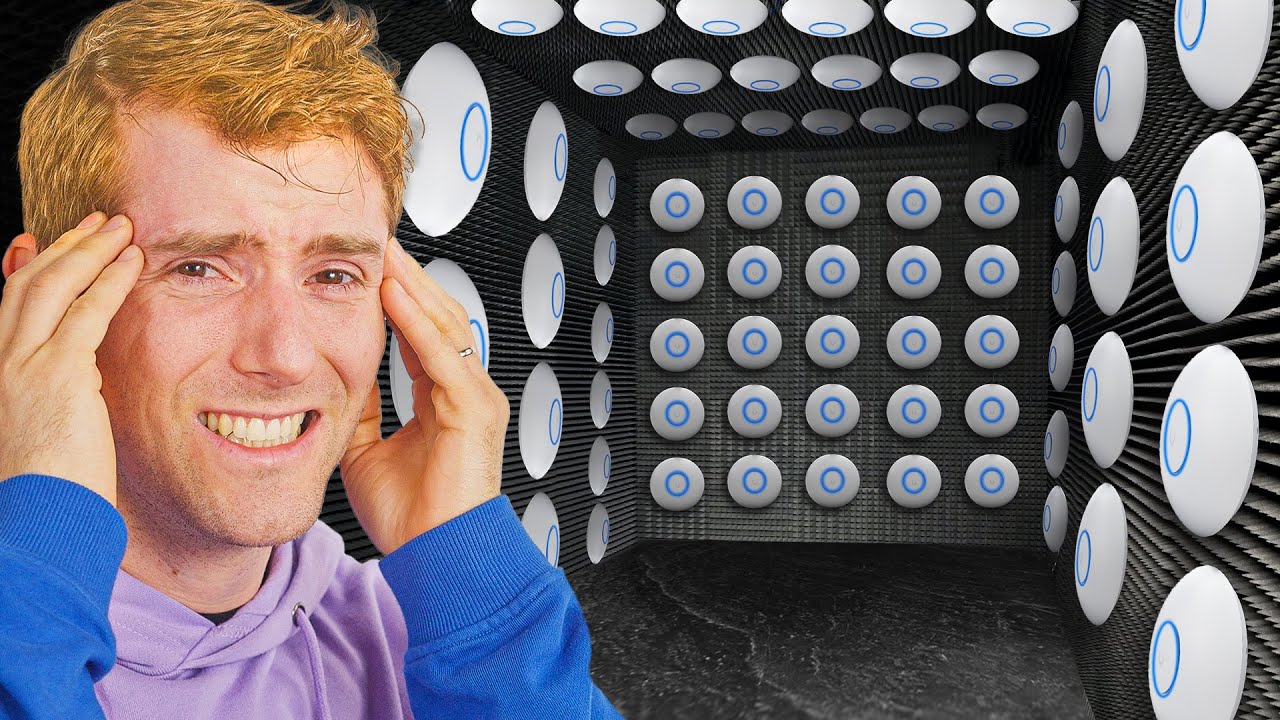
Can You Have Too Many WiFi Routers?
0 up · 0 down · 0 ratings
Promos
Grab your pair of Shokz new OpenRun Pro 2’s at: lmg.gg Win a Hennessey Velociraptor, a gold-plated Cybertruck or $100,000 in cash, with the Ridge Super Truck Summer Sweepstakes! Now with bonus entries with their Mystery Wallets! Check it out at: ridge.com BIG Shoutout to Unifi for lending us all of these AP's, wouldn't have been able to make this video with out them! If you have a large house, its common to add multiple Routers or internet devices to help cover the whole area. But can you have too many? Today we add over 50 Ubiquiti Access Points to see if you cellphones can get better or worse WiFi? Discuss on the forum: linustechtips.com Buy a Dell Inspiron 14 Plus Laptop: lmg.gg Buy a Ubiquiti U7 Pro Max Wi-Fi 7 Access Point: lmg.gg Buy a Ubiquiti U7 Pro Wall Wi-Fi 7 Access Point: lmg.gg Buy a Ubiquiti U7 Pro Wi-Fi 7 Access Point: lmg.gg Buy a Ubiquiti U7 Outdoor Wi-Fi 7 Access Point: lmg.gg Buy a Ubiquiti WiFiMan Wizard Spectrum Analyzer: lmg.gg ► GET OUR MERCH: lttstore.com ► GET EXCLUSIVE CONTENT ON FLOATPLANE: lmg.gg ► GET A VPN: piavpn.com ► SPONSORS, AFFILIATES, AND PARTNERS: lmg.gg Purchases made through some store links may provide some compensation to Linus Media Group. CHAPTERS --------------------------------------------------- 0:00 Intro 1:31 What is the Best WiFi? 3:07 6 Neighbors Messing up WiFi 4:05 Why is is so slow? 5:10 Hitches be Crazy! 6:13 WiFi = Traffic? 8:04 50 AP Montage! 8:30 How Bad is 50 Routers? 10:24 How to Make your WiFi Better! 14:33 Outro
This video investigates the practical limits of WiFi when you massively expand a home network, using a controlled EMC chamber and a room full of access points to simulate a dense apartment scenario. The host begins by explaining that simply throwing more routers into a space can backfire due to channel congestion, interference, and non optimal channel assignments. Early experiments demonstrate that 2.4 GHz remains useful for range but is easily bottlenecked by overlaps and device listening overhead, leading to underwhelming real-world speeds even when traffic seems light. The discussion then shifts to a more realistic multi-AP setup, where neighbors and multiple devices create a congested RF environment that drastically changes performance, contradicting the naive expectation that more APs always means faster WiFi. Through spectrum analysis and real-time transfers, the video shows noticeable hitching, delays, and even complete degradation of streams as the number of APs increases beyond a manageable threshold. The host then outlines practical fixes, including selecting non overlapping channels, enabling load balancing, reducing transmit power, and moving devices to higher frequency bands such as 5 GHz and 6 GHz where WiFi 7 is available. Finally, the video emphasizes that optimal WiFi in a large home or building usually requires a well-planned mix of AP placements, proper channel planning, and sometimes turning off redundant bands, rather than simply adding more routers, to achieve consistent performance across devices and rooms.
Topics · technology · networking · home networking · consumer electronics
Questions answered
- What is the main takeaway about adding more WiFi access points in a home environment?
- Adding more access points is not always beneficial; without proper channel planning, load balancing, and band management, extra APs can cause increased interference and overall slower or unstable WiFi.
- Why is 2.4 GHz still used despite its drawbacks?
- 2.4 GHz offers longer range and better wall penetration, but it suffers from crowding and interference in dense environments, making it a trade-off between reach and speed.