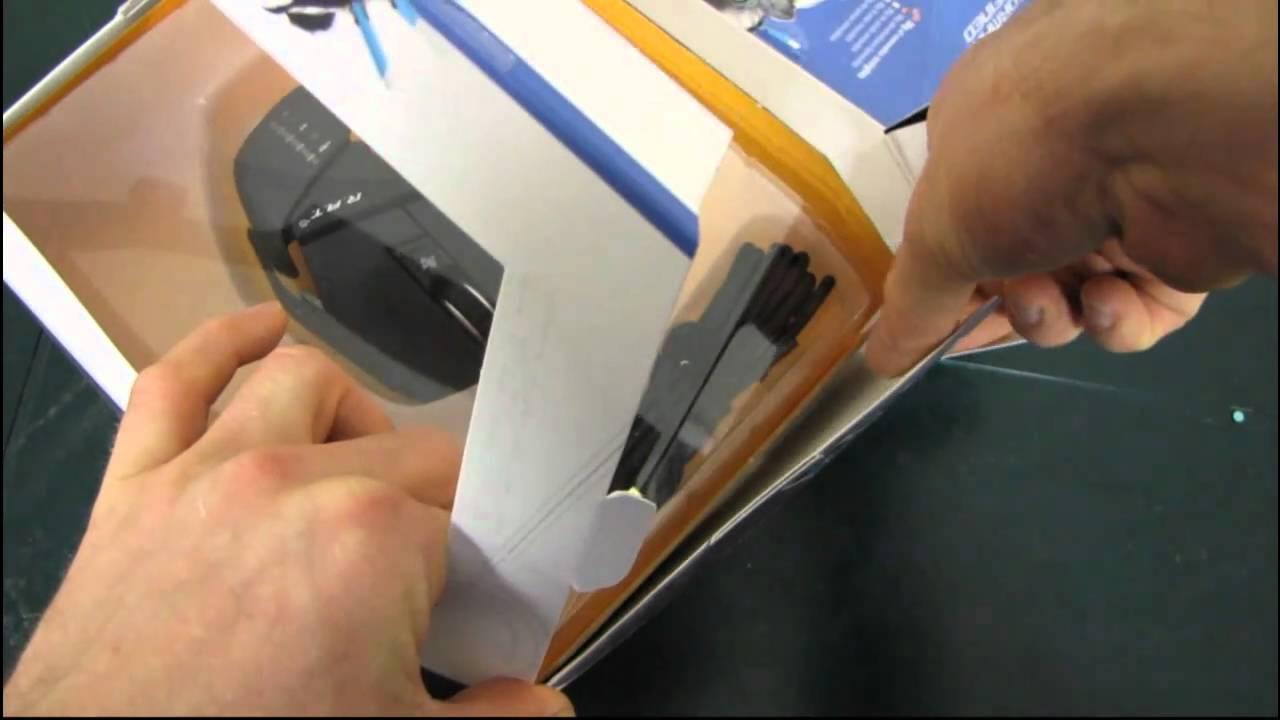
Cyborg R.A.T. 5 Adjustable Laser Gaming Mouse Unboxing & First Look Linus Tech Tips
0 up · 0 down · 0 ratings
Description
ncix.com The R.A.T. 5 in my opinion takes the most essential features of the R.A.T. 7 and puts them together in a package that is probably the best overall value from the R.A.T. series.
The video provides an in-depth unboxing and first look at the Cyborg RAT 5, positioned as the mid-range option in the RAT line between the RAT 3 and RAT 7. Linus breaks down the key features and what sets the RAT 5 apart, including a 4,000 DPI sensor that sits between the RAT 3 and RAT 7, a Precision Aim mode for sniping, and a weight-adjustable chassis that uses removable weights for fine tuning. He notes the aluminum body as a durability upgrade over the RAT 3, and highlights the possibility to remap programmable buttons and create macros with Cyborg software. The packaging contents are explored in detail, from the driver CD and product guides to the weight storage system and the length-adjustable shell. Throughout the unboxing, he demonstrates the adjustable features: the length of the mouse, the weight options, and the DPI settings with visible LEDs indicating the active profile. The narration includes practical tests of the wheel and side buttons, and he reveals how the side scroll button can be programmed for quick-fire or other functions, suggesting its potential for rapid bursts in gameplay. By the end, Linus emphasizes the RAT 5 as good value for dedicated gamers who want customization without stepping up to wireless or higher-end models, and he invites viewers to subscribe for more hardware unboxings and tech coverage.
Topics · technology · hardware · peripherals · unboxing · gaming
Questions answered
- What are the key features of the Cyborg RAT 5 that Linus highlights in the unboxing?
- Linus calls out the 4,000 DPI sensor, Precision Aim mode for sniping, a weight system with removable weights, and length adjustment as core features, all enabled by Cyborg software for customization.
- How is the side scroll button of the RAT 5 utilized according to the video?
- The side scroll button can be programmed to perform various actions, including act as a quick-fire trigger for rapid input during games.