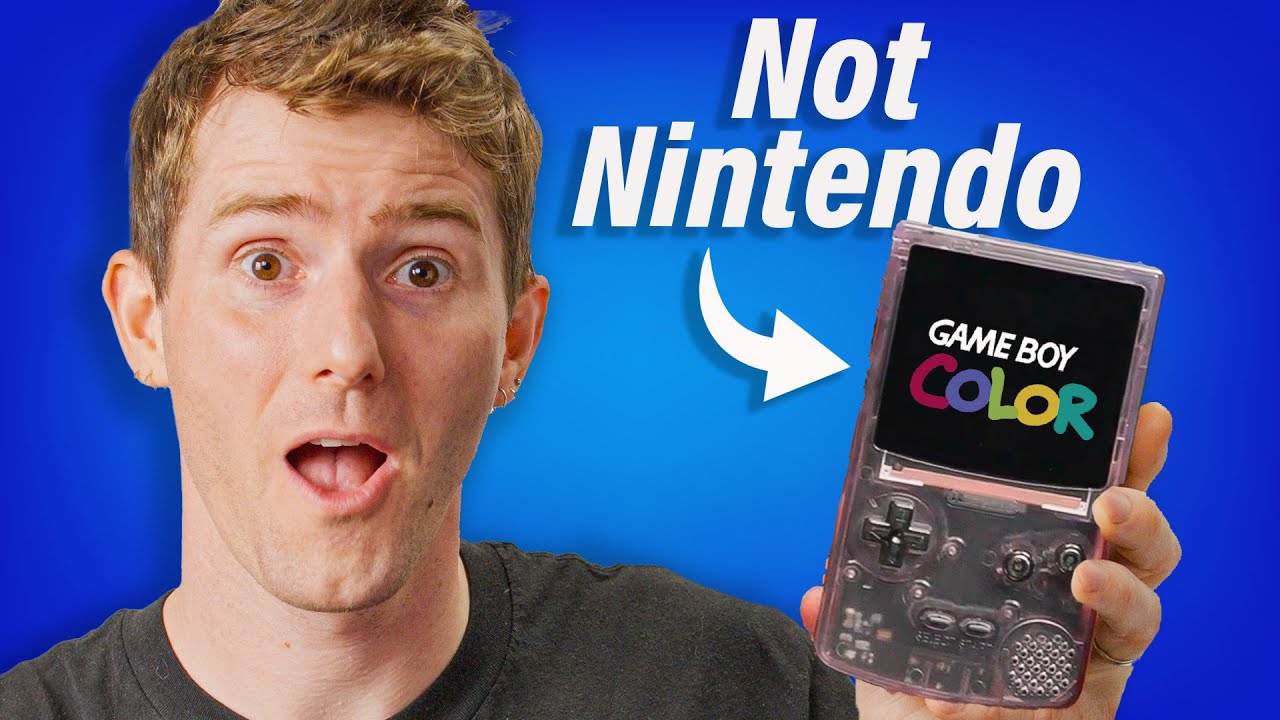
Build Your Own Gameboy - FunnyPlaying GBC
0 up · 0 down · 0 ratings
Promos
Check out the FunnyPlaying GBC Collection: funnyplaying.com Purchases made through some store links may provide some compensation to Linus Media Group. Want us to unbox something? Make a suggestion at lmg.gg ► GET MERCH: lttstore.com ► GET EXCLUSIVE CONTENT ON FLOATPLANE: lmg.gg ► SPONSORS, AFFILIATES, AND PARTNERS: lmg.gg ► PRODUCTS WE USE ON THE SHORTCIRCUIT SET: lmg.gg FOLLOW US ELSEWHERE --------------------------------------------------- Twitter: twitter.com Instagram: @shortcircuityt TikTok: @linustech Facebook: @ShortCircuitYT CHAPTERS --------------------------------------------------- 0:00 Unboxing 1:32 Main board and FPGA 2:05 Pricing and discussion 3:26 Assembly 6:39 Sponsor 7:21 Kirby's Dream Land 8:49 Comparing to Nintendo GBC 9:40 Super Mario Bros. 10:07 Comparing to Analogue Pocket 10:56 Value comparison 11:58 Credits
Channels and socials
Get $20 OFF on JLCPCB 6-Layer PCBs!(free via-in-pad and ENIG 2U") : jlcpcb.com Mid-Year Mega Sale $250 Coupon & More Surprises : jlcpcb.com What's the best way to play Nintendo Gameboy Color games in 2024? The FunnyPlay GBC makes a strong case with replaceable parts, a bright screen, modern ports, and a reasonable price. Watch Linus assemble and try it out! RetroGameCorp's video: youtube.com
The video opens with an unboxing sequence where the host examines the FunnyPlaying GBC kit, noting that it is a do-it-yourself build rather than a preassembled unit. The components are laid out on the table, including the clear Game Boy Color shell, the main FPGA-based board, a brighter screen option, a 3.7V lithium battery, membranes, buttons, and various screws. The host explains the FPGA concept, highlighting how it can emulate Game Boy and Game Boy Color hardware at a hardware level rather than purely in software, which is a key selling point given the kit’s price. The discussion then shifts to practical considerations such as USB-C charging, the apparent screen brightness, and the inclusion of modern ports that improve usability compared to a classic Game Boy. The host reflects on battery life, referencing independent testing that suggests standby power use may be higher because the device may still run in a low-power mode, and mentions the volume and power switch layout as part of the overall design. In the assembly portion, the host attempts to piece together the unit, dealing with various screw types and the challenge of fitting the battery and shell while trying to avoid damaging components. The process is described with humor and a touch of frustration about the lack of step-by-step instructions, yet the host reassures viewers that a reasonably savvy builder should manage within minutes. The video then pivots to performance testing, switching through Game Boy and Game Boy Color modes, adjusting display scaling, frame rate, and color options, and showing how firmware can be updated via USB-C. Finally, the host compares the value proposition against premium alternatives like the Analogue Pocket, concluding that while the FunnyPlaying GBC is not as sleek or feature-rich as high-end options, it offers strong versatility at a fraction of the cost, with a clear emphasis on DIY appeal and upgrade potential.
Topics · retro gaming · hardware · unboxing and assembly · gamedev and electronics · handheld consoles · tech review
Questions answered
- Can you buy the FunnyPlaying GBC as a prebuilt unit, or is it strictly a do-it-yourself kit?
- According to the host, the product is sold as a kit and does not offer a preassembled option.
- How does the FunnyPlaying GBC compare to the Analogue Pocket in terms of features and price?
- The kit is significantly cheaper and offers DIY customization and USB-C, but it is bulkier and lacks the premium build quality and multi-system support of the Analogue Pocket.