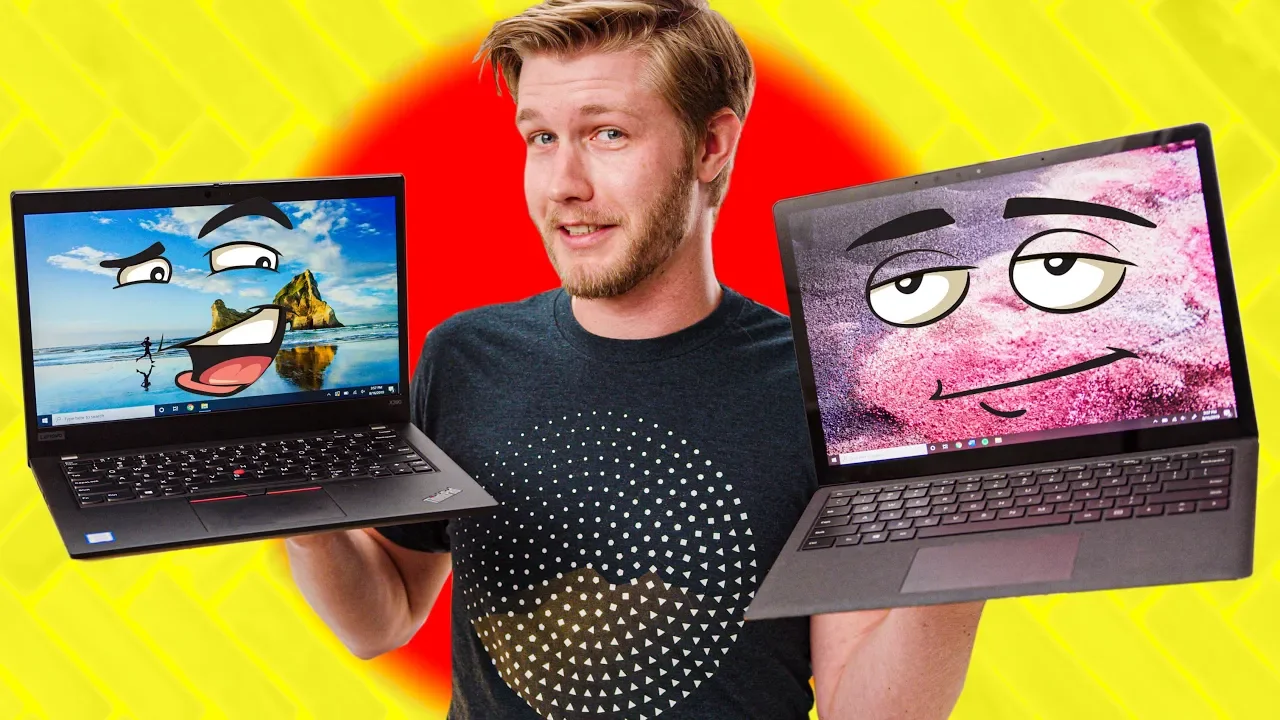
Could This Be My New Laptop? - ThinkPad X390 Review
0 up · 0 down · 0 ratings
Promos
Get an unrestricted 30-day free trial of FreshBooks at freshbooks.com Use code LINUS and get 25% off GlassWire at lmg.gg At first look, the Lenovo ThinkPad X390 is damn compelling.. but can it hold up against the Surface Laptop 2 and XPS 13? Buy ThinkPad X390 On Amazon: geni.us On Newegg: lmg.gg Purchases made through some store links may provide some compensation to Linus Media Group. Purchases made through some store links may provide some compensation to Linus Media Group. Discuss on the forum: linustechtips.com Our Affiliates, Referral Programs, and Sponsors: linustechtips.com Get Private Internet Access today at geni.us Displate metal posters: lmg.gg Linus Tech Tips merchandise at lttstore.com Linus Tech Tips posters at crowdmade.com Our Test Benches on Amazon: amazon.com Our production gear: geni.us Twitter - twitter.com Facebook - @LinusTech Instagram - @linustech Twitch - twitch.tv Intro Screen Music Credit: Title: Laszlo - Supernova Video Link: youtube.com iTunes Download Link: itunes.apple.com Artist Link: soundcloud.com Outro Screen Music Credit: Approaching Nirvana - Sugar High youtube.com
Linus reviews the ThinkPad X390 and compares it to competing ultrabooks like the Surface Laptop 2 and the Dell XPS 13. The video opens with a discussion of whether the X390 can sway the host away from Microsoft devices, setting up a head-to-head narrative between ThinkPad design priorities and modern ultrabook expectations. The build quality is highlighted early on, noting the magnesium chassis as very stiff and lightweight at about 2.8 pounds, with a simple, no-frills aesthetic. The I/O bundle is praised for its breadth, including USB-A ports, Type-C, HDMI, Thunderbolt, and a ThinkPad-specific connectivity board, though the SD card reader appears to be hidden behind the display rim. The display option debate is a recurring theme, as the reviewer argues the 768p display Sell is outdated for a premium price, urging buyers to opt for the 1080p touch variant despite color and brightness limitations. Keyboard performance is described as solid with satisfying key travel and stabilization, though a bottleneck is noted with a slight tendency to hit nearby keys, and the trackpoint is a frequent point of contention among ThinkPad enthusiasts. The trackpad and Windows precision drivers are critiqued for subtle cursor acceleration quirks that affect navigation, leading to a discussion about whether the device’s overall user experience is hampered by driver support. Upgradeability is acknowledged as a plus relative to other ultrabooks, with access to storage and replaceable keyboard assembly standing out, while RAM remains soldered. The battery life is reported around eight hours in testing, with a 48Wh battery replaceable if needed, and the speaker notes emphasize practical daily performance for typical productivity tasks rather than heavy creative workloads. Price sensitivity is a recurring thread, as the base configuration skews high, but Lenovo’s frequent sales can bring the X390 down to competitive levels versus the Surface Laptop 2 and XPS 13. In the closing verdict, the host leans toward choosing the X390 over the XPS 13 when given the option, citing better overall performance and serviceability, but acknowledges the Surface Laptop 2 offers a superior display and trackpad experience. The video also includes sponsor mentions for GlassWire and FreshBooks, interwoven with the laptop critique, and ends with a plug to subscribe for future updates, including a potential follow-up on newer XPS or ThinkPad models.
Topics · Technology · Gadgets · Computers & laptops · Product reviews
Questions answered
- What is the ThinkPad X390's strongest design advantage according to the reviewer?
- The reviewer cites the magnesium chassis for stiffness and light weight, along with a well-rounded IO package as key strengths.
- Why does the reviewer criticize the 768p display option?
- Because at a starting price over a grand, a 768p display feels outdated in 2019 and reduces value compared with the 1080p option.
- How does the reviewer compare the X390 to the Surface Laptop 2 and XPS 13?
- The X390 edges out in performance and upgradability, but lags behind the Surface Laptop 2 in display and trackpad quality, making the latter feel more polished overall.