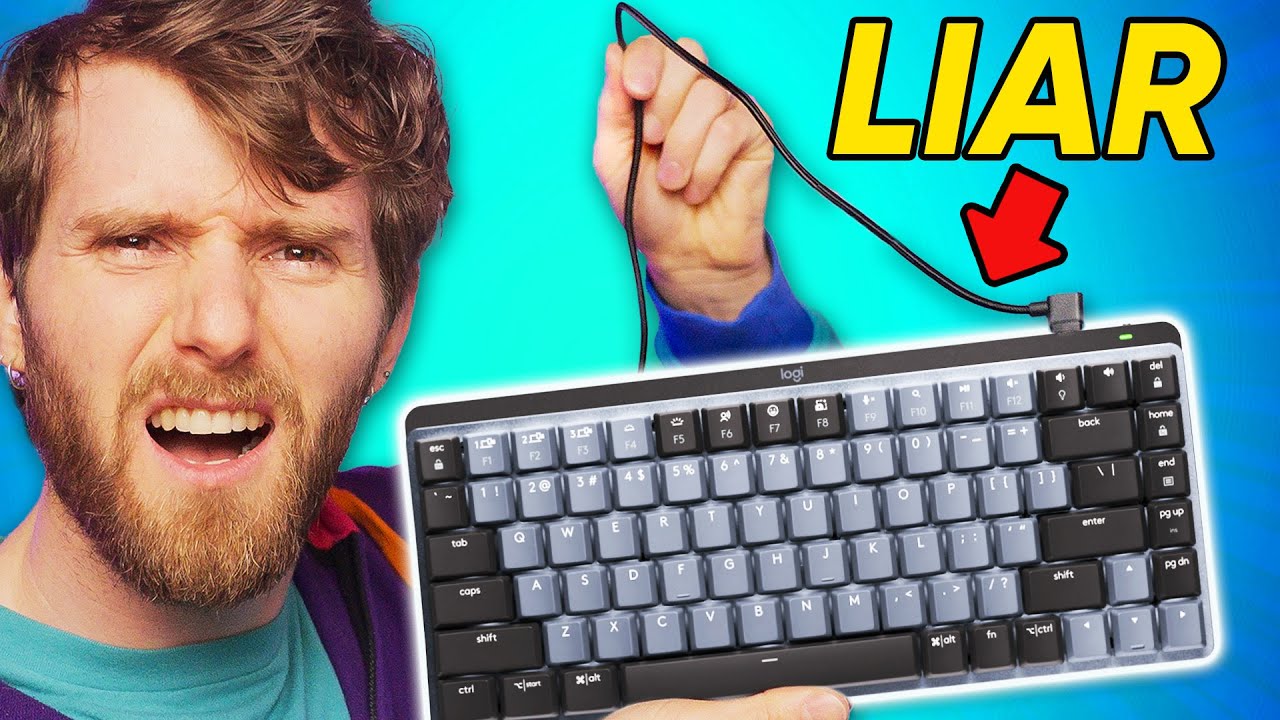
Your Wireless Keyboard is NOT Wireless...but mine is.
0 up · 0 down · 0 ratings
Description
Check out the Angry Miao Cyberboard Wireless Keyboard: lmg.gg
Promos
Free iFixit T-Shirt with every $100+ purchase at ifixit.com with code FIXITSHIRT. Wireless keyboards are SUPPOSED to be wireless. So why do we need to keep a wire around to plug them in? We don’t, and for just $2 we will show you how to add Qi-compatible charging to nearly any wireless keyboard. Discuss on the forum: linustechtips.com Buy a Nillkin 5W Qi Wireless Receiver on Amazon: geni.us Buy a 10W Qi Wireless Receiver on Amazon: geni.us Buy a 5W Qi Wireless Receiver on AliExpress: lmg.gg Buy a 10W Qi Wireless Receiver on AliExpress: lmg.gg Buy a 5W Qi Wireless Receiver Coil Module on AliExpress: lmg.gg Buy a Logitech MX Mini Wireless Keyboard: geni.us Buy a Logitech G Powerplay Wireless Charging Matt: geni.us
Check out the KewLabs UTS-1 Invisible Wireless Charger: lmg.gg Purchases made through some store links may provide some compensation to Linus Media Group. ► GET MERCH: lttstore.com ► LTX 2023 TICKETS AVAILABLE NOW: lmg.gg ► GET EXCLUSIVE CONTENT ON FLOATPLANE: lmg.gg ► AFFILIATES, SPONSORS & REFERRALS: lmg.gg ► OUR WAN PODCAST GEAR: lmg.gg FOLLOW US --------------------------------------------------- Twitter: twitter.com Facebook: @LinusTech Instagram: @linustech TikTok: @linustech Twitch: twitch.tv MUSIC CREDIT --------------------------------------------------- Intro: Laszlo - Supernova Video Link: youtube.com iTunes Download Link: itunes.apple.com Artist Link: soundcloud.com Outro: Approaching Nirvana - Sugar High Video Link: youtube.com Listen on Spotify: spoti.fi Artist Link: youtube.com Intro animation by MBarek Abdelwassaa @mbarek_abdel Monitor And Keyboard by vadimmihalkevich / CC BY 4.0 geni.us Mechanical RGB Keyboard by BigBrotherECE / CC BY 4.0 geni.us Mouse Gamer free Model By Oscar Creativo / CC BY 4.0 geni.us CHAPTERS --------------------------------------------------- 0:00 Intro 1:20 11th grade science explained poorly 2:04 Quick and easy solution 3:13 Why install it inside 4:06 Getting it open 4:25 Find the solder points 5:02 Placing the receiver coil 6:14 Testing it out 7:56 Current pitfalls, shortcomings 9:33 How to make it better 10:23 Closing thoughts and outro
The video opens by questioning the conventional notion of a wireless keyboard. The hosts point out that many keyboards labeled as wireless still rely on a cable for charging or battery maintenance, which contradicts the idea of true wirelessness. They explain the basic principle of wireless power transfer through inductive coupling, noting the efficiency limits and short effective range inherent to the technology. The discussion then pivots to a practical, low-cost DIY solution: adding a Qi-compatible receiver coil to virtually any wireless keyboard to truly free it from a power tether. They emphasize that a complete, off-the-shelf wireless charging keyboard is rare and expensive, and present a step-by-step approach to embed a receiver inside the keyboard and route power from a USB port through the case. The segment ends with a candid look at the challenges, including placement sensitivity, potential interference, and the trade-offs between aesthetics, cost, and practicality, followed by closing thoughts and reflections on future implementations. In the second part, the hosts dive into the hardware details. They describe the standard wireless power system based on a transmitter coil and a receiver coil, including the conceptual flow of electricity and magnetic fields. They showcase inexpensive five-watt receiver modules available on major marketplaces and discuss how these can power a five-volt keyboard, with higher wattage options available for more demanding devices. A hands-on modification sequence is shown: disassembling a keyboard, locating the USB power rail, identifying VCC or VBUS test pads, and soldering a receiver coil into a new home inside the keyboard. They also cover practical tips like reusing USB cables, Kapton tape for fixing components, and the importance of keeping transmitter and receiver coils as close as possible to maximize power transfer. The narrative remains focused on balancing cost, feasibility, and user experience, ultimately insisting that a truly wireless keyboard is achievable for a modest budget if one accepts some fiddling and testing. The final portion assesses real-world viability and alternatives. They test the DIY setup under a desk pad and discuss placement challenges, especially for keyboards with metal chassis or unusual form factors. The Angry Miao Cyberboard is highlighted as a premium alternative with built-in wireless charging, contrasted against the DIY approach that aims to stay affordable and accessible. The hosts critique the overall ecosystem, arguing that established brands should have offered true wireless charging for keyboards years ago, and invite audience input on the topic. They conclude with a recap of costs, a demonstration of a proof-of-concept under a Northern Lights desk pad, and a forward-looking idea of embedding wireless charging into the desk surface for stealth and convenience, inviting viewers to share results and experiences.
Topics · technology · hardware · maker · diy electronics · wireless charging · computer peripherals · etiquette_and_design
Questions answered
- What is the basic principle behind wireless power transfer used in the video?
- Wireless power transfer relies on inductive coupling, where a transmitter coil creates a changing magnetic field that induces current in a nearby receiver coil, allowing power to flow without a direct electrical connection.
- What are the main components needed to convert a non wireless keyboard into a true wireless device?
- You need a Qi compatible receiver coil module, a method to power it from the keyboard's USB rail, a plan to place the coil inside the keyboard chassis, and basic soldering and insulating materials to secure the assembly.
- What are the practical drawbacks of the DIY approach shown?
- Placement sensitivity, potential interference with other electronics, the need to modify the keyboard case, and the possibility that higher power transfer could introduce heat or noise concerns.