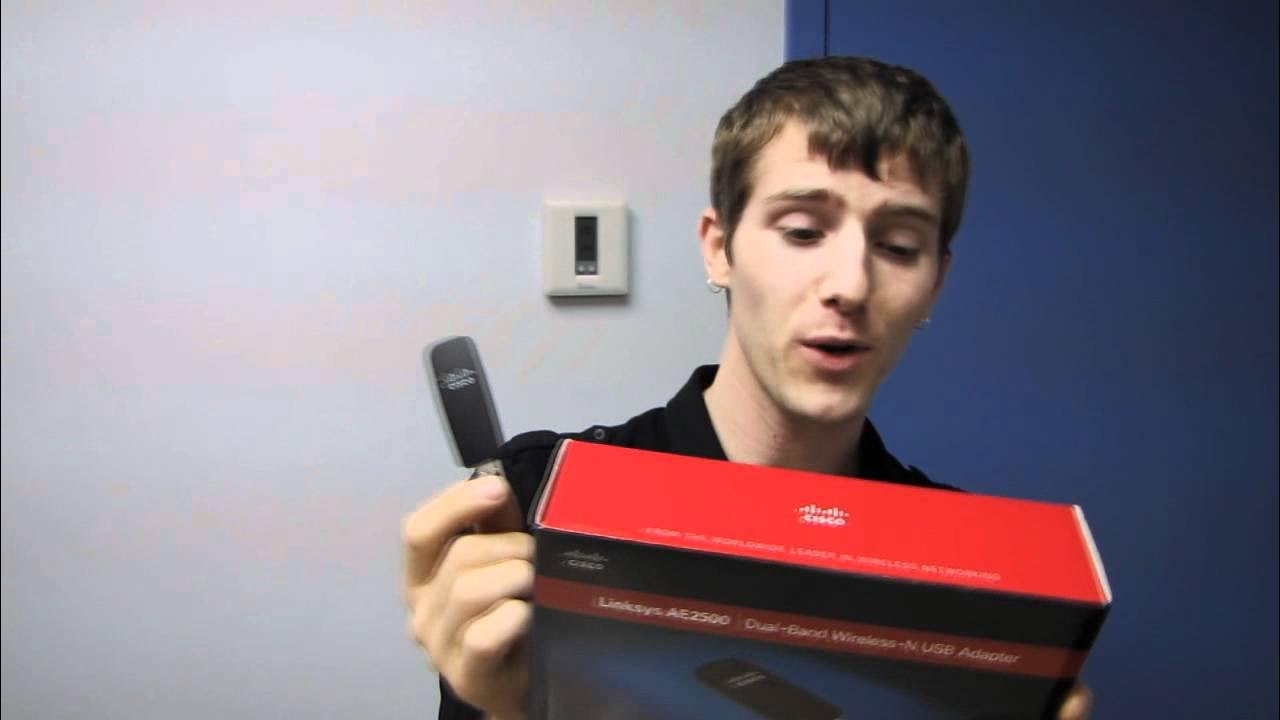
Linksys AE2500 USB Wireless N Adapter Unboxing & First Look Linus Tech Tips
0 up · 0 down · 0 ratings
Description
CA: ncix.com US: us.ncix.com It's a USB wireless adapter.
The Linus Tech Tips video provides a detailed unboxing and first-look at the Linksys AE2500 USB Wireless N Adapter. The host discusses the product’s dual-band capability, explaining that it supports 2.4 GHz and 5 GHz bands, and clarifies that this unit is dual-band rather than concurrent dual-band, meaning it can operate on either band but not simultaneously on both. He explains why dual-band is useful, notably to avoid interference from devices like cordless phones that commonly operate on 2.4 GHz. The segment also covers practical performance expectations, noting the 300 Mbps theoretical data rate per band and stressing that real-world speed depends on numerous factors. Setup is described as easy, with a setup CD included for initial configuration and drivers available on the Linksys/Cisco website for ongoing use. The host also compares the AE2500 aesthetically with Linksys/Cisco routers, highlighting a matching finish with other devices and briefly references related hardware like the E4200 router. The overall takeaway is that the AE2500 offers a straightforward, visually cohesive entry into wireless networking with acceptable performance for its time, complemented by accessible setup and driver options. The video ends with a reminder to subscribe for more unboxings and tech content and a nod to the ease of use for less experienced users, while also acknowledging the more advanced setup path for power users.
Topics · technology · unboxing · hardware · networking
Questions answered
- What does dual-band mean for the Linksys AE2500 and why is it beneficial?
- Dual-band means the adapter can operate on either 2.4 GHz or 5 GHz. It helps avoid interference from devices like cordless phones on the crowded 2.4 GHz band, potentially improving reliability and speed. The AE2500 is not concurrent dual-band, so it cannot use both bands simultaneously.
- Is the AE2500 easy to set up for a typical user?
- Yes, the video notes an easy setup experience that includes a setup CD for initial configuration and recommends installing the latest drivers from Linksys/Cisco’s website for ongoing use.
- What visual or design aspects are highlighted in the unboxing?
- The host points out a design harmony with Linksys/Cisco routers, noting that the USB adapter’s finish visually matches other devices in the ecosystem.