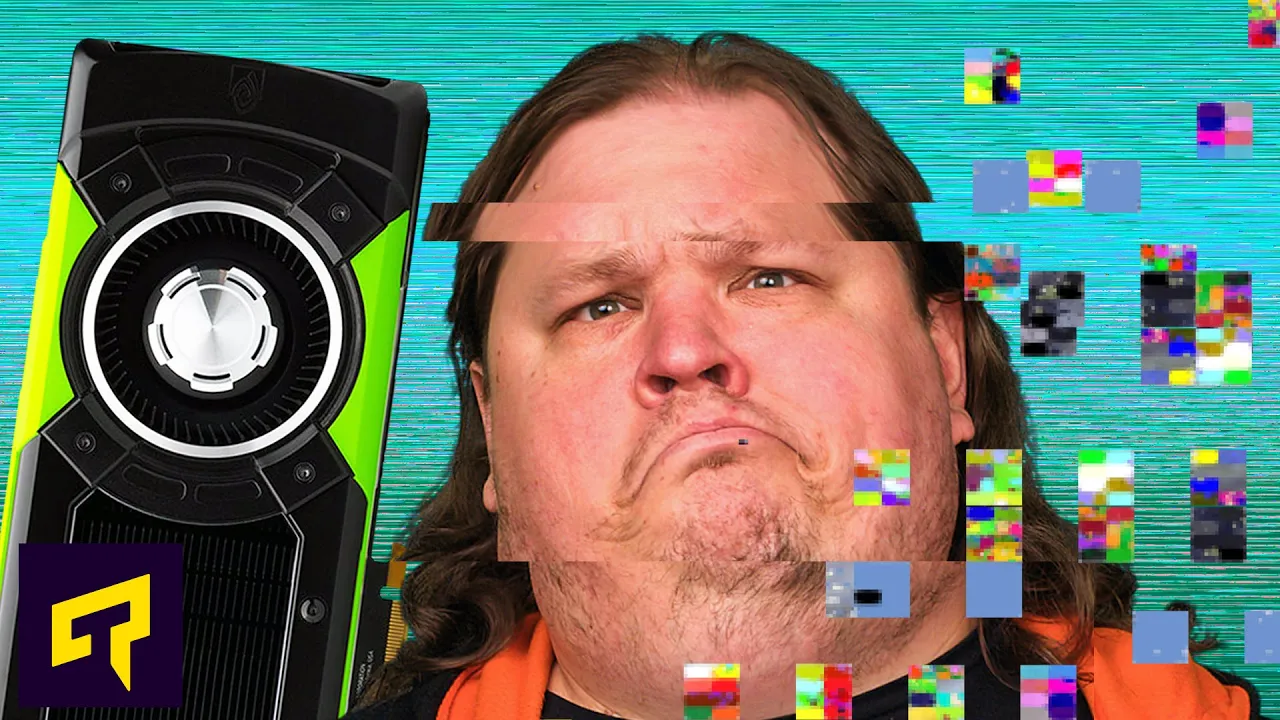
Fixing Graphics Card Glitches
0 up · 0 down · 0 ratings
Promos
Get your HiTune X6 True Wireless Earbuds today for only $48.99 using code code 20UGREENX6 at: amzn.to What causes GPU artifacts, and how can you fix them? Leave a reply with your requests for future episodes, or tweet them here: twitter.com ►GET MERCH: lttstore.com ►SUPPORT US ON FLOATPLANE: floatplane.com ►LTX EXPO: ltxexpo.com AFFILIATES & REFERRALS --------------------------------------------------- ►Affiliates, Sponsors & Referrals: lmg.gg ►Private Internet Access VPN: lmg.gg ►MK Keyboards: lmg.gg ►Secretlabs Gaming Chairs: lmg.gg ►Nerd or Die Stream Overlays: lmg.gg ►Green Man Gaming lmg.gg ►Amazon Prime: lmg.gg ►Audible Free Trial: lmg.gg ►Our Gear on Amazon: geni.us FOLLOW US ELSEWHERE --------------------------------------------------- Twitter: twitter.com Facebook: @LinusTech Instagram: @linustech Twitch: twitch.tv FOLLOW OUR OTHER CHANNELS --------------------------------------------------- Linus Tech Tips: lmg.gg Mac Address: lmg.gg TechLinked: lmg.gg ShortCircuit: lmg.gg LMG Clips: lmg.gg Channel Super Fun: lmg.gg Carpool Critics: lmg.gg
The video provides a comprehensive overview of common graphics card artifacts, what causes them, and practical steps to mitigate or fix them. It begins by describing shimmering or flickering textures, explaining that this is typically aliasing rather than a hardware defect. The presenter recommends adjusting in-game image sharpening settings and experimenting with anti-aliasing modes, noting that temporal anti-aliasing can help but older implementations may sometimes worsen the issue. He then discusses DLSS, highlighting how it can cause ghosting or smearing at lower resolutions because the AI model is trained on higher resolution data, and mentions that newer DLSS versions have improved the problem when games include updated support. The guide then moves to other persistent artifacts such as odd colored dots, lines, missing textures, or strange geometry, emphasizing that these often signal a real hardware or configuration problem rather than a simple setting tweak. A structured troubleshooting flow follows: ensure drivers are up to date, reset GPU or memory overclocking to defaults, reseat the card, verify connectors and cables, clean dust and check cooling, and test the card in another PC if possible. The video also covers more definitive checks like updating firmware and considering the possibility of a dying GPU if problems continue after all basic fixes. In the closing segment, the host mentions the sponsorship and discusses the value of addressing hardware issues while acknowledging the high cost of GPUs in the current economy. The content balances practical, grounded advice with cautious expectations about hardware failure and emphasize that some fixes depend on the specific game or hardware combination.
Topics · technology · computer-hardware · hardware-troubleshooting
Questions answered
- What causes shimmering or flickering textures and how can they be reduced?
- Shimmering is usually aliasing, not a card defect. Reduce it by lowering in game image sharpening and trying different anti-aliasing modes. Start with Temporal Anti-Aliasing (TAA) and adjust if needed, as older TAA implementations may worsen the issue; if problems persist, experiment with higher quality anti-aliasing options like supersampling or multisampling to find what fits your setup.
- How does DLSS contribute to artifacting and what can be done about it?
- DLSS uses AI to approximate a higher quality image. At lower resolutions, the AI model can produce ghosting or smearing. Newer DLSS versions have improved this, but support depends on the game. If you see ghosting, try newer DLSS updates in games that support them, and be aware that results vary by title.
- If artifacts appear across multiple games, what are the recommended first steps?
- Update graphics card drivers and reset any GPU or RAM overclocks to defaults. Check that the card is properly seated, inspect cables and connectors, clean dust from the card and slot, and verify cooling. If problems persist, test the card in another PC to rule out system-specific issues, and consider firmware updates for the card.
- What are potential signs that the GPU may be dying?
- Artifacts that appear across multiple games or when not gaming at all can indicate hardware failure. If basic fixes do not resolve the issues, a dying GPU is a possibility and may require replacement.