ASUS TS Mini Windows Home Server Home Computer Backup Setup & Configuration Linus Tech Tips
0 up · 0 down · 0 ratings
Description
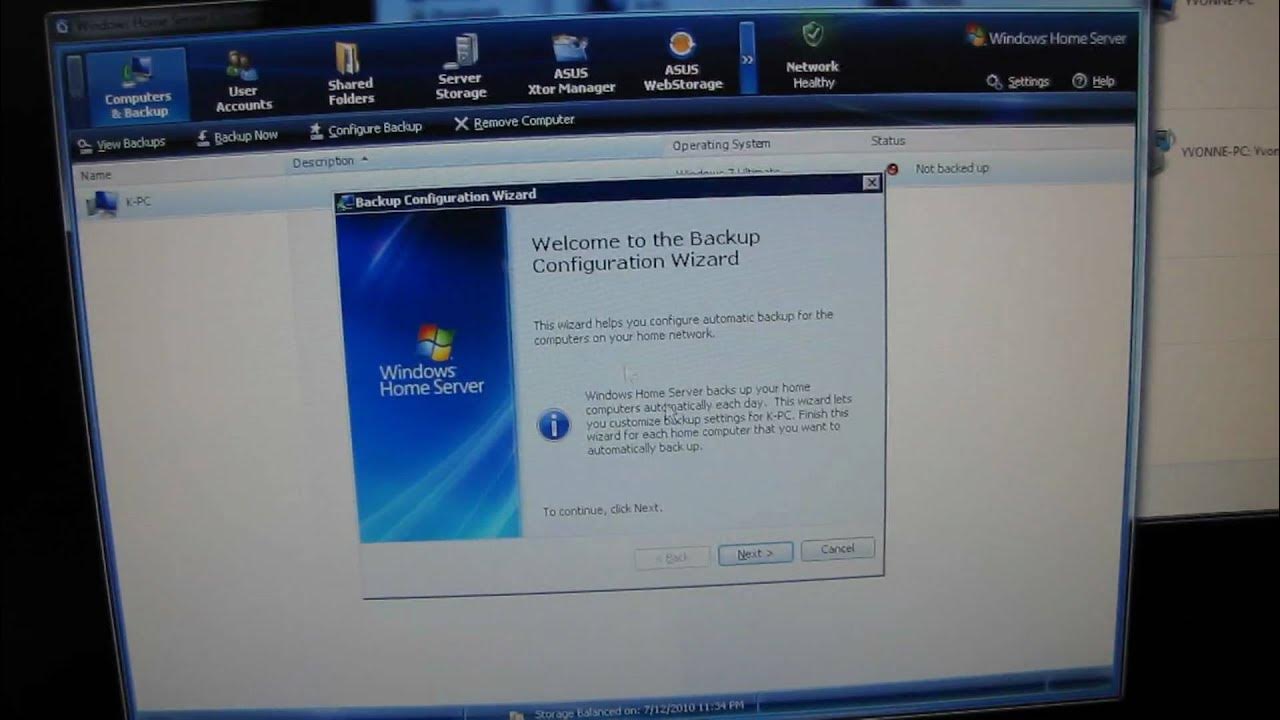
I show you how to configure Windows Home Server to automatically do a full backup of your home PCs
The video walks through configuring Windows Home Server to automatically back up a home computer. It starts with the backup configuration wizard, where the assistant explains that the system will detect how many hard drives are on the client machine, how full they are, and how much space will be consumed on the server. The presenter guides the viewer through selecting which volumes to back up, including the system reserved partition and the C drive, and demonstrates how to exclude specific folders such as temporary files, recorded TV, and certain driver directories from backups. He points out that the backup system only rebacks up changed data rather than duplicating the entire volume each time, which helps conserve space. The video then covers how to view and manage backups from the Windows Home Server console, including the ability to browse a backup, drag and drop files to the desktop, and restore a deleted document from a previous backup. Scheduling is shown by configuring automatic backups to run during off hours, and the automatic backup management settings are explained, including how many daily, weekly, and monthly backups to retain, along with options to repair the backup database or clean up old backups. The overall message is that setting up backups on Windows Home Server is straightforward and can be customized to balance safety and drive space, with practical tips on maintenance and recovery. By the end, the viewer sees the completed configuration and understands the basic workflow for backing up home PCs and restoring files when needed.
Topics · technology · computing · home_server · backup
Questions answered
- What does the backup configuration wizard do first in Windows Home Server?
- The wizard starts by collecting information about the computer, including the number of hard drives, current usage, and how much space will be needed on the server.