Kingston HyperX Blu 1600MHz DDR3 Overclocking Guide Tutorial Linus Tech Tips
0 up · 0 down · 0 ratings
Description
I've been promising this one for a long time. I show you how to tweak the frequency and timings of your DDR3 memory on a P55 motherboard and run some simple benchmarks.
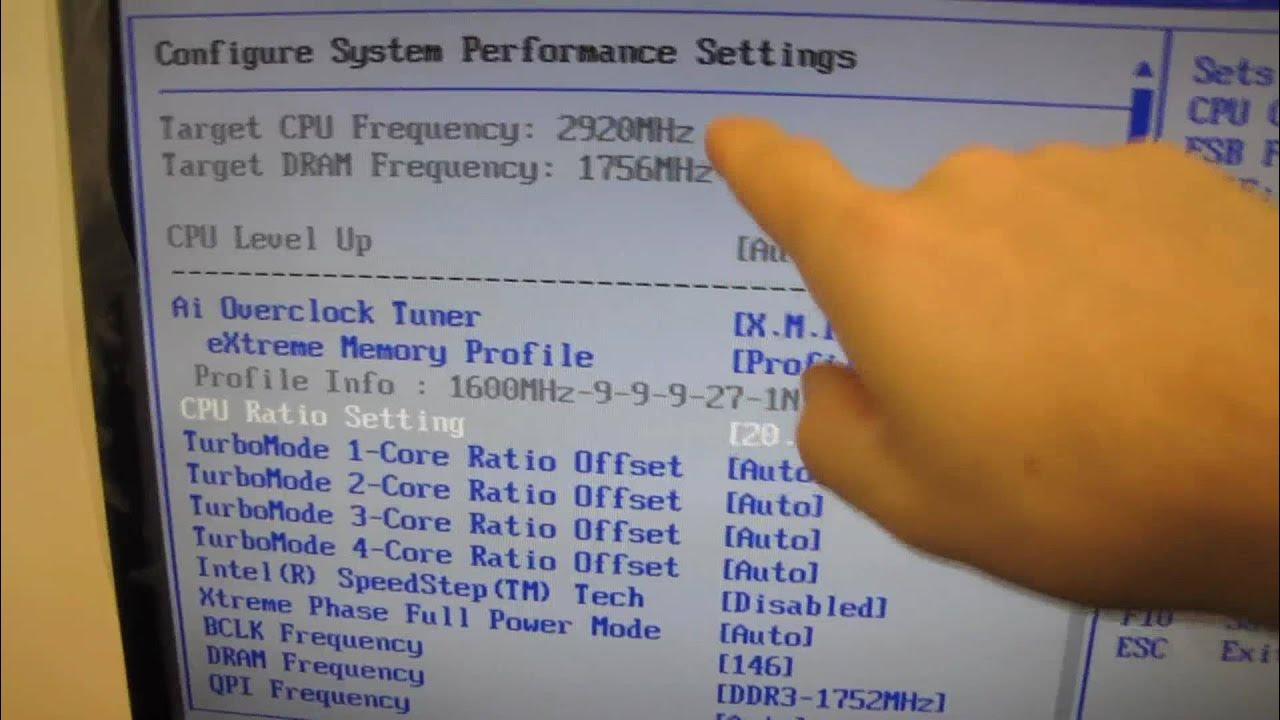
This video presents a Kingston HyperX Blu 1600MHz DDR3 memory overclocking guide on a P55 motherboard, with Linus Tech Tips outlining a practical baseline setup before venturing into clock and timing adjustments. The host first configures the test bench to stock CPU frequency with turbo mode disabled, while enabling the memory’s XMP profile to reach the 1600 MHz speed and primary timings. He explains the importance of CAS latency and other primary timings, and notes safe voltage limits for memory on Intel Core i7 and i5 CPUs, emphasizing to stay under 1.65 volts for the memory to protect the memory controller. The initial phase establishes a stable baseline, including stock memory behavior and a few initial benchmark runs to quantify the impact of memory changes in isolation from CPU scaling. The narrative then moves to controlled experimentation, preserving CPU frequency while adjusting the memory settings, and discusses the rationale behind testing memory speed versus latency to evaluate real-world performance gains. Throughout the video, practical guidance is given on how to measure improvements, interpret results, and balance speed, latency, and stability for best overall performance. The takeaways highlight that memory overclocking can yield noticeable gains, though results vary by kit, and the biggest potential improvements often come from latency reductions and stability testing rather than sheer frequency increases. Finally, the guide encourages viewers to perform their own stability checks using Prime95 blends and to appreciate that results may differ between RAM kits, recommending continued tinkering for those seeking small, real-world performance gains.
Topics · technology · hardware · overclocking · tutorial
Questions answered
- What is the baseline setup used in the video before overclocking the memory?
- The baseline uses stock CPU frequency with turbo mode disabled and memory XMP enabled to operate at 1600 MHz with the memory’s primary timings. This establishes a stable reference point for measuring the impact of memory changes.
- What configuration changes led to a 2.064 GHz DDR3 speed, and what was the resulting CPU and memory setup?
- By lowering the CPU ratio to 17x and increasing the base clock to 172, the memory ran at around 2.064 GHz, while the CPU stayed near 2.93 GHz to keep the overall system within a comparable performance window.
- What stability practices does the guide recommend when overclocking memory?
- The guide recommends running stability tests such as Prime95 blend for 8 to 12 hours to ensure RAM stability, and notes that results can vary between RAM kits, so viewers should verify stability with their own hardware.