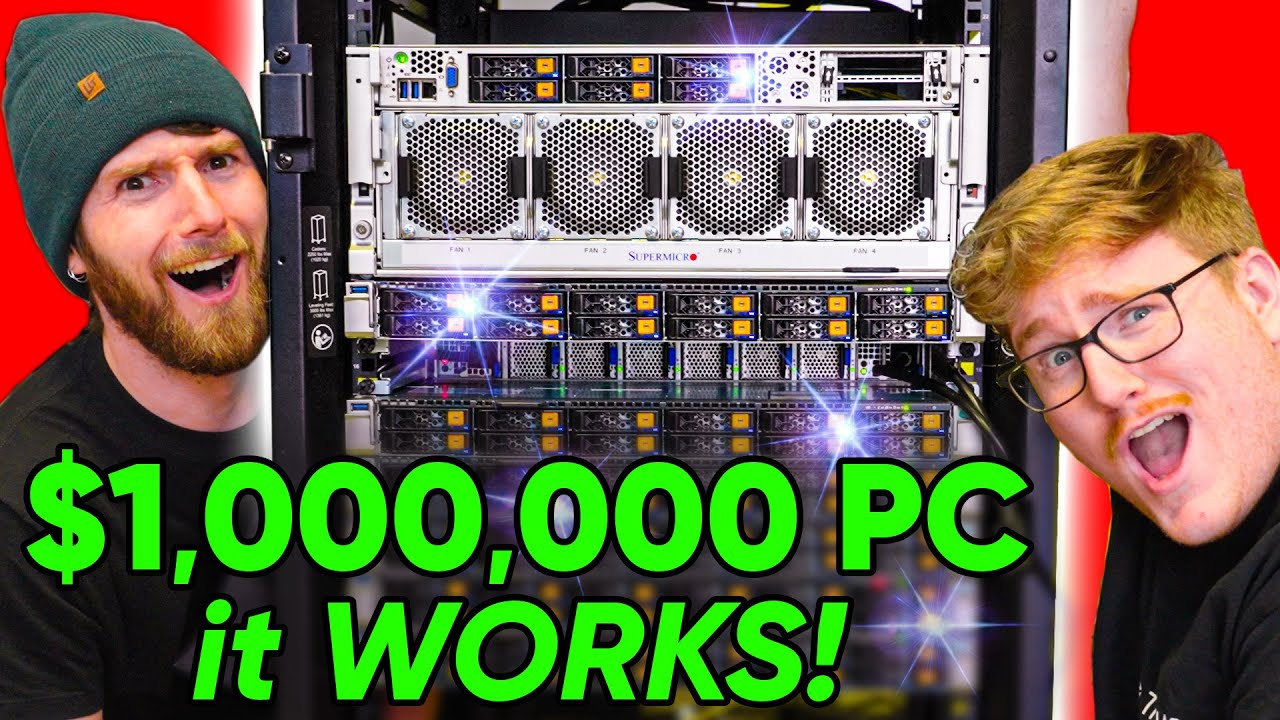
Building the $1,000,000 Computer
0 up · 0 down · 0 ratings
Description
Try FreshBooks free, for 30 days, no credit card required at freshbooks.com SmartDeploy: Claim your FREE IT software (worth $580!) at lmg.gg We've unboxed it, we've built one of the servers, and now it's finally time! In this video, we're assembling the ENTIRE $1,000,000 petabyte of flash cluster, and powering it up for the FIRST TIME. Discuss on the forum: linustechtips.com
Check out the Kioxia CD6 Drives: lmg.gg
Check out AMD Epyc 32 Core Processors: geni.us
Promos
Check out RackStuds! lmg.gg Purchases made through some store links may provide some compensation to Linus Media Group. ► GET MERCH: lttstore.com ► AFFILIATES, SPONSORS & REFERRALS: lmg.gg ► PODCAST GEAR: lmg.gg ► SUPPORT US ON FLOATPLANE: floatplane.com FOLLOW US --------------------------------------------------- Twitter: twitter.com Facebook: @LinusTech Instagram: @linustech TikTok: @linustech Twitch: twitch.tv MUSIC CREDIT --------------------------------------------------- Intro: Laszlo - Supernova Video Link: youtube.com iTunes Download Link: itunes.apple.com Artist Link: soundcloud.com Outro: Approaching Nirvana - Sugar High Video Link: youtube.com Listen on Spotify: spoti.fi Artist Link: youtube.com Intro animation by MBarek Abdelwassaa @mbarek_abdel Monitor And Keyboard by vadimmihalkevich / CC BY 4.0 geni.us Mechanical RGB Keyboard by BigBrotherECE / CC BY 4.0 geni.us Mouse Gamer free Model By Oscar Creativo / CC BY 4.0 geni.us CHAPTERS --------------------------------------------------- 0:00 Intro
Building the $1,000,000 Computer chronicles the assembly and first power-on of a petabyte-scale SSD storage cluster built into a four rack, enterprise grade chassis. The hosts discuss the physical rack, cable management, and the safe handling of the heavyweight components as they prepare to install the GPU and storage blade stack. There is humor and teamwork as they adjust the rails, swap out cage nuts, and debate the best arrangement for deep components versus short cables. Throughout the segment, they emphasize the scale and the engineering challenges of assembling data center equipment in a non-traditional, live build environment. The video showcases the moment of power-on and initial boot, noting the unusual electrical demands and the initial bandwidth potential of the setup. The team also calls out sponsor integrations and provides context for the broader data center and enterprise-grade computing ecosystem that these components inhabit.
Topics · Technology · Science & Engineering · Data Center · Server Hardware · System Integration · Live Build
Questions answered
- What are the main components being assembled in the million dollar computer project?
- The build centers on a petabyte-scale SSD storage cluster with multiple Supermicro chassis, EPYC CPUs, NVIDIA A100 GPUs, and KIOXIA CD6 data center drives arranged across six servers to create a high-end storage and compute fabric.
- How is the power and cooling managed for such a large node?
- Power is distributed across multiple circuits with high amperage setups, including UPS and rack power bars, and cooling is addressed through the dense hardware configuration and active fans, with careful attention to live power draw during boot and load tests.
- What networking and storage performance goals are highlighted?
- The configuration targets extremely high data rates, with hundreds of gigabits per second of network throughput and terabytes of storage accessible across NVMe drives, using WEKA for file system visualization and rapid reseeding when drives are added or reconfigured.